
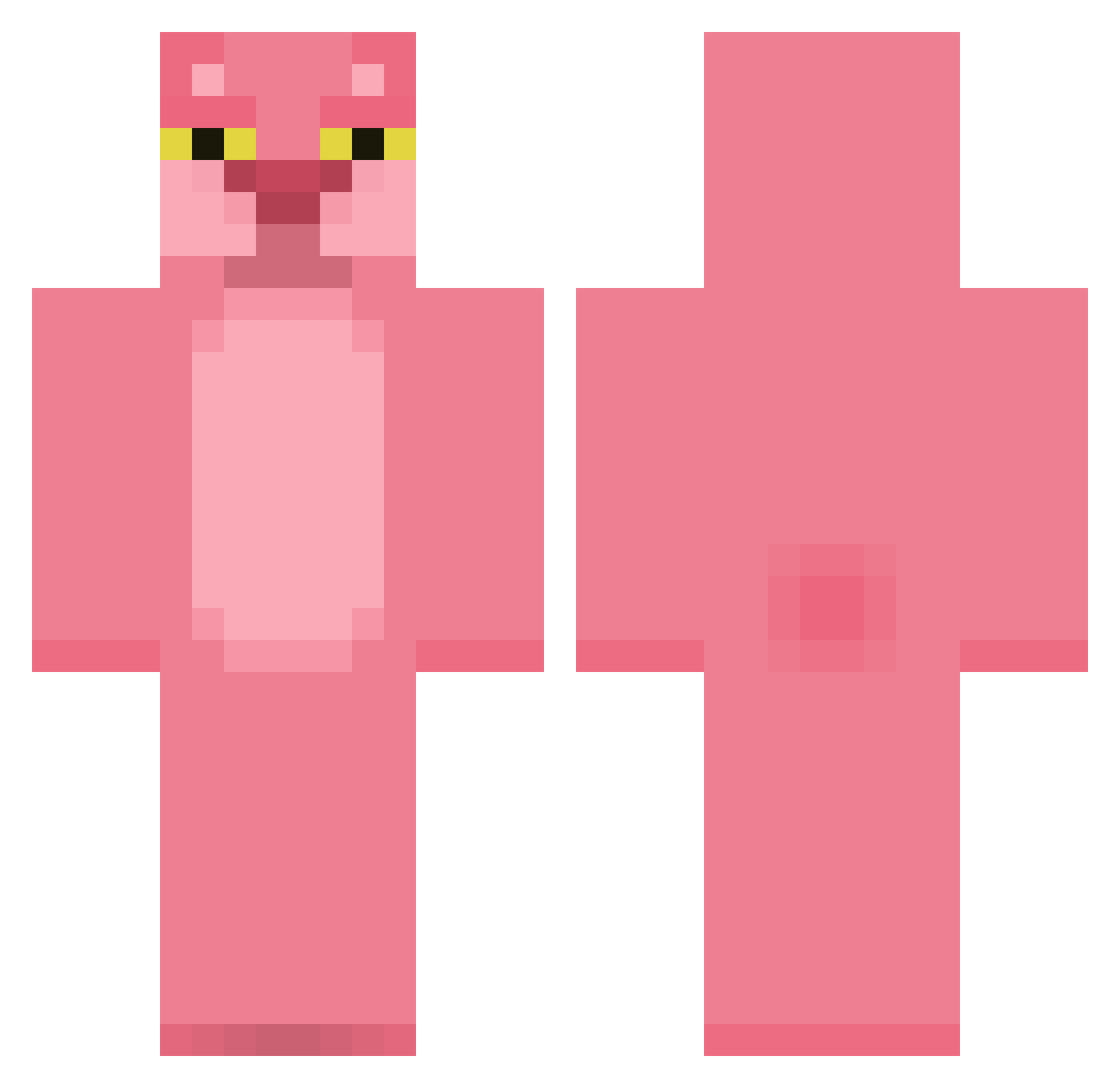
Current Minecraft skin of the player Persevera, loaded from the official Mojang API. Rotate the 3D model with your mouse or finger, then download the skin as a PNG file and use it in Minecraft: Bedrock Edition or Java Edition for free. When Persevera changes their skin, this page updates automatically and the old skin stays in the history below.
Other players with this skin (321)
Persevera was the 41st player we have seen with this skin, first spotted on 05.08.2026. The same skin was seen on these players. Open a nickname to see their current skin and skin history.
 Oliverolsson0604 HUGpower QuinnHughes Guts32 vabamba xX_nico26796_Xx Pink_Taric epesssu BIGGUPPI Vzzir Kurecake PiNk_PaNtR pontaspecial Succin franklinothetank RPArkEr2 JackDoggy angryharry markliechti pinktowel Dro1231 KetelOne olihann aidanjack415 Niimm lil_lando32 ilovemariahcarey yulibmx Craiorch JollyJumperz LFeuillet YoloYoeri Gokiburii AZKUR PaulaPanther scratyx pinkpuma2004 SuJJun AnotherNobody22 CakeMaster120 jquintans11 Jasboman Huib_D Hanbunny teddis123 MiamLesChocapics darendepwner ThomasTheBrain PinkOcelot the2bffs oOSaGaOo jammyjar1 Jensen678 Evaahdatgirl Grekmos Sharkiesha69 Joseph1232 Gamerz4860 Crunch919 bloofeur
More The Pink Panther Minecraft skins
See all 123 The Pink Panther skins
How to install the Persevera skin
- Press the Download button above to save the skin as a PNG file.
- Minecraft: Bedrock Edition (PE): open the Dressing Room from the main menu (or tap your character → Edit Character), go to Classic Skins → Owned, press the + (new skin) button, choose the downloaded PNG and pick the Classic (Steve) model. Works on PC and mobile; consoles cannot import custom skins.
- Minecraft: Java Edition: open the Minecraft Launcher, go to the Skins tab, click New Skin, load the PNG, pick the Classic (Steve) model and press Save & Use. You can also upload it at minecraft.net → Profile → Change Skin.
The skin does not show up after import - what should I do?
Restart Minecraft and open the Dressing Room again - imported skins sometimes appear only after a restart. Also make sure you selected the imported skin and picked the Classic (Steve) model.
Which model should I choose, Classic or Slim?
This skin is designed for the Classic (Steve) model. If you pick the wrong model, the arms of the skin will look stretched or squeezed.
Is the skin of Persevera free to download?
Yes. Press Download, save the PNG file and use it in Minecraft: Bedrock Edition or Java Edition - no payment or registration needed. The skin also works on multiplayer servers and Realms.
More skins
Looking for more? Go back to all Minecraft skins and check the top skins of the week, month and all time, or find any player's skin by nickname.