
PeerPingPong - Minecraft Skins & Skin History
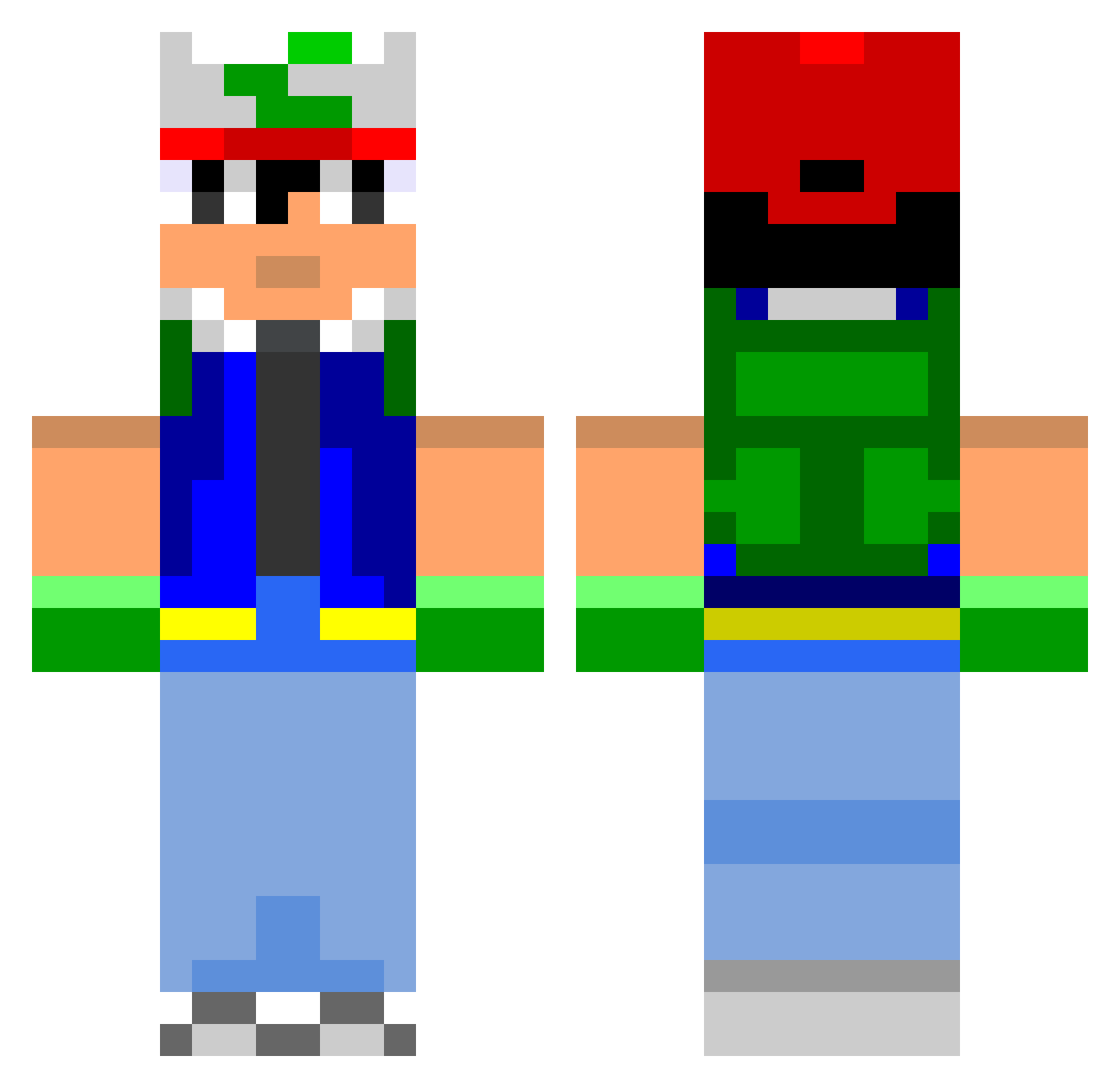
Current Minecraft skin of the player PeerPingPong, loaded from the official Mojang API. Rotate the 3D model with your mouse or finger, then download the skin as a PNG file and use it in Minecraft: Bedrock Edition or Java Edition for free. When PeerPingPong changes their skin, this page updates automatically and the old skin stays in the history below.
Other players with this skin (801)
PeerPingPong was the 188th player we have seen with this skin, first spotted on 23.08.2026. The same skin was seen on these players. Open a nickname to see their current skin and skin history.
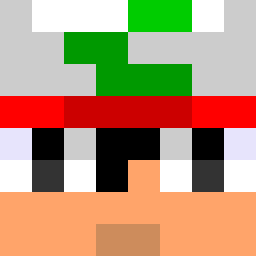 Crash_Shandicoot zero1337 AssBomber Forestbeast NevinDry _AwkwardAlex_ Distric_Legend tunedu69 drdonutman rmbiss92 Joehh19 indazone creepers_love_me Jobe1110 Alan__Grant Plaxi_Master AztecImpact smuuk jam3rson90 erikaxelson69 DrAzuwaa joachimstar electric2grl SSecord sae_71 GeneralMe Kranudi Ed1962 Angelscradle orodreth812 kcn4000 Stitts7 scib1992 ashkank4 Fancy_Shirt Oriode PickaxePenguin Renzoyy ShadowHz ehazen Maxpo20 maiernaa Tsubodai helex1234 Daizy_The_Cow Rwbeatty Gimin0612 TadhgBarry doomfletcher Keldiin Trooper159 itsmeaku WiggedEagle YIsang123 TheAgain Ticeymonge ronan_x cyberpunk22 winmedia Al_Koholic
More Ash Ketchum Minecraft skins
How to install the PeerPingPong skin
- Press the Download button above to save the skin as a PNG file.
- Minecraft: Bedrock Edition (PE): open the Dressing Room from the main menu (or tap your character → Edit Character), go to Classic Skins → Owned, press the + (new skin) button, choose the downloaded PNG and pick the Classic (Steve) model. Works on PC and mobile; consoles cannot import custom skins.
- Minecraft: Java Edition: open the Minecraft Launcher, go to the Skins tab, click New Skin, load the PNG, pick the Classic (Steve) model and press Save & Use. You can also upload it at minecraft.net → Profile → Change Skin.
The skin does not show up after import - what should I do?
Restart Minecraft and open the Dressing Room again - imported skins sometimes appear only after a restart. Also make sure you selected the imported skin and picked the Classic (Steve) model.
Which model should I choose, Classic or Slim?
This skin is designed for the Classic (Steve) model. If you pick the wrong model, the arms of the skin will look stretched or squeezed.
Is the skin of PeerPingPong free to download?
Yes. Press Download, save the PNG file and use it in Minecraft: Bedrock Edition or Java Edition - no payment or registration needed. The skin also works on multiplayer servers and Realms.
More skins
Looking for more? Go back to all Minecraft skins and check the top skins of the week, month and all time, or find any player's skin by nickname.