
Pedrovski1 - Minecraft Skins & Skin History
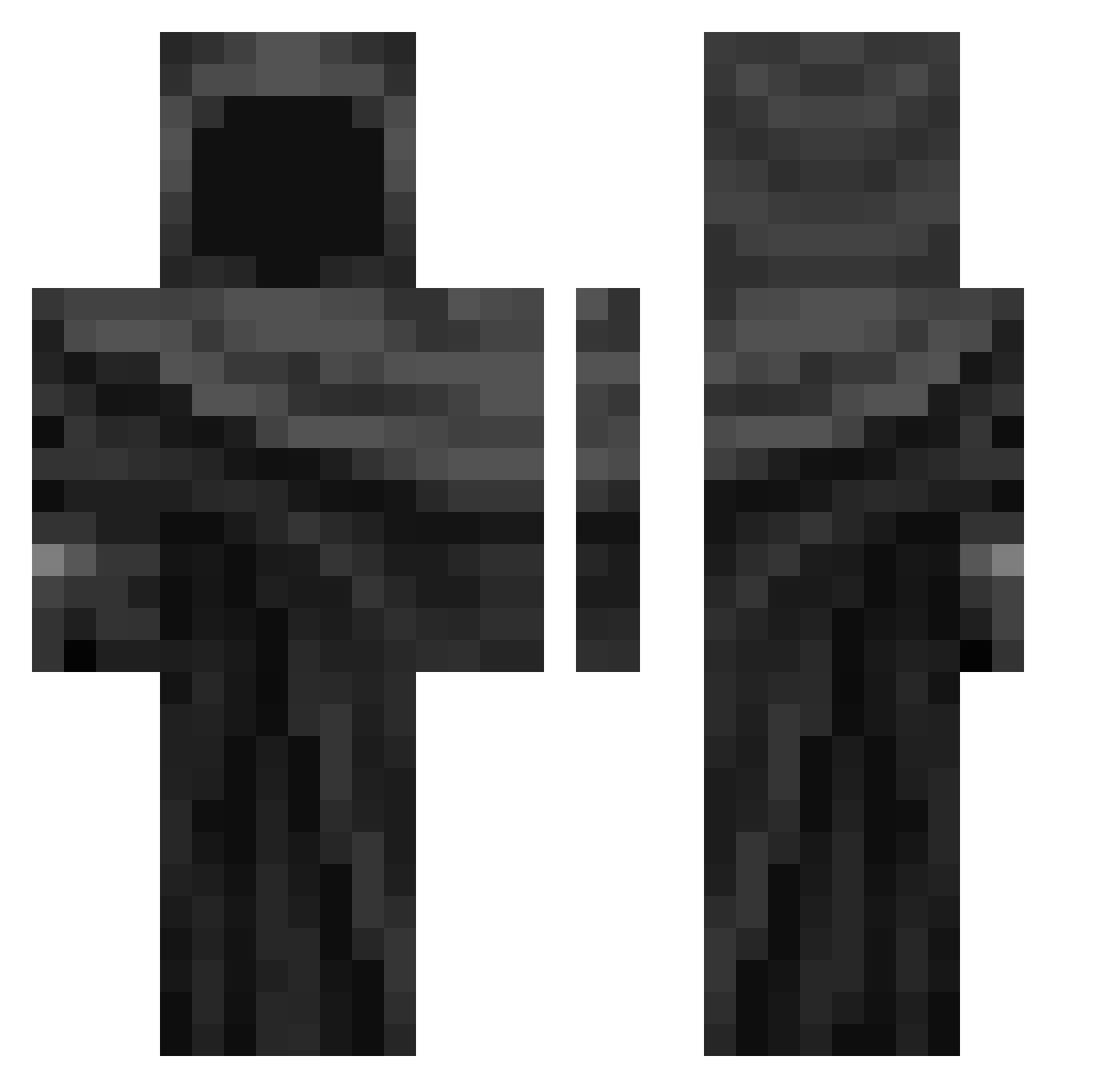
Current Minecraft skin of the player Pedrovski1, loaded from the official Mojang API. Rotate the 3D model with your mouse or finger, then download the skin as a PNG file and use it in Minecraft: Bedrock Edition or Java Edition for free. When Pedrovski1 changes their skin, this page updates automatically and the old skin stays in the history below.
Other players with this skin (343)
Pedrovski1 was the 112th player we have seen with this skin, first spotted on 25.08.2026. The same skin was seen on these players. Open a nickname to see their current skin and skin history.
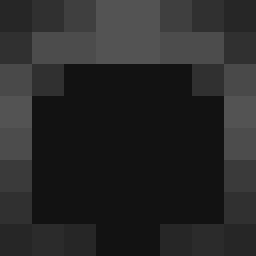 DionOG nicogonzalo04 Sindibaad Buffvallo stantheman311 TLAK_ PDF_doc spamacc TheRealGamer343 Classes2011 kacpergejmer ITzz_tonieja xzcyrus miko52523 PODcziwy Fondeee878 i2au M4kl0k BassTu2 shymeerkat s6b9st69n Darksasuke3000 Natchh oryxx99 hoppness9 sirorong coaltheknight2 limbrence Ermerik15 Boss72099 negraosz ilovedragonball1 Orjo16 NewSportz _Jay_S vverevvolff
 TheLeveler123 SuperIreneOhYeah ColdAtom25 MarksmanSin 12it dieguitouwu BigStomps csgogamer987 razordragon10 MintChocoTaco Anxtc d0brzynxv BananafeA rrevoo qasim787 ItzKillerFreak Loadinqq IKillZombies TheRavagingBoy TheKaisuis69 SECNOT_ MayBachh_ 77Wish
 acneonmyskin
More Cloak Minecraft skins
How to install the Pedrovski1 skin
- Press the Download button above to save the skin as a PNG file.
- Minecraft: Bedrock Edition (PE): open the Dressing Room from the main menu (or tap your character → Edit Character), go to Classic Skins → Owned, press the + (new skin) button, choose the downloaded PNG and pick the Classic (Steve) model. Works on PC and mobile; consoles cannot import custom skins.
- Minecraft: Java Edition: open the Minecraft Launcher, go to the Skins tab, click New Skin, load the PNG, pick the Classic (Steve) model and press Save & Use. You can also upload it at minecraft.net → Profile → Change Skin.
The skin does not show up after import - what should I do?
Restart Minecraft and open the Dressing Room again - imported skins sometimes appear only after a restart. Also make sure you selected the imported skin and picked the Classic (Steve) model.
Which model should I choose, Classic or Slim?
This skin is designed for the Classic (Steve) model. If you pick the wrong model, the arms of the skin will look stretched or squeezed.
Is the skin of Pedrovski1 free to download?
Yes. Press Download, save the PNG file and use it in Minecraft: Bedrock Edition or Java Edition - no payment or registration needed. The skin also works on multiplayer servers and Realms.
More skins
Looking for more? Go back to all Minecraft skins and check the top skins of the week, month and all time, or find any player's skin by nickname.