
Peanutqwq - Minecraft Skins & Skin History
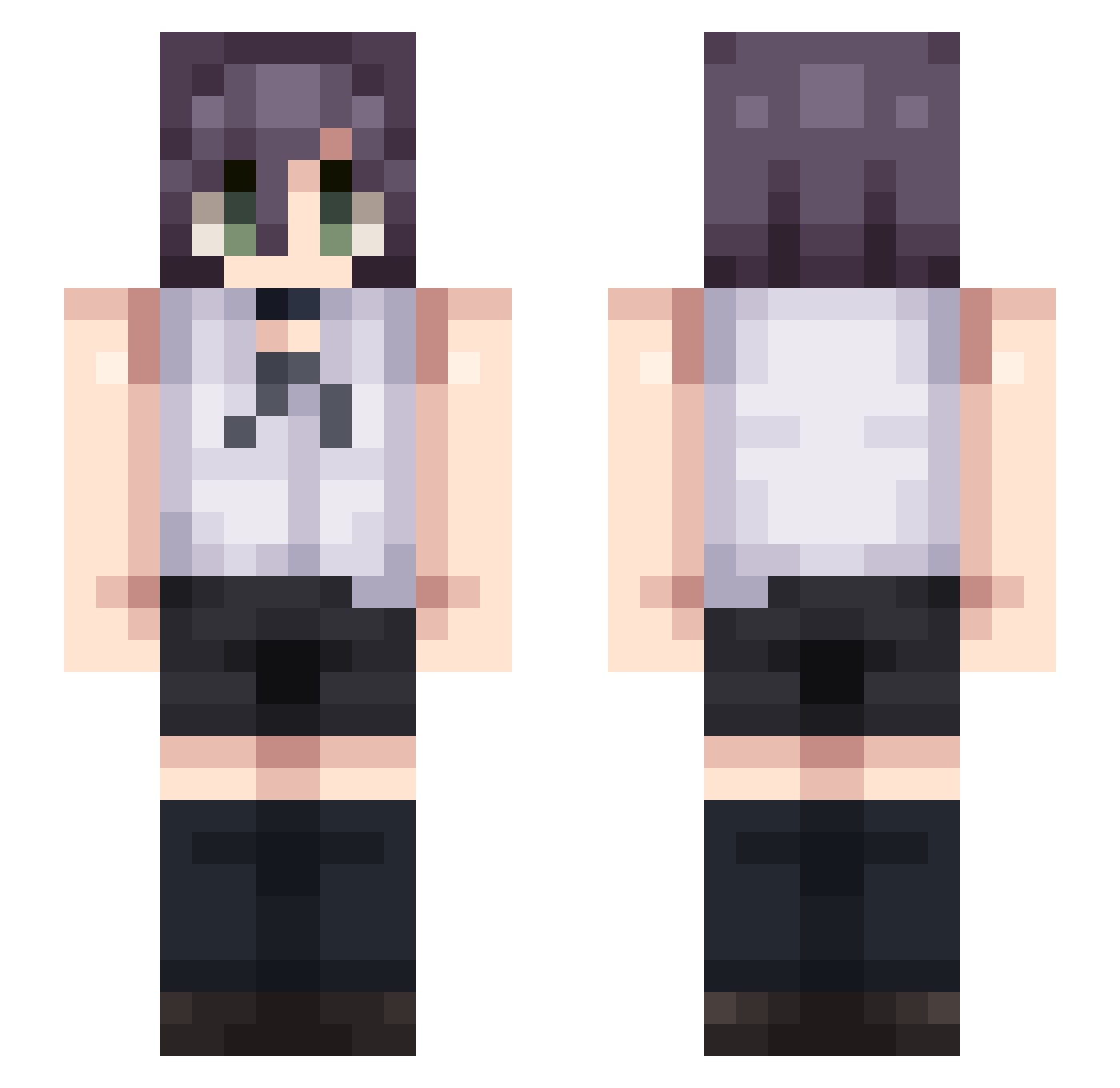
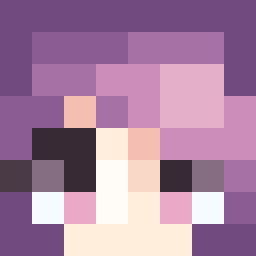
Current Minecraft skin of the player Peanutqwq, loaded from the official Mojang API. Rotate the 3D model with your mouse or finger, then download the skin as a PNG file and use it in Minecraft: Bedrock Edition or Java Edition for free. When Peanutqwq changes their skin, this page updates automatically and the old skin stays in the history below.
Other players with this skin (62)
Peanutqwq was the 12th player we have seen with this skin, first spotted on 08.08.2026. The same skin was seen on these players. Open a nickname to see their current skin and skin history.
 Shini812 ItsJustOmer 1hasnoodlesz JiroWind
 POG_Bun zombbyy Kirara_Desu kimhowon1113 Louis_Young ddep_7S muive
 Red_Converse ScreenToTheRing NobileDellaBrace erowaw2 sconelord
 Majestyy06 BLOPDD koumorizz Hervo01 ryzemaster tobipaci2011 DippedBisquit andri_enjoyer ShiomArtai 0415zoro MoriartySSSSS K1rah Link_Gaster heng1 UmSangEun chanwon Nirvi07 MlNE_CREAFT Nixz_kr zelin329 doungwoo ssdssdssd3333 fglf thevoidofficial haru_4510 vkeape Lugecita ZBLITZER ItzNotMythix ibu_1224 Sbjy_Max Glock17Gen5 Dourink Zero_737 PaulaVeac jjaykyo Ed1209 Eomjunsik114 beebowee Ninja13122007 KalleEmilBandit KenYanuts Sv2cDOHV0H9k9Sv2 blackman_slave
More Choker Minecraft skins
How to install the Peanutqwq skin
- Press the Download button above to save the skin as a PNG file.
- Minecraft: Bedrock Edition (PE): open the Dressing Room from the main menu (or tap your character → Edit Character), go to Classic Skins → Owned, press the + (new skin) button, choose the downloaded PNG and pick the Slim (Alex) model. Works on PC and mobile; consoles cannot import custom skins.
- Minecraft: Java Edition: open the Minecraft Launcher, go to the Skins tab, click New Skin, load the PNG, pick the Slim (Alex) model and press Save & Use. You can also upload it at minecraft.net → Profile → Change Skin.
The skin does not show up after import - what should I do?
Restart Minecraft and open the Dressing Room again - imported skins sometimes appear only after a restart. Also make sure you selected the imported skin and picked the Slim (Alex) model.
Which model should I choose, Classic or Slim?
This skin is designed for the Slim (Alex) model. If you pick the wrong model, the arms of the skin will look stretched or squeezed.
Is the skin of Peanutqwq free to download?
Yes. Press Download, save the PNG file and use it in Minecraft: Bedrock Edition or Java Edition - no payment or registration needed. The skin also works on multiplayer servers and Realms.
More skins
Looking for more? Go back to all Minecraft skins and check the top skins of the week, month and all time, or find any player's skin by nickname.