
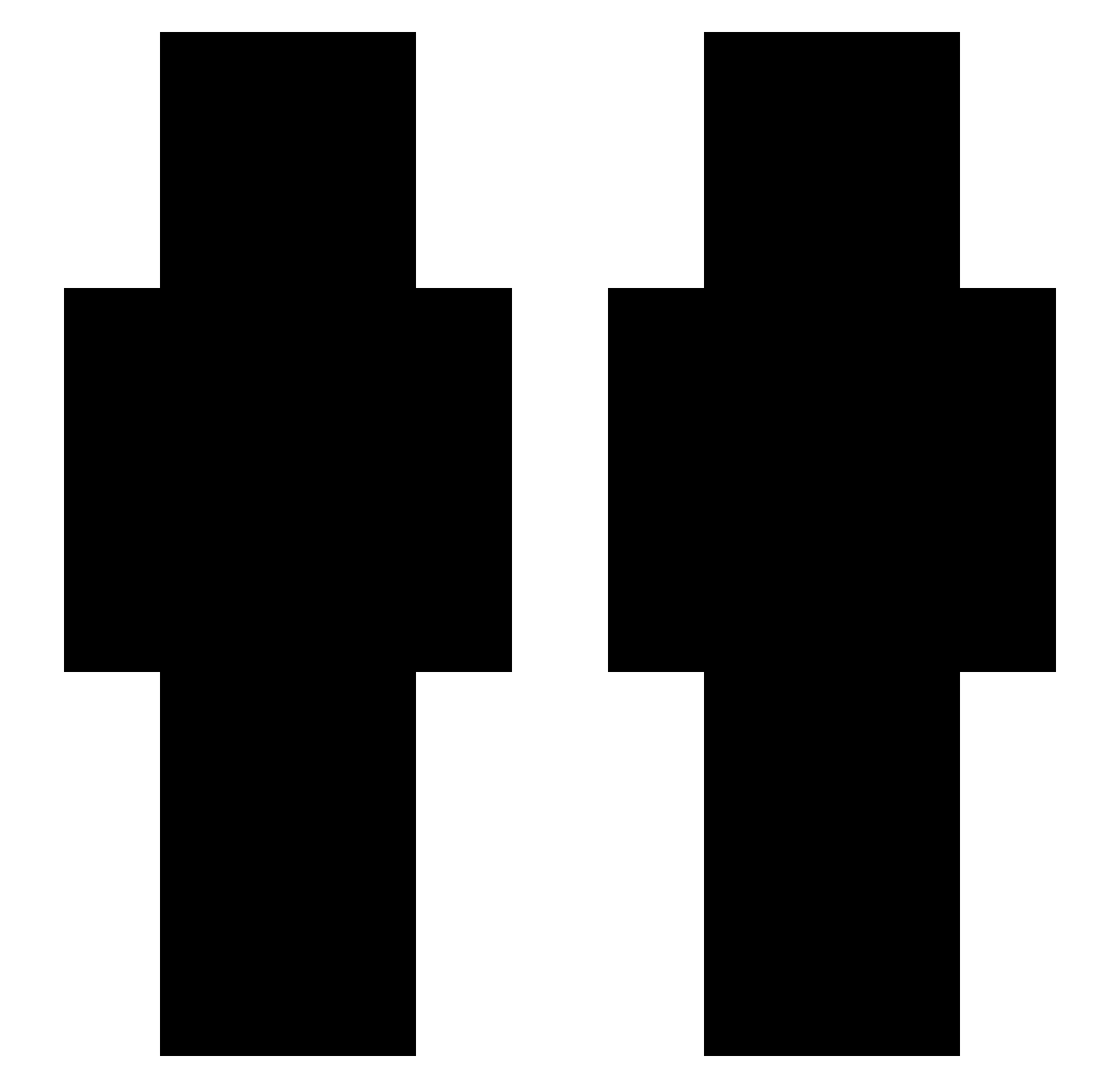
Current Minecraft skin of the player PeanutButaa, loaded from the official Mojang API. Rotate the 3D model with your mouse or finger, then download the skin as a PNG file and use it in Minecraft: Bedrock Edition or Java Edition for free. When PeanutButaa changes their skin, this page updates automatically and the old skin stays in the history below.
Other players with this skin (57)
PeanutButaa was the 8th player we have seen with this skin, first spotted on 08.08.2026. The same skin was seen on these players. Open a nickname to see their current skin and skin history.
 DIABLOBOOP
 wtsleo DeltinhaPT _sl0ppy sugar_maga leexaxeon 000_7_ TheOnlyInward idkysn wtewue 21hug
 iitzRyZe99 ZeroBytez offoz xalisinho
 Mini1616 s222 witekaha xhouls itz_Patrick15 Yoriko_Miko MrMixer15 FACTIONNERIE xShadowveil Winter5003 ILUVTher NSRedForce avaricia13 Mickey87 NagyT Zoist_ penetrarte muhguh i3tbi ZadquielFlex Fryzerss asese1 kloaxx lHyzee ACL_JOLLY feathefps douqo wiadrak estesss Drauzio_ Robsll lay_123 B10CKBUSTER10 auxy___ Vnkown Twophobic riobanbanh CHANXMC Leox92i szkaizen ItzRealBull Jangggu1
How to install the PeanutButaa skin
- Press the Download button above to save the skin as a PNG file.
- Minecraft: Bedrock Edition (PE): open the Dressing Room from the main menu (or tap your character → Edit Character), go to Classic Skins → Owned, press the + (new skin) button, choose the downloaded PNG and pick the Slim (Alex) model. Works on PC and mobile; consoles cannot import custom skins.
- Minecraft: Java Edition: open the Minecraft Launcher, go to the Skins tab, click New Skin, load the PNG, pick the Slim (Alex) model and press Save & Use. You can also upload it at minecraft.net → Profile → Change Skin.
The skin does not show up after import - what should I do?
Restart Minecraft and open the Dressing Room again - imported skins sometimes appear only after a restart. Also make sure you selected the imported skin and picked the Slim (Alex) model.
Which model should I choose, Classic or Slim?
This skin is designed for the Slim (Alex) model. If you pick the wrong model, the arms of the skin will look stretched or squeezed.
Is the skin of PeanutButaa free to download?
Yes. Press Download, save the PNG file and use it in Minecraft: Bedrock Edition or Java Edition - no payment or registration needed. The skin also works on multiplayer servers and Realms.
More skins
Looking for more? Go back to all Minecraft skins and check the top skins of the week, month and all time, or find any player's skin by nickname.