
Pauden - Minecraft Skins & Skin History
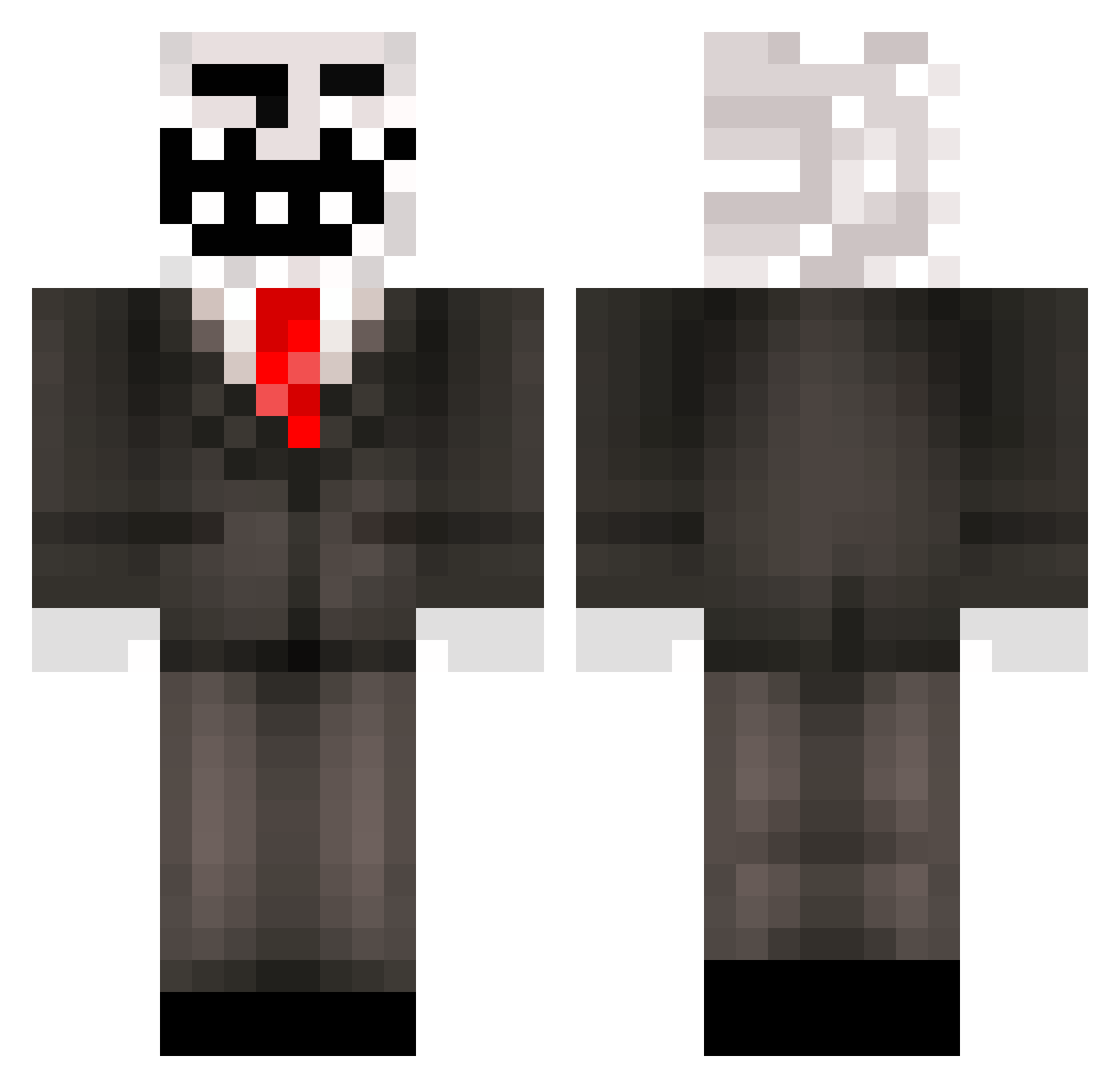
Current Minecraft skin of the player Pauden, loaded from the official Mojang API. Rotate the 3D model with your mouse or finger, then download the skin as a PNG file and use it in Minecraft: Bedrock Edition or Java Edition for free. When Pauden changes their skin, this page updates automatically and the old skin stays in the history below.
Other players with this skin (309)
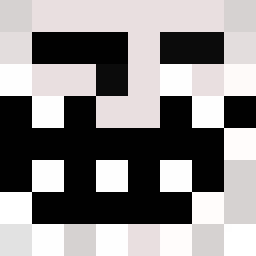
Pauden was the 291st player we have seen with this skin, first spotted on 11.11.2026. The same skin was seen on these players. Open a nickname to see their current skin and skin history.
 Herobrin3083 Zunjus KingBooba yandavid HGVFX Ive_Gamed CraftingFlames ElectriKendama Mr_Props robsocold losty6151 literalaunt112 zemia66 Lilroyen TrollLuck snaydead coliiinn Attackmag fettsackxl OldonionMan Meonde gillios tayesoja alexwangiscool SAKARIYOMAINAPIA Battle_King12138 PixelTrolden Z3NOKID1 bosernator The_Troll21 Axlaser1 Evansgame22 HazeMaster420 11Yawn11 Fisher813 TilouCr7 Z4READ Flapjack_TM YogurtYedim Kalledyret Maxyboy73 Bobguy4603 SmugRafa cool_4 NotoriousGriefer DPP125 Jederen ChefMaikal GussyTheHandsome mineForDimands0 Noah_B0a13 Soul_69 KMN_Junge Yisusnb wergtrf3qrewfcew Super7859 Lobsters6548 protcl meachello ConsoleClient944
More Trollface Minecraft skins
How to install the Pauden skin
- Press the Download button above to save the skin as a PNG file.
- Minecraft: Bedrock Edition (PE): open the Dressing Room from the main menu (or tap your character → Edit Character), go to Classic Skins → Owned, press the + (new skin) button, choose the downloaded PNG and pick the Classic (Steve) model. Works on PC and mobile; consoles cannot import custom skins.
- Minecraft: Java Edition: open the Minecraft Launcher, go to the Skins tab, click New Skin, load the PNG, pick the Classic (Steve) model and press Save & Use. You can also upload it at minecraft.net → Profile → Change Skin.
The skin does not show up after import - what should I do?
Restart Minecraft and open the Dressing Room again - imported skins sometimes appear only after a restart. Also make sure you selected the imported skin and picked the Classic (Steve) model.
Which model should I choose, Classic or Slim?
This skin is designed for the Classic (Steve) model. If you pick the wrong model, the arms of the skin will look stretched or squeezed.
Is the skin of Pauden free to download?
Yes. Press Download, save the PNG file and use it in Minecraft: Bedrock Edition or Java Edition - no payment or registration needed. The skin also works on multiplayer servers and Realms.
More skins
Looking for more? Go back to all Minecraft skins and check the top skins of the week, month and all time, or find any player's skin by nickname.