
PauParat - Minecraft Skins & Skin History
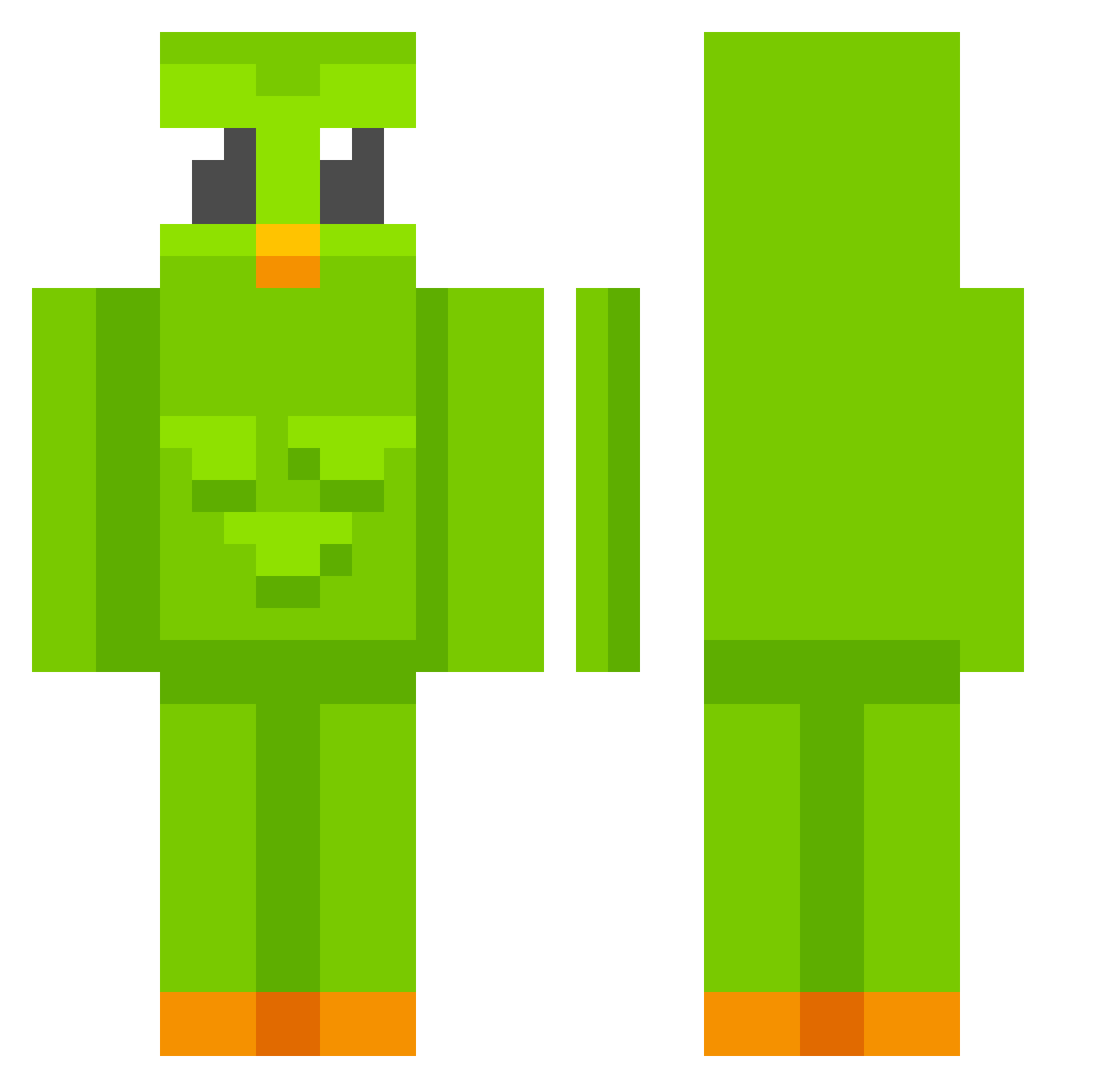
Current Minecraft skin of the player PauParat, loaded from the official Mojang API. Rotate the 3D model with your mouse or finger, then download the skin as a PNG file and use it in Minecraft: Bedrock Edition or Java Edition for free. When PauParat changes their skin, this page updates automatically and the old skin stays in the history below.
Other players with this skin (741)
PauParat was the 522nd player we have seen with this skin, first spotted on 11.10.2026. The same skin was seen on these players. Open a nickname to see their current skin and skin history.
 Jurajskaa ArnaldoNao CallMeNatasja EltrollXD14 PublicEducation Cespedegg all_time_tilt MawMeow123 MatuuGarrido A_N21 snxped DIlamama huidexxx MartinNordby313 iDontNer mihnt igifalson75 lu2057 mxth__ yanbongu LolaSlavonska Liquiqe Lacunasdream sbvcnx ChickenStrip321 Whoolala Marjolina CoochieCatcher luucass_ Standa420 TinchooLoza legendsofmark DeniS_96 Rei138 Slownardd Rdtskn yaiiz Mumin0727 StayMC SkeeterJean crd706 omershanisherman ImPaeter DjMiguel478 CURUMBALDO alexbalex123 IHATEXQIZYSDOG Filex95 AnkyXD TheEpikCheeto Waeven GGEZGJ G1Tch4n iNeverDigi_ Cabekaa KillerHt4 poeleinsamok ArZ05 TaylorMade445 Miffi_kins
More Duo Minecraft skins
How to install the PauParat skin
- Press the Download button above to save the skin as a PNG file.
- Minecraft: Bedrock Edition (PE): open the Dressing Room from the main menu (or tap your character → Edit Character), go to Classic Skins → Owned, press the + (new skin) button, choose the downloaded PNG and pick the Classic (Steve) model. Works on PC and mobile; consoles cannot import custom skins.
- Minecraft: Java Edition: open the Minecraft Launcher, go to the Skins tab, click New Skin, load the PNG, pick the Classic (Steve) model and press Save & Use. You can also upload it at minecraft.net → Profile → Change Skin.
The skin does not show up after import - what should I do?
Restart Minecraft and open the Dressing Room again - imported skins sometimes appear only after a restart. Also make sure you selected the imported skin and picked the Classic (Steve) model.
Which model should I choose, Classic or Slim?
This skin is designed for the Classic (Steve) model. If you pick the wrong model, the arms of the skin will look stretched or squeezed.
Is the skin of PauParat free to download?
Yes. Press Download, save the PNG file and use it in Minecraft: Bedrock Edition or Java Edition - no payment or registration needed. The skin also works on multiplayer servers and Realms.
More skins
Looking for more? Go back to all Minecraft skins and check the top skins of the week, month and all time, or find any player's skin by nickname.