
PantIndsamler - Minecraft Skins & Skin History
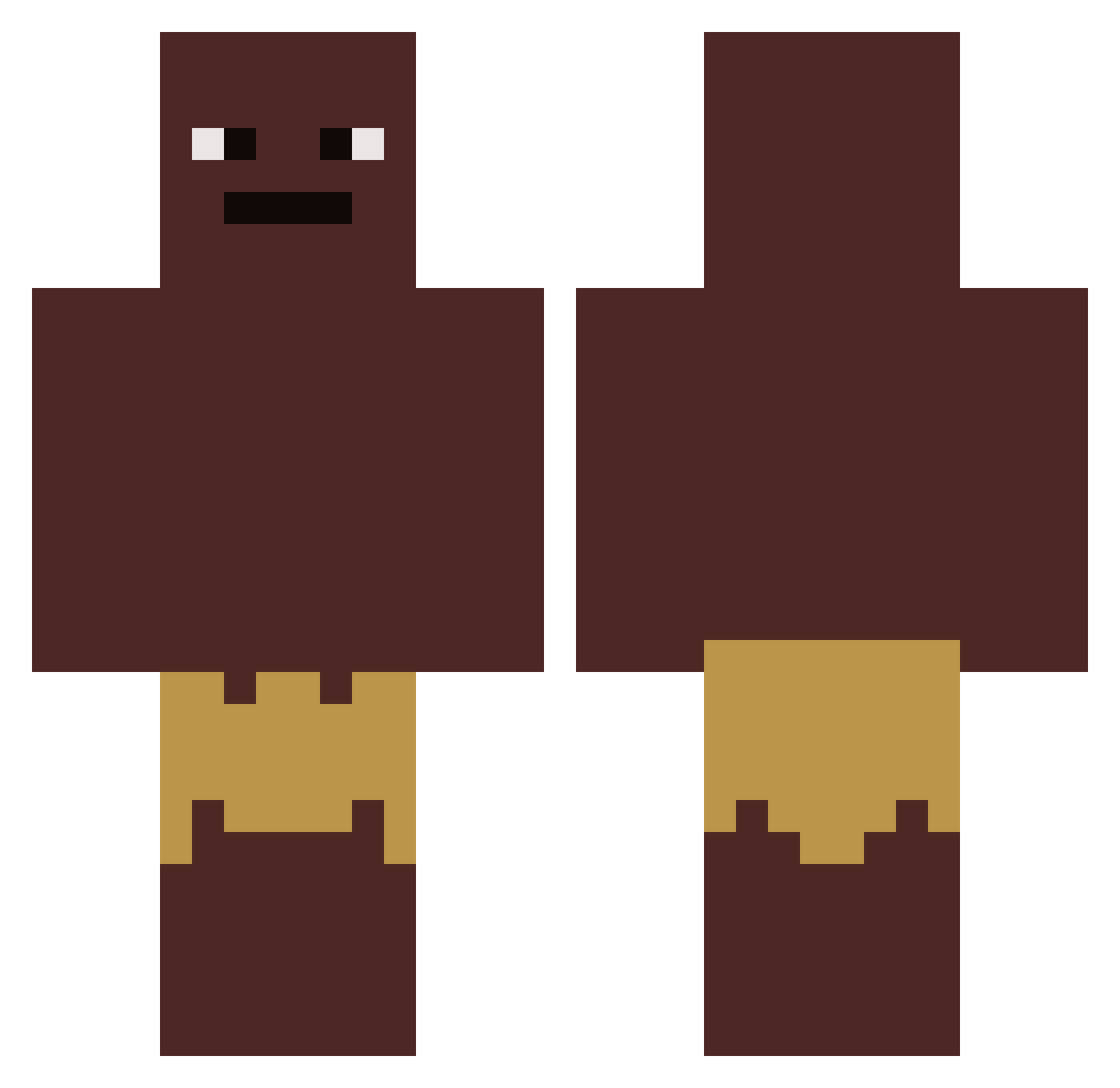
Current Minecraft skin of the player PantIndsamler, loaded from the official Mojang API. Rotate the 3D model with your mouse or finger, then download the skin as a PNG file and use it in Minecraft: Bedrock Edition or Java Edition for free. When PantIndsamler changes their skin, this page updates automatically and the old skin stays in the history below.
Other players with this skin (419)
PantIndsamler was the 95th player we have seen with this skin, first spotted on 18.08.2026. The same skin was seen on these players. Open a nickname to see their current skin and skin history.
 DampDiamond8407
 frytka3k myhomiesaregay wasabiwarrior5 Wunderlam Mathiiist karlo_k
 billycarp kristianpain joecoin isnortporrrage ilek18 waraz8 LevinLm10 ichbinsderEgon Gauzy28 CHOCOLATE_DONUTZ FingerMan37 LasseTasse2612 veganes_OlivenOl IWearClogs folderking pequestar EnriqueqCT tan13 lordbomberj25 tatranka120 SCSryzing Monkeychrome _Lukashi its_pelle zazaenjoyer
 comi100304 HAMM3RTRON grippoholic __marlon_ Teodoon Marceeeeeeel Fynq_ s0menigafaqd
 CardFaver8 sebberboi Stewie7K jamalfortnite ToeBits_ ketamine691 jmamb08 235BenchPress SOGA_05 ILikeTurtlesUser GNGO_ AresOnMinecraft ap6911 Dennis_187 Biderz
 BlubberDubber NipBlack nobru32 HELPMEHEBEATSME Bhines1219
How to install the PantIndsamler skin
- Press the Download button above to save the skin as a PNG file.
- Minecraft: Bedrock Edition (PE): open the Dressing Room from the main menu (or tap your character → Edit Character), go to Classic Skins → Owned, press the + (new skin) button, choose the downloaded PNG and pick the Classic (Steve) model. Works on PC and mobile; consoles cannot import custom skins.
- Minecraft: Java Edition: open the Minecraft Launcher, go to the Skins tab, click New Skin, load the PNG, pick the Classic (Steve) model and press Save & Use. You can also upload it at minecraft.net → Profile → Change Skin.
The skin does not show up after import - what should I do?
Restart Minecraft and open the Dressing Room again - imported skins sometimes appear only after a restart. Also make sure you selected the imported skin and picked the Classic (Steve) model.
Which model should I choose, Classic or Slim?
This skin is designed for the Classic (Steve) model. If you pick the wrong model, the arms of the skin will look stretched or squeezed.
Is the skin of PantIndsamler free to download?
Yes. Press Download, save the PNG file and use it in Minecraft: Bedrock Edition or Java Edition - no payment or registration needed. The skin also works on multiplayer servers and Realms.
More skins
Looking for more? Go back to all Minecraft skins and check the top skins of the week, month and all time, or find any player's skin by nickname.