
Pajito - Minecraft Skins & Skin History
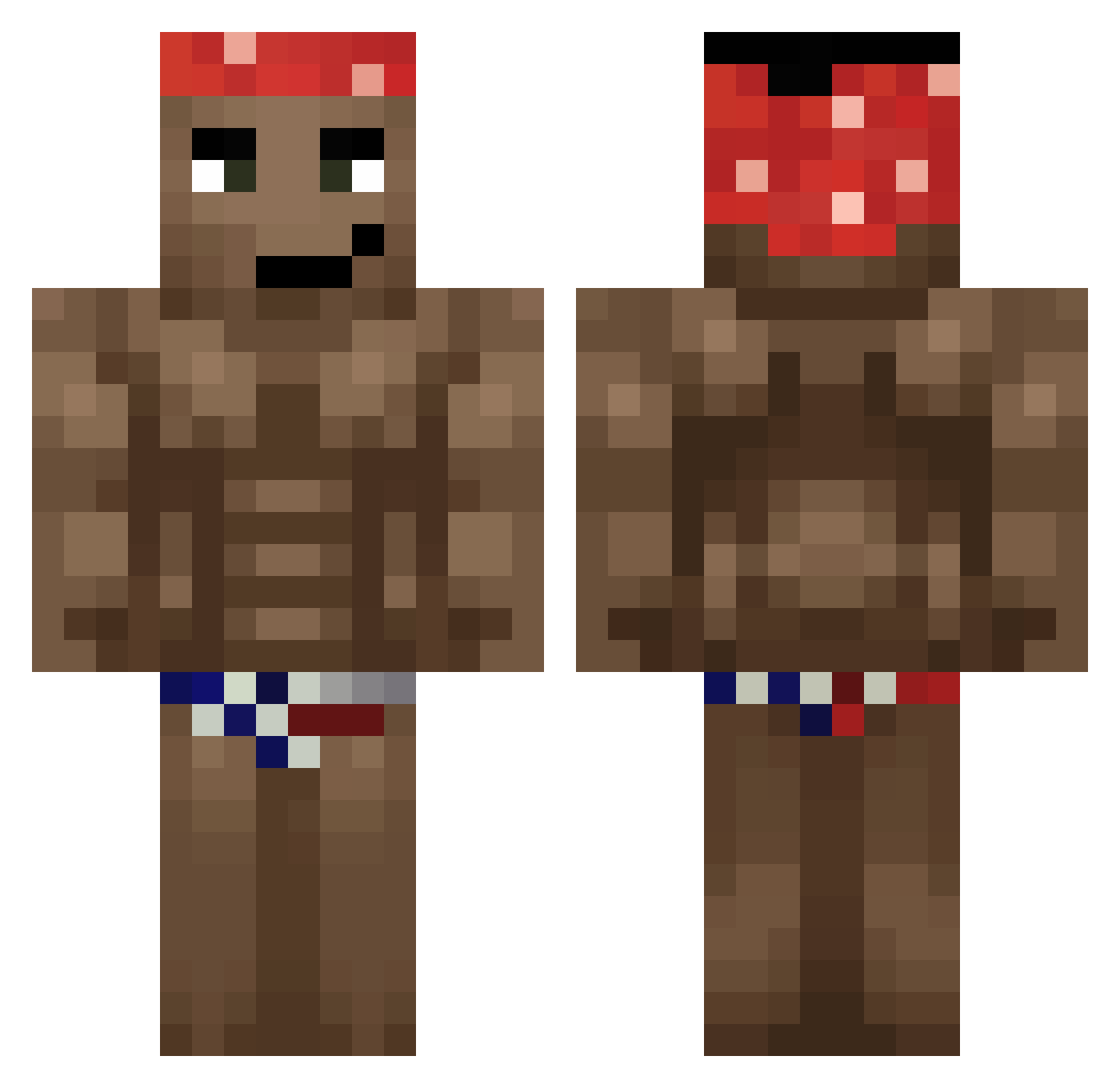
Current Minecraft skin of the player Pajito, loaded from the official Mojang API. Rotate the 3D model with your mouse or finger, then download the skin as a PNG file and use it in Minecraft: Bedrock Edition or Java Edition for free. When Pajito changes their skin, this page updates automatically and the old skin stays in the history below.
Other players with this skin (680)
Pajito was the 551st player we have seen with this skin, first spotted on 22.10.2026. The same skin was seen on these players. Open a nickname to see their current skin and skin history.
 beangay 2d_gleb _Lonely_Night_ 11111011 __Rooty__ TripEEEz2 TheHeroJake444 lalaradical Roly46 cpt_carrot jimizyh ShirronI barretta_ Tomagedon r0sse Skirpp SuperDuperPvP goncho_gs KapiToZiomal317 Der_Winzling Little_dumb_dumb ArapConi BIAOLA Mr_Paco Berkrec KaYrOsS9 nitroc_676 Blacklist2705 peteqwerty 999Feduk HausRasta laoganmaoficial yangHuaixain AIKOD Fake_Dreamer azrewrt Jojoquinha1227 Strychan23 monkeyman9999999 vexu12 LeuSaber mister_X001 GhaNzX cr3t_ ElMachinR enRomie JO3TH Tsung6969 BBQgrilldino Juniornqn Matu590 vttyuv ApEE445 Zombussy69 PakoMerte senzoking LemonTrapper gigakoks12 33Loczek orlowski
More Dancer Minecraft skins
How to install the Pajito skin
- Press the Download button above to save the skin as a PNG file.
- Minecraft: Bedrock Edition (PE): open the Dressing Room from the main menu (or tap your character → Edit Character), go to Classic Skins → Owned, press the + (new skin) button, choose the downloaded PNG and pick the Classic (Steve) model. Works on PC and mobile; consoles cannot import custom skins.
- Minecraft: Java Edition: open the Minecraft Launcher, go to the Skins tab, click New Skin, load the PNG, pick the Classic (Steve) model and press Save & Use. You can also upload it at minecraft.net → Profile → Change Skin.
The skin does not show up after import - what should I do?
Restart Minecraft and open the Dressing Room again - imported skins sometimes appear only after a restart. Also make sure you selected the imported skin and picked the Classic (Steve) model.
Which model should I choose, Classic or Slim?
This skin is designed for the Classic (Steve) model. If you pick the wrong model, the arms of the skin will look stretched or squeezed.
Is the skin of Pajito free to download?
Yes. Press Download, save the PNG file and use it in Minecraft: Bedrock Edition or Java Edition - no payment or registration needed. The skin also works on multiplayer servers and Realms.
More skins
Looking for more? Go back to all Minecraft skins and check the top skins of the week, month and all time, or find any player's skin by nickname.