
Pabloo_8 - Minecraft Skins & Skin History
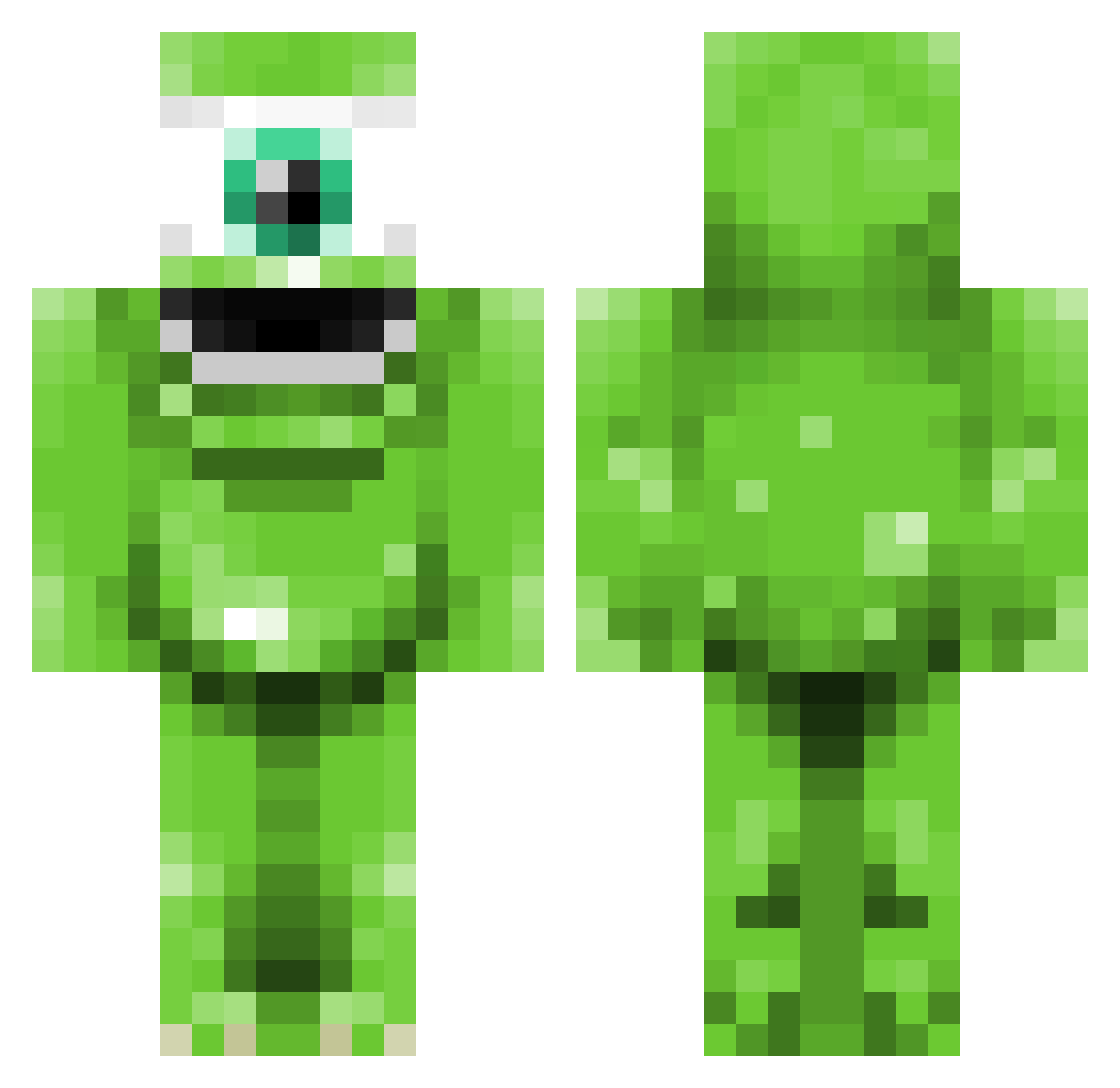
Current Minecraft skin of the player Pabloo_8, loaded from the official Mojang API. Rotate the 3D model with your mouse or finger, then download the skin as a PNG file and use it in Minecraft: Bedrock Edition or Java Edition for free. When Pabloo_8 changes their skin, this page updates automatically and the old skin stays in the history below.
Other players with this skin (344)
Pabloo_8 was the 80th player we have seen with this skin, first spotted on 18.08.2026. The same skin was seen on these players. Open a nickname to see their current skin and skin history.
 Zantey vFunkyy cubemasterHD theDrummer231 Andrue_0728 Spigotz jensfaurskov MatteBatte jopgo123 FrozenNight ToXiC_ZomBiE_718 Kuba_buba whgek99 Vurpman Kiffinator Skrotis1 Ciggy_24 Robin_2002_niboR chloseph1 squeble22 Kugnaaa hackzack joencool1 MastrBlueBalls penawar18 soswaz Lolabanana Ptwpage dding_one _Finland_o3o bibirz LuffeStyle TheMadQuacker1 mcouzinet 720i CHAUNCYx christianol1 log0go Zekash sweetsquare kmjamez bradyroo1 viejoslocos NTGchubby Readoo97 R3FlaX Killinat Sk8erM JayzBlade AngryLlama_ misterlootgoblin cyrusman123 TruMooney ciaran_mc Mike_The_Monster NewTropic xDamian360x steinhyrningur KKKKay lindseylunn
More Mike Wazowski Minecraft skins
See all 282 Mike Wazowski skins
How to install the Pabloo_8 skin
- Press the Download button above to save the skin as a PNG file.
- Minecraft: Bedrock Edition (PE): open the Dressing Room from the main menu (or tap your character → Edit Character), go to Classic Skins → Owned, press the + (new skin) button, choose the downloaded PNG and pick the Classic (Steve) model. Works on PC and mobile; consoles cannot import custom skins.
- Minecraft: Java Edition: open the Minecraft Launcher, go to the Skins tab, click New Skin, load the PNG, pick the Classic (Steve) model and press Save & Use. You can also upload it at minecraft.net → Profile → Change Skin.
The skin does not show up after import - what should I do?
Restart Minecraft and open the Dressing Room again - imported skins sometimes appear only after a restart. Also make sure you selected the imported skin and picked the Classic (Steve) model.
Which model should I choose, Classic or Slim?
This skin is designed for the Classic (Steve) model. If you pick the wrong model, the arms of the skin will look stretched or squeezed.
Is the skin of Pabloo_8 free to download?
Yes. Press Download, save the PNG file and use it in Minecraft: Bedrock Edition or Java Edition - no payment or registration needed. The skin also works on multiplayer servers and Realms.
More skins
Looking for more? Go back to all Minecraft skins and check the top skins of the week, month and all time, or find any player's skin by nickname.