
PROGAMERV1 - Minecraft Skins & Skin History
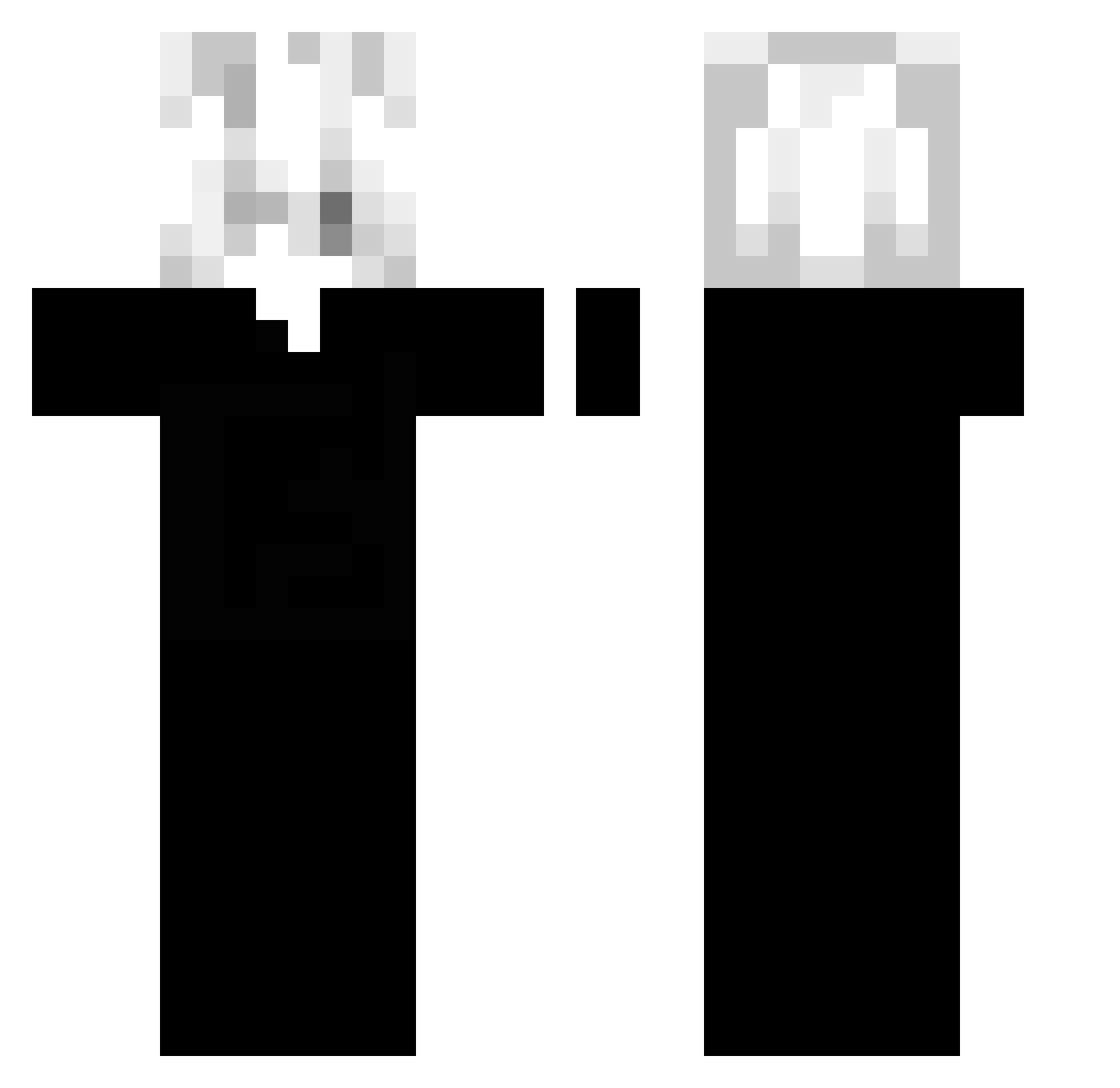
Current Minecraft skin of the player PROGAMERV1, loaded from the official Mojang API. Rotate the 3D model with your mouse or finger, then download the skin as a PNG file and use it in Minecraft: Bedrock Edition or Java Edition for free. When PROGAMERV1 changes their skin, this page updates automatically and the old skin stays in the history below.
Other players with this skin (82)
PROGAMERV1 was the 10th player we have seen with this skin, first spotted on 29.07.2026. The same skin was seen on these players. Open a nickname to see their current skin and skin history.
 XXXKIRBY Arisu1_ Anndreees Leluca_29 zonessq
 0084D
0084D SzmatusPL Actixst
 zNiks iamhorii_ Mxmentum crowncode lyingtoyourself roy_5 0pwm pawelflet arggus__ Halxx xFaveXEditz k0ym sPinkman_ Souza12
 IIFlo_ Feri1337 yVexify molato
 Khalifa006 Tsuki_o0
 zelek456 VoidInsider
 Kumofr projectingg Ladno90 verzakens Igoow UnderSay jxybz ZDarkNight33 muse124 SinSOI HipekHop12 68Berat szymonkralv2 emptychoir M1M0X imocream Mxnu3506 Meliodas_1011 Jah4d lkgain cvandys bbthibaud SupremeKaiJo Internetg0d danixd69 picolobanino67 zenx7s Rotzbub57 cqym lyxiang
How to install the PROGAMERV1 skin
- Press the Download button above to save the skin as a PNG file.
- Minecraft: Bedrock Edition (PE): open the Dressing Room from the main menu (or tap your character → Edit Character), go to Classic Skins → Owned, press the + (new skin) button, choose the downloaded PNG and pick the Classic (Steve) model. Works on PC and mobile; consoles cannot import custom skins.
- Minecraft: Java Edition: open the Minecraft Launcher, go to the Skins tab, click New Skin, load the PNG, pick the Classic (Steve) model and press Save & Use. You can also upload it at minecraft.net → Profile → Change Skin.
The skin does not show up after import - what should I do?
Restart Minecraft and open the Dressing Room again - imported skins sometimes appear only after a restart. Also make sure you selected the imported skin and picked the Classic (Steve) model.
Which model should I choose, Classic or Slim?
This skin is designed for the Classic (Steve) model. If you pick the wrong model, the arms of the skin will look stretched or squeezed.
Is the skin of PROGAMERV1 free to download?
Yes. Press Download, save the PNG file and use it in Minecraft: Bedrock Edition or Java Edition - no payment or registration needed. The skin also works on multiplayer servers and Realms.
More skins
Looking for more? Go back to all Minecraft skins and check the top skins of the week, month and all time, or find any player's skin by nickname.