
PCgamer19 - Minecraft Skins & Skin History
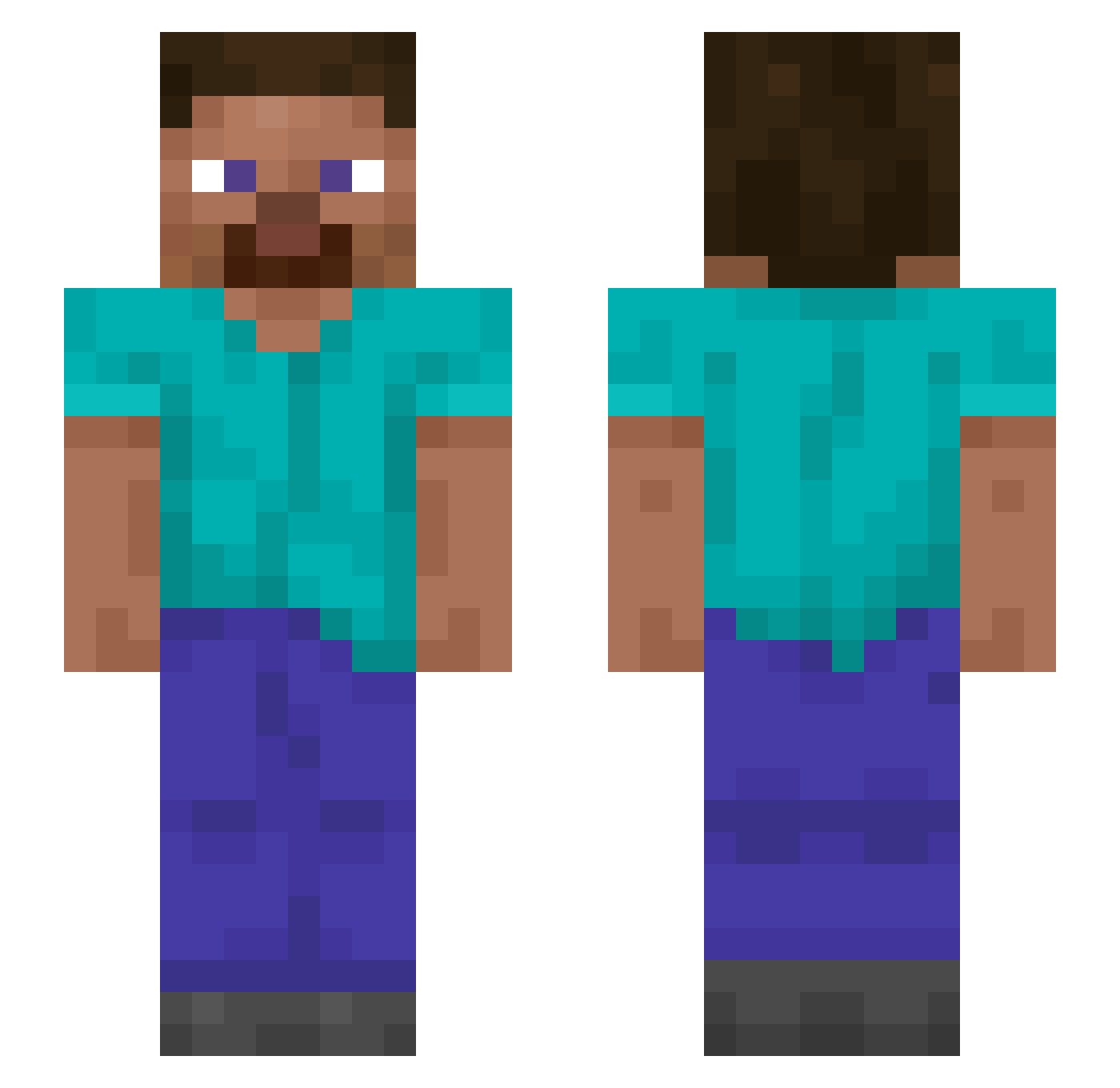
Current Minecraft skin of the player PCgamer19, loaded from the official Mojang API. Rotate the 3D model with your mouse or finger, then download the skin as a PNG file and use it in Minecraft: Bedrock Edition or Java Edition for free. When PCgamer19 changes their skin, this page updates automatically and the old skin stays in the history below.
Other players with this skin (1199)
PCgamer19 was the 733rd player we have seen with this skin, first spotted on 26.09.2026. The same skin was seen on these players. Open a nickname to see their current skin and skin history.
 ChowderHead Caius1996 Avidin zayan pygarg humblestatic stacck lllllll0llllll kraflab GCAruscky Lacucaracha Granitewulf Dunderhead Stagging candl0s38en4 NICKGAB_ Javanauto Ktulu819 Kalpak siket OBLITER4TE Maki4l3x kuba40ku malam einarimainari ironjames54321 scarrow freita gamerboyBG311 GoreFish Polyglots __LMS__ Xx_wxd_xX Vania Verbalising iMrSquirrel 1xvii Maria0328 pinkfishes Ottomanic DobreLucaMihai Hallstadhage Hoddle Muzosiek Marre69 _Tudor_005 Neukgo klklkl556 RefreshedMC20 ilikemussic Turdidae tunu DensGod Cryo_0 BickyRoyale Claimants Perezosito eyries evaniidae Bewary
How to install the PCgamer19 skin
- Press the Download button above to save the skin as a PNG file.
- Minecraft: Bedrock Edition (PE): open the Dressing Room from the main menu (or tap your character → Edit Character), go to Classic Skins → Owned, press the + (new skin) button, choose the downloaded PNG and pick the Slim (Alex) model. Works on PC and mobile; consoles cannot import custom skins.
- Minecraft: Java Edition: open the Minecraft Launcher, go to the Skins tab, click New Skin, load the PNG, pick the Slim (Alex) model and press Save & Use. You can also upload it at minecraft.net → Profile → Change Skin.
The skin does not show up after import - what should I do?
Restart Minecraft and open the Dressing Room again - imported skins sometimes appear only after a restart. Also make sure you selected the imported skin and picked the Slim (Alex) model.
Which model should I choose, Classic or Slim?
This skin is designed for the Slim (Alex) model. If you pick the wrong model, the arms of the skin will look stretched or squeezed.
Is the skin of PCgamer19 free to download?
Yes. Press Download, save the PNG file and use it in Minecraft: Bedrock Edition or Java Edition - no payment or registration needed. The skin also works on multiplayer servers and Realms.
More skins
Looking for more? Go back to all Minecraft skins and check the top skins of the week, month and all time, or find any player's skin by nickname.