
OrganicPvP - Minecraft Skins & Skin History
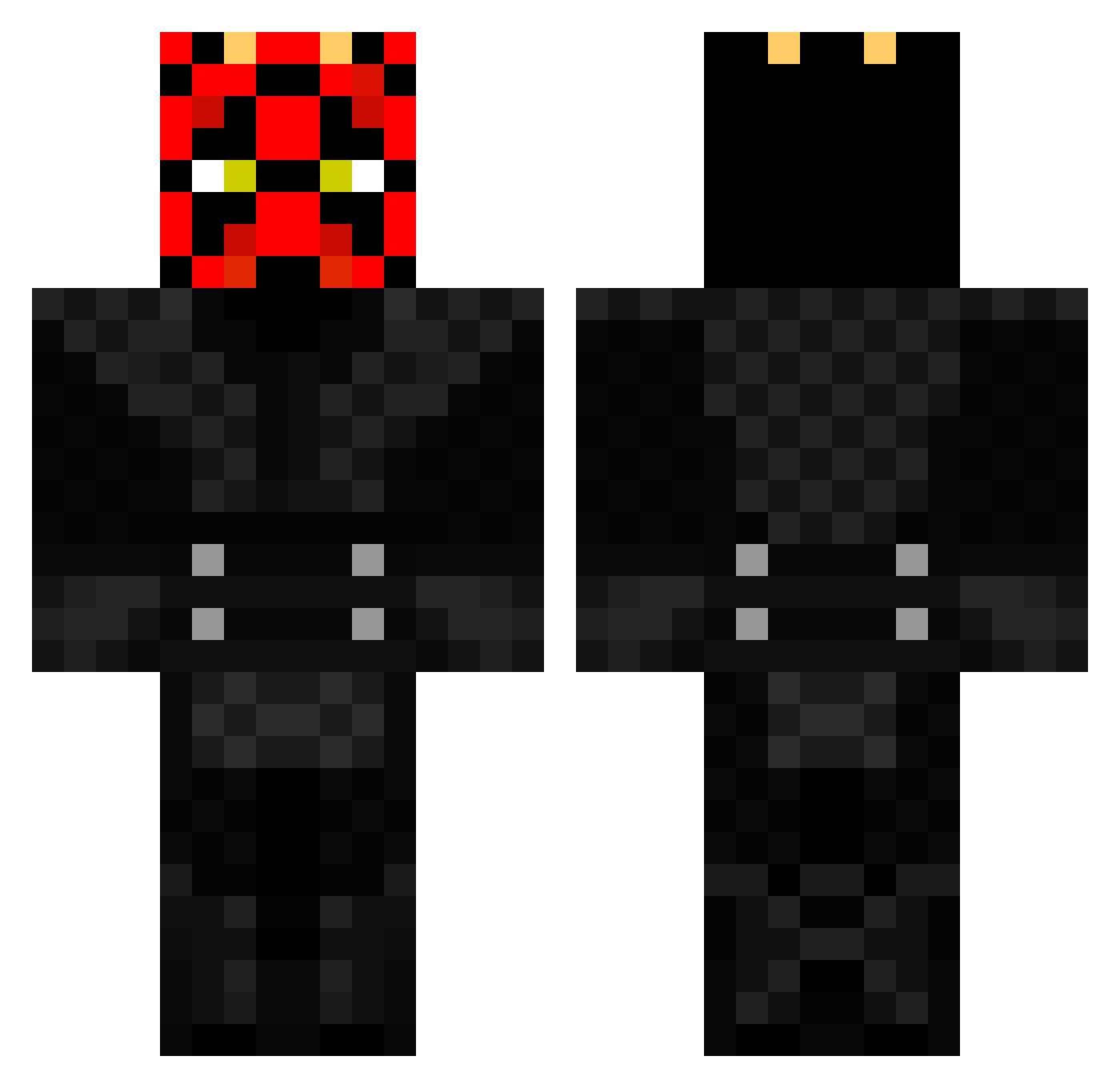
Current Minecraft skin of the player OrganicPvP, loaded from the official Mojang API. Rotate the 3D model with your mouse or finger, then download the skin as a PNG file and use it in Minecraft: Bedrock Edition or Java Edition for free. When OrganicPvP changes their skin, this page updates automatically and the old skin stays in the history below.
Other players with this skin (368)
OrganicPvP was the 315th player we have seen with this skin, first spotted on 13.10.2026. The same skin was seen on these players. Open a nickname to see their current skin and skin history.
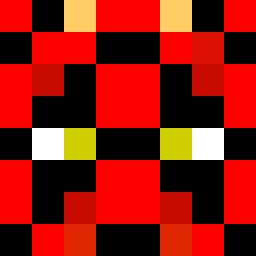 Mentrax lwddwwdwdwad ethan12357 Nasse_noeff Carbaz420 _ApolloHD StarWars29 Phillip0 awsmeness ProBoutch the4bee Ahtnamas234 HpT_Thorax RASM446K Goschmitt RMaughan Nemesis289 green2jello KvngJustin DawenShi TazManiia Leli332 RedHotDeadly rex98838 misternoh MadDreamPhM SPACEman_PuRp Schnulli6 Aloras14 ILLx_CluTcH Headset365 Torten_Crafter killerendermen67 DarthNolan06 Brewstermcfly FishE55 TheDeadEagle minesupremecraft moqotastic Exomore Anu5369 climber78 HenryJones123 Messi06 UnityTheLynx Gangstergammer bobolue TheKingDing66 Despair9966 Power456 Piemanthefirst GaBkaET AdamandCheese Knightmare777 Skoie_Schofield Darth32 DJ_Gamer639 Delarac blackops6799 Bartley110
More Darth Maul Minecraft skins
How to install the OrganicPvP skin
- Press the Download button above to save the skin as a PNG file.
- Minecraft: Bedrock Edition (PE): open the Dressing Room from the main menu (or tap your character → Edit Character), go to Classic Skins → Owned, press the + (new skin) button, choose the downloaded PNG and pick the Classic (Steve) model. Works on PC and mobile; consoles cannot import custom skins.
- Minecraft: Java Edition: open the Minecraft Launcher, go to the Skins tab, click New Skin, load the PNG, pick the Classic (Steve) model and press Save & Use. You can also upload it at minecraft.net → Profile → Change Skin.
The skin does not show up after import - what should I do?
Restart Minecraft and open the Dressing Room again - imported skins sometimes appear only after a restart. Also make sure you selected the imported skin and picked the Classic (Steve) model.
Which model should I choose, Classic or Slim?
This skin is designed for the Classic (Steve) model. If you pick the wrong model, the arms of the skin will look stretched or squeezed.
Is the skin of OrganicPvP free to download?
Yes. Press Download, save the PNG file and use it in Minecraft: Bedrock Edition or Java Edition - no payment or registration needed. The skin also works on multiplayer servers and Realms.
More skins
Looking for more? Go back to all Minecraft skins and check the top skins of the week, month and all time, or find any player's skin by nickname.