
OozingChaos - Minecraft Skins & Skin History
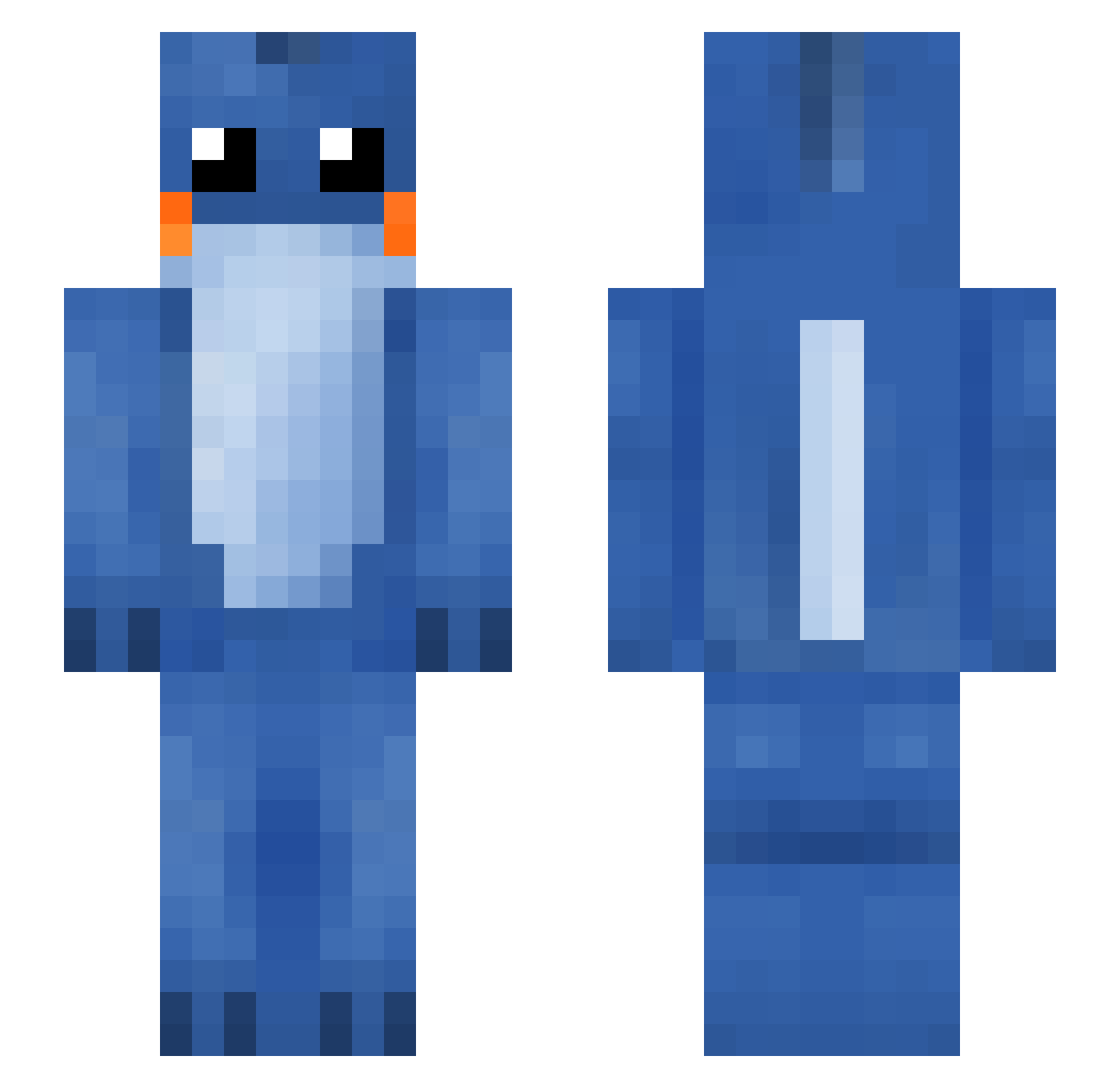
Current Minecraft skin of the player OozingChaos, loaded from the official Mojang API. Rotate the 3D model with your mouse or finger, then download the skin as a PNG file and use it in Minecraft: Bedrock Edition or Java Edition for free. When OozingChaos changes their skin, this page updates automatically and the old skin stays in the history below.
Other players with this skin (119)
OozingChaos was the 31st player we have seen with this skin, first spotted on 20.08.2026. The same skin was seen on these players. Open a nickname to see their current skin and skin history.
 Hermanb ShotgunLover3 MyCombosGoCrazy QuanCn007 Fauxreals JuJuSpook Young_97 coolmantan Dabcat10 Chicken_boyV4 Silverose84 BMT333 Ludovir Moedkip Turnaway27 StarzDanteh Hesed813 XiuGongzi DrSquibbles Blueberrybenie tonytarantula kokyong Aidex888 Sjavrix BByy_FF legolas619 nNavi Toastereatstoast kimmagnus OGPaggy FatCat_25 Mudkip_UwU keaidayuyu puat GrassyPlain balancey FireSpark109 zhuamao Erravi GNOLE96 celib17 zsolini Mikiszonek27 GnightJimKite FlyingLLama2014 iamgoddd99 cappooh Flumpehh mandarin0704 tulio7863 wuzzymolecules Avzen NEXIIII AIRYLOVE SeudoCide lonely666 Retailcredit MilasJ Mr8Domino8 Davemaster300
More Lilo And Stitch Minecraft skins
See all 448 Lilo And Stitch skins
How to install the OozingChaos skin
- Press the Download button above to save the skin as a PNG file.
- Minecraft: Bedrock Edition (PE): open the Dressing Room from the main menu (or tap your character → Edit Character), go to Classic Skins → Owned, press the + (new skin) button, choose the downloaded PNG and pick the Slim (Alex) model. Works on PC and mobile; consoles cannot import custom skins.
- Minecraft: Java Edition: open the Minecraft Launcher, go to the Skins tab, click New Skin, load the PNG, pick the Slim (Alex) model and press Save & Use. You can also upload it at minecraft.net → Profile → Change Skin.
The skin does not show up after import - what should I do?
Restart Minecraft and open the Dressing Room again - imported skins sometimes appear only after a restart. Also make sure you selected the imported skin and picked the Slim (Alex) model.
Which model should I choose, Classic or Slim?
This skin is designed for the Slim (Alex) model. If you pick the wrong model, the arms of the skin will look stretched or squeezed.
Is the skin of OozingChaos free to download?
Yes. Press Download, save the PNG file and use it in Minecraft: Bedrock Edition or Java Edition - no payment or registration needed. The skin also works on multiplayer servers and Realms.
More skins
Looking for more? Go back to all Minecraft skins and check the top skins of the week, month and all time, or find any player's skin by nickname.