
OoNoWay - Minecraft Skins & Skin History
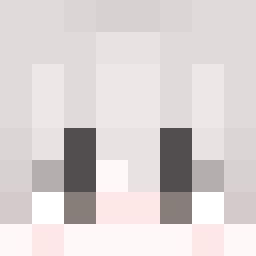
Current Minecraft skin of the player OoNoWay, loaded from the official Mojang API. Rotate the 3D model with your mouse or finger, then download the skin as a PNG file and use it in Minecraft: Bedrock Edition or Java Edition for free. When OoNoWay changes their skin, this page updates automatically and the old skin stays in the history below.
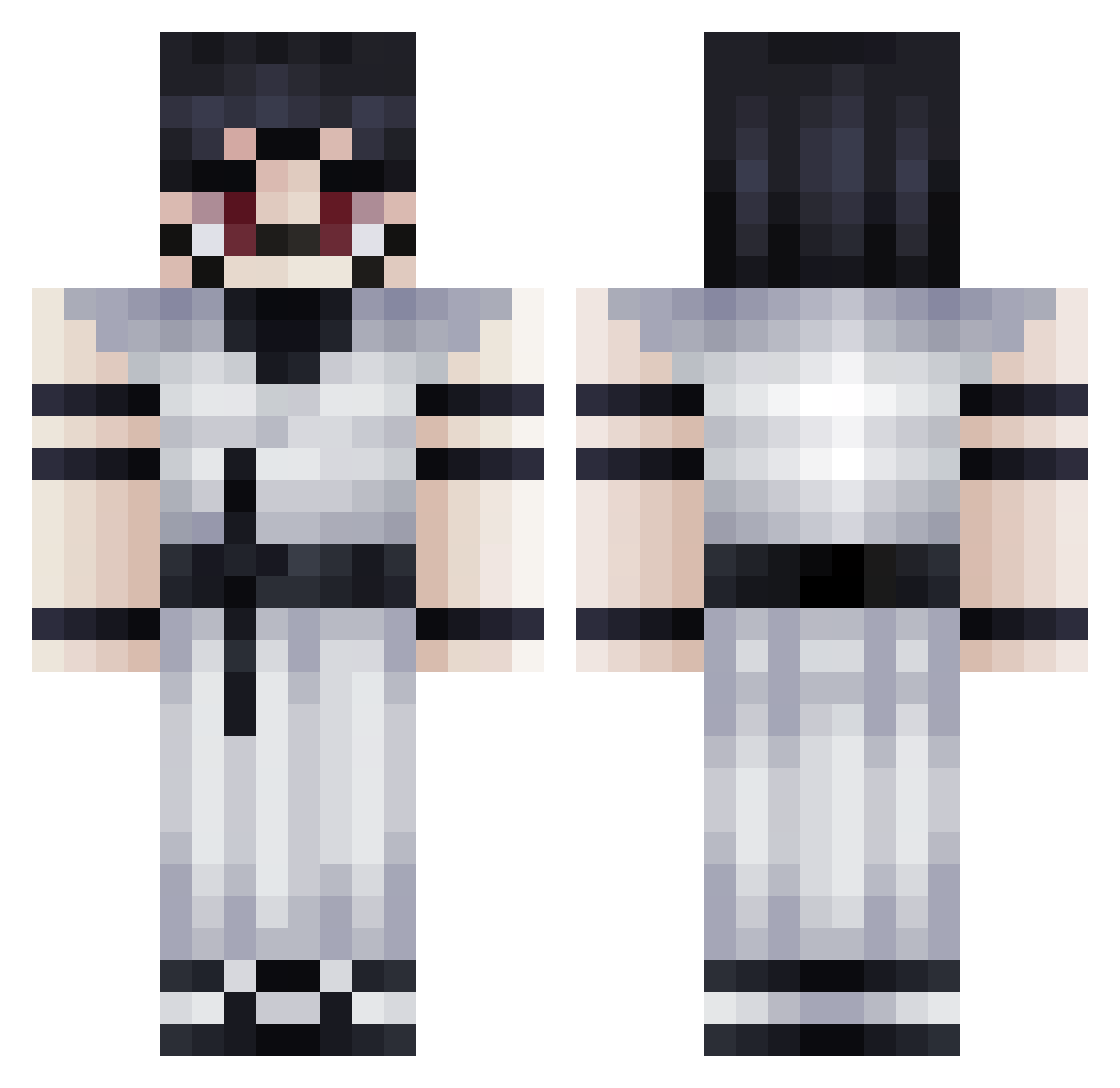
Other players with this skin (271)
OoNoWay was the 122nd player we have seen with this skin, first spotted on 01.09.2026. The same skin was seen on these players. Open a nickname to see their current skin and skin history.
 Xen0186 Strefownik lockindevil67 Leonidas197kadi LuksVD TormentV azoz999000 BlueRayser Steampunq rlaxogns28 Broly_DB Entitilo_SmiME Atamat NightUCH SaltyLT2 Brightwall1 BigDuck_D eeveeclipse DavidYeagerr chaenoran Rvf_ BRUH3T34 GoodComms fwezqt Crxpt134431341 SehrSchonn _imAwinner_
 HudbudGuy KaraJolyne Ber_2 oneho21
 ElsaMeyer death7708 zuzfye
 DanteCARP Kaetharr PRlNCIPE Shogunthunder56 Endproo awsdwdbsaj Comp0HaTT drcerebel0 NAGANIACZ_PL anime_c3m eyry1 LifeJoy chocolateliu 3bdulr MrTaylor12 Kingboi77763
 Hxy_7 LeMito_ADF Huguito_I Tititiago Fufuwings matox09 hrts4touya anxo12344 Jack_yolo Baku007
More Oni Minecraft skins
How to install the OoNoWay skin
- Press the Download button above to save the skin as a PNG file.
- Minecraft: Bedrock Edition (PE): open the Dressing Room from the main menu (or tap your character → Edit Character), go to Classic Skins → Owned, press the + (new skin) button, choose the downloaded PNG and pick the Classic (Steve) model. Works on PC and mobile; consoles cannot import custom skins.
- Minecraft: Java Edition: open the Minecraft Launcher, go to the Skins tab, click New Skin, load the PNG, pick the Classic (Steve) model and press Save & Use. You can also upload it at minecraft.net → Profile → Change Skin.
The skin does not show up after import - what should I do?
Restart Minecraft and open the Dressing Room again - imported skins sometimes appear only after a restart. Also make sure you selected the imported skin and picked the Classic (Steve) model.
Which model should I choose, Classic or Slim?
This skin is designed for the Classic (Steve) model. If you pick the wrong model, the arms of the skin will look stretched or squeezed.
Is the skin of OoNoWay free to download?
Yes. Press Download, save the PNG file and use it in Minecraft: Bedrock Edition or Java Edition - no payment or registration needed. The skin also works on multiplayer servers and Realms.
More skins
Looking for more? Go back to all Minecraft skins and check the top skins of the week, month and all time, or find any player's skin by nickname.