
Omr_fy - Minecraft Skins & Skin History
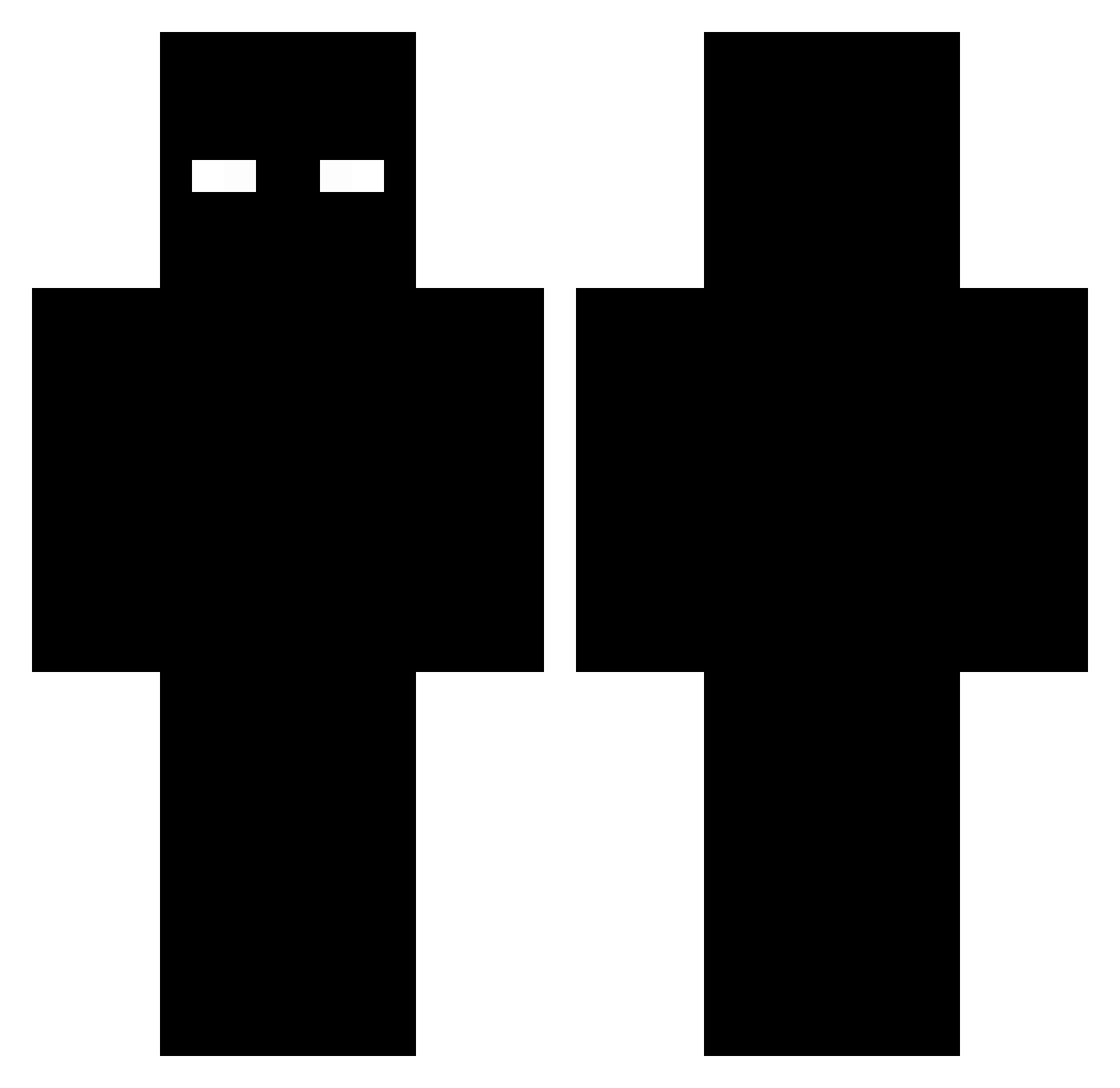
Current Minecraft skin of the player Omr_fy, loaded from the official Mojang API. Rotate the 3D model with your mouse or finger, then download the skin as a PNG file and use it in Minecraft: Bedrock Edition or Java Edition for free. When Omr_fy changes their skin, this page updates automatically and the old skin stays in the history below.
Other players with this skin (276)
Omr_fy was the 251st player we have seen with this skin, first spotted on 09.11.2026. The same skin was seen on these players. Open a nickname to see their current skin and skin history.
 legoat12345 spared_potato IFeiJaooI Mihac_Bell Gavoooo999 Diaxnz Dacidut DaikiOFF 0bito3k Kazoie OneBlock238 splAzhh NexCryp AIMSTAR_xholr Nikicia07 Dyexux PHONKHARD BhonduRam m1kemike1 dreamwithhis69 FL0C3A Champion101077 kaszkiet12345 Danizx011 wmyn__ PapiBoris Dat8o1_Fad3d Johnkiller8787 bd_falz1 xxXSamuriXxx LevarHD MrMertCAN TeutosJunior M1AZz as2169 BaileyPhelpsR Fzlpicaxu LaHache00 tokyashi RA1NYYDAYZ11 AltVerse_kkz_AV Senni26 JusSix1 kimchy11 Ftmario31 slurpyzim ZriVx ItsT3mmbu 50lei_ zncxps xxxfelipexxx kkkkkkkkj stelion712 Zephyrxen Hytes999 DropTheSnap yorkydokey eliot8197 Blackday_777 gaby_908
More Entity 303 Minecraft skins
How to install the Omr_fy skin
- Press the Download button above to save the skin as a PNG file.
- Minecraft: Bedrock Edition (PE): open the Dressing Room from the main menu (or tap your character → Edit Character), go to Classic Skins → Owned, press the + (new skin) button, choose the downloaded PNG and pick the Classic (Steve) model. Works on PC and mobile; consoles cannot import custom skins.
- Minecraft: Java Edition: open the Minecraft Launcher, go to the Skins tab, click New Skin, load the PNG, pick the Classic (Steve) model and press Save & Use. You can also upload it at minecraft.net → Profile → Change Skin.
The skin does not show up after import - what should I do?
Restart Minecraft and open the Dressing Room again - imported skins sometimes appear only after a restart. Also make sure you selected the imported skin and picked the Classic (Steve) model.
Which model should I choose, Classic or Slim?
This skin is designed for the Classic (Steve) model. If you pick the wrong model, the arms of the skin will look stretched or squeezed.
Is the skin of Omr_fy free to download?
Yes. Press Download, save the PNG file and use it in Minecraft: Bedrock Edition or Java Edition - no payment or registration needed. The skin also works on multiplayer servers and Realms.
More skins
Looking for more? Go back to all Minecraft skins and check the top skins of the week, month and all time, or find any player's skin by nickname.