
Olivia240 - Minecraft Skins & Skin History
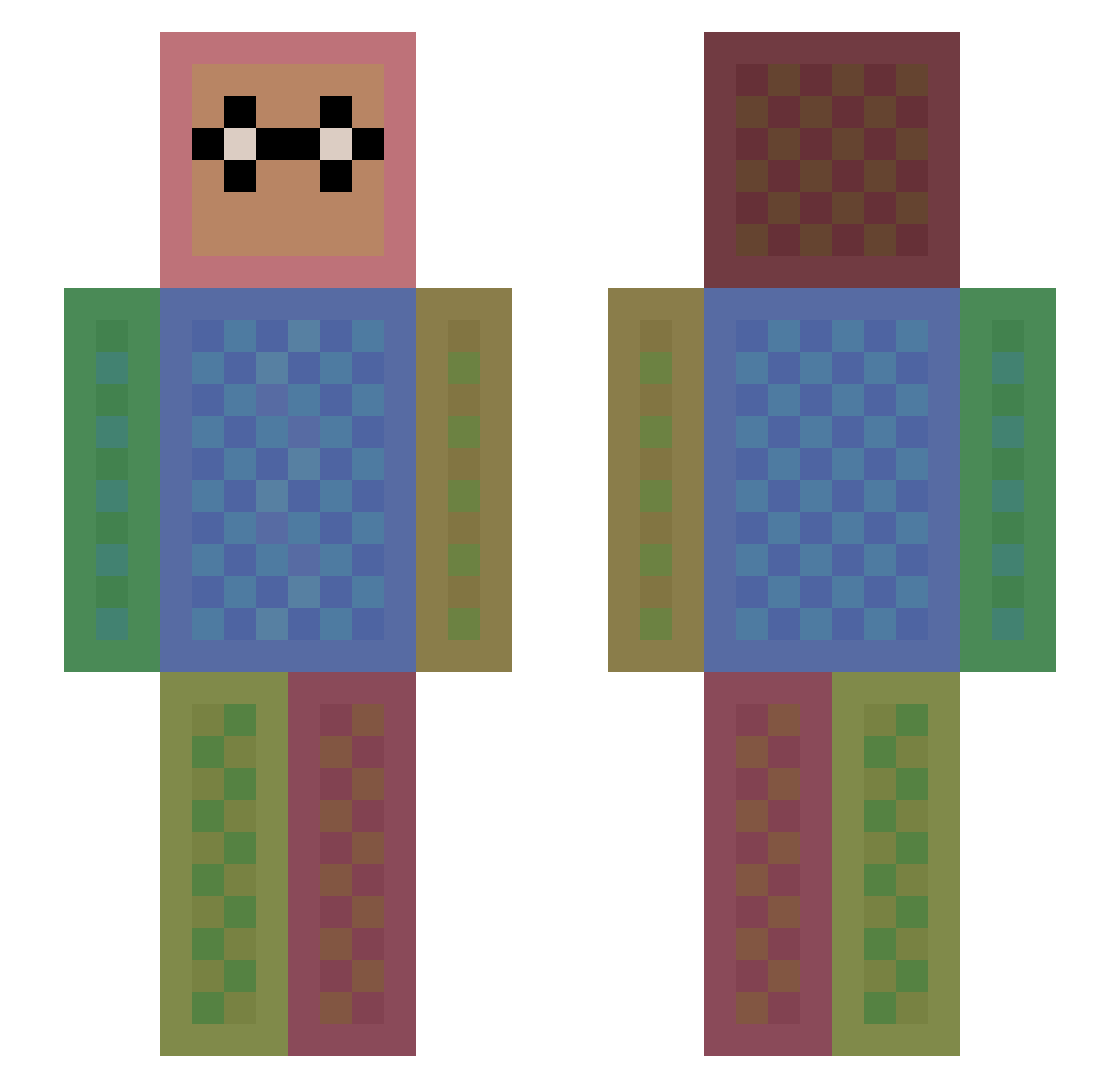
Current Minecraft skin of the player Olivia240, loaded from the official Mojang API. Rotate the 3D model with your mouse or finger, then download the skin as a PNG file and use it in Minecraft: Bedrock Edition or Java Edition for free. When Olivia240 changes their skin, this page updates automatically and the old skin stays in the history below.
Other players with this skin (1475)
Olivia240 was the 1306th player we have seen with this skin, first spotted on 30.10.2026. The same skin was seen on these players. Open a nickname to see their current skin and skin history.
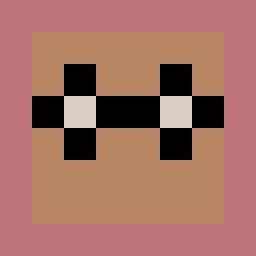 Frazerrazer EvilKittyy SPaCEdJ25 jamesy_00 JunkySkillz RainbowRush1997 sarahthepanda10 Theblock_Hunter2 rosalezr aletheahung ValarMorghulis95 chialu Butterfiydyu pikachugamer428 W0jt1 GeForceDrago mykola177 SpankMyForskin DylanThaVillain busineko rlawornr007 KungFuMeister Gh0stCrafter AmandaPlayer Callingabout Peter567 PhilippZ2001 Kawa2005 GAMER_BOSS_12 catiddles Greninja08 ircuit marioaieie itz_lollipop25 RocketJumperGuy OC_007 StingerES CatDragon2 MachaelCampbell Gwylom Imprecation31 MATEUSSMS YellowGinger Kitten64 yukisong SloPoLL flamebird15 Allen11 LeeCameron Gael06 heidi0308 Caera_Lily snv_888 Tweedlebean StrayEDope besthidebest Semmel03 DexBlockhead dashcom4dj PROXIMINE
How to install the Olivia240 skin
- Press the Download button above to save the skin as a PNG file.
- Minecraft: Bedrock Edition (PE): open the Dressing Room from the main menu (or tap your character → Edit Character), go to Classic Skins → Owned, press the + (new skin) button, choose the downloaded PNG and pick the Slim (Alex) model. Works on PC and mobile; consoles cannot import custom skins.
- Minecraft: Java Edition: open the Minecraft Launcher, go to the Skins tab, click New Skin, load the PNG, pick the Slim (Alex) model and press Save & Use. You can also upload it at minecraft.net → Profile → Change Skin.
The skin does not show up after import - what should I do?
Restart Minecraft and open the Dressing Room again - imported skins sometimes appear only after a restart. Also make sure you selected the imported skin and picked the Slim (Alex) model.
Which model should I choose, Classic or Slim?
This skin is designed for the Slim (Alex) model. If you pick the wrong model, the arms of the skin will look stretched or squeezed.
Is the skin of Olivia240 free to download?
Yes. Press Download, save the PNG file and use it in Minecraft: Bedrock Edition or Java Edition - no payment or registration needed. The skin also works on multiplayer servers and Realms.
More skins
Looking for more? Go back to all Minecraft skins and check the top skins of the week, month and all time, or find any player's skin by nickname.