
OffbeatBrainy864 - Minecraft Skins & Skin History
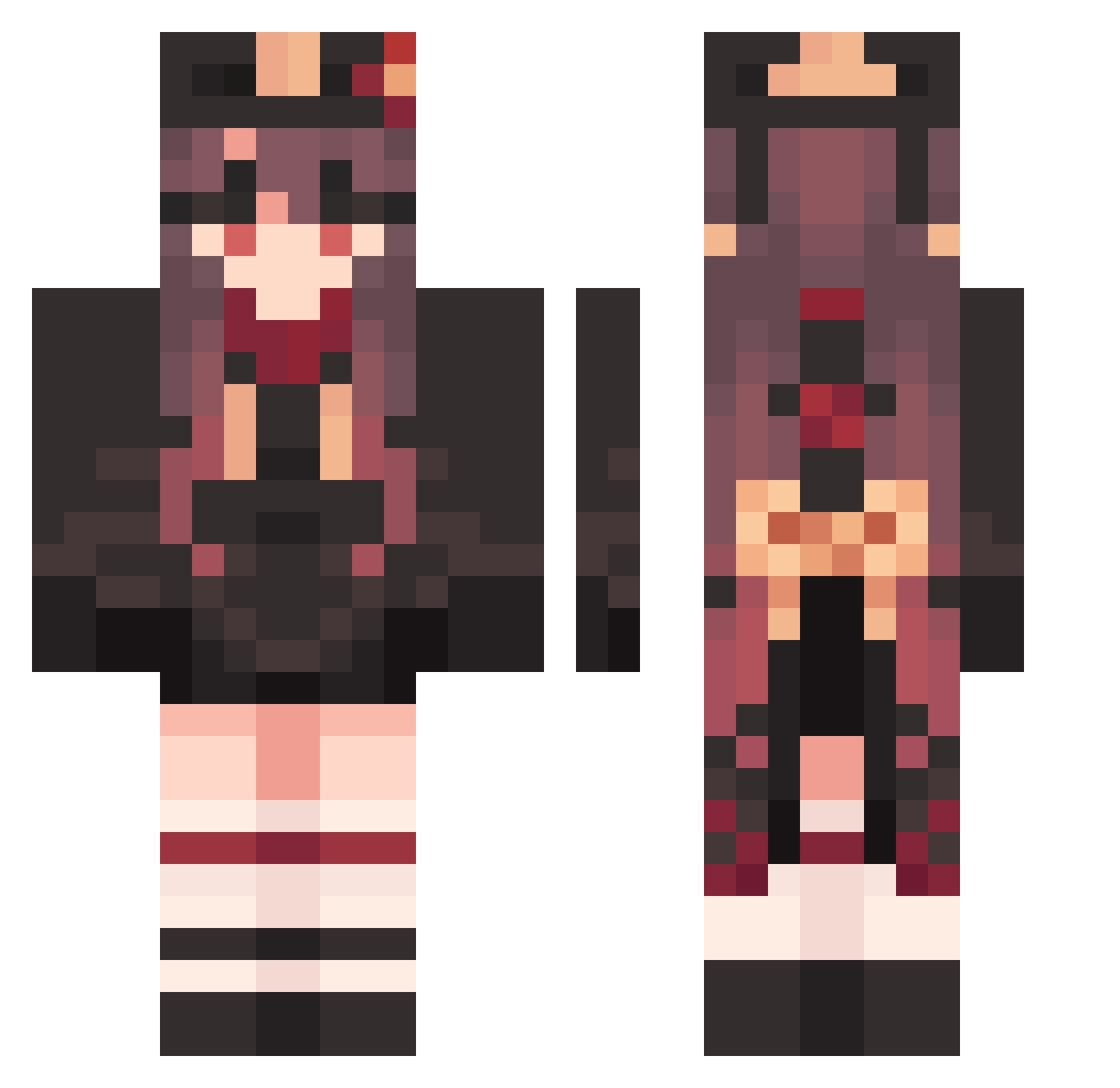
Current Minecraft skin of the player OffbeatBrainy864, loaded from the official Mojang API. Rotate the 3D model with your mouse or finger, then download the skin as a PNG file and use it in Minecraft: Bedrock Edition or Java Edition for free. When OffbeatBrainy864 changes their skin, this page updates automatically and the old skin stays in the history below.
Other players with this skin (1585)
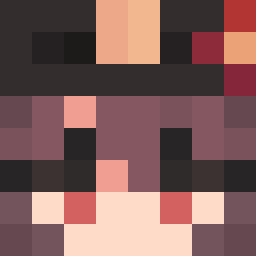
OffbeatBrainy864 was the 1420th player we have seen with this skin, first spotted on 27.10.2026. The same skin was seen on these players. Open a nickname to see their current skin and skin history.
 sameerahman gYW995 Terrariagamer12 Hutao_TaivRPo106 Hutao_OGmLsZC812 Okapeeeee MrGunyx apZ6 CapableHomely779 MistyOrdinary176 HissingPlucky620 JSN915 AndyCat19 WickedAwesome606 Hutao_sHmwRzP559 SmartEducated260 V1ckyHz_ Aka7mk LittleNaughty975 Udam0429 KindLying321 Daikonsandao LikeCrazy682 Hutao_hHbOyqV130 DecisiveWealthy1 Ref1red124 ryu2037 PerfectNarrow55 GamerJ1107 Midnight167 HaltingSpooky199 PurpleMuddled951 Hutao_lTWSrqo325 WaitingMature663 MereDefective449 gyooby Hutao_eQgIeVR898 LewdUnhealthy618 NiceReceptive401 Hutao_ObuEKrd795 simraa NecronsFather Juliafofa SuperLazy543 FirstHomely376 Hutao_EXc369 faylinn999 juvenilejona ImportedSalty498 ScatteredSlow391 Hutao_pDmDcQH231 McJiaxuan Hutao_vixPZfJ192 h_romm Hutao_yDrnzJn674 BitterEquable427 HappyHorrible233 MeloDuDy Hutao_aJRVfJS232 Lead2one
More Hu Tao Minecraft skins
How to install the OffbeatBrainy864 skin
- Press the Download button above to save the skin as a PNG file.
- Minecraft: Bedrock Edition (PE): open the Dressing Room from the main menu (or tap your character → Edit Character), go to Classic Skins → Owned, press the + (new skin) button, choose the downloaded PNG and pick the Classic (Steve) model. Works on PC and mobile; consoles cannot import custom skins.
- Minecraft: Java Edition: open the Minecraft Launcher, go to the Skins tab, click New Skin, load the PNG, pick the Classic (Steve) model and press Save & Use. You can also upload it at minecraft.net → Profile → Change Skin.
The skin does not show up after import - what should I do?
Restart Minecraft and open the Dressing Room again - imported skins sometimes appear only after a restart. Also make sure you selected the imported skin and picked the Classic (Steve) model.
Which model should I choose, Classic or Slim?
This skin is designed for the Classic (Steve) model. If you pick the wrong model, the arms of the skin will look stretched or squeezed.
Is the skin of OffbeatBrainy864 free to download?
Yes. Press Download, save the PNG file and use it in Minecraft: Bedrock Edition or Java Edition - no payment or registration needed. The skin also works on multiplayer servers and Realms.
More skins
Looking for more? Go back to all Minecraft skins and check the top skins of the week, month and all time, or find any player's skin by nickname.