
Octavian3217 - Minecraft Skins & Skin History
Current Minecraft skin of the player Octavian3217, loaded from the official Mojang API. Rotate the 3D model with your mouse or finger, then download the skin as a PNG file and use it in Minecraft: Bedrock Edition or Java Edition for free. When Octavian3217 changes their skin, this page updates automatically and the old skin stays in the history below.
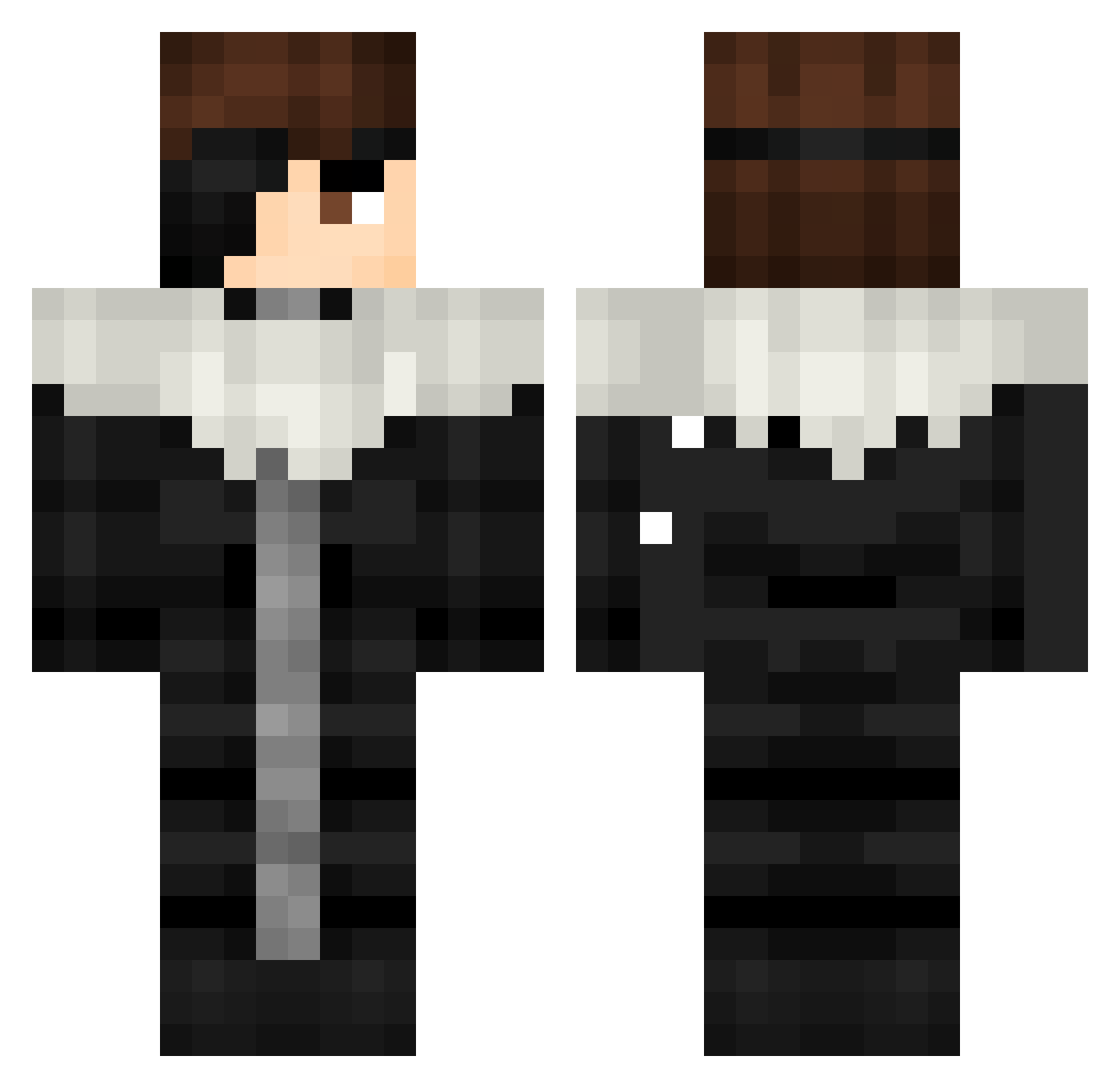
Other players with this skin (396)
Octavian3217 was the 110th player we have seen with this skin, first spotted on 20.08.2026. The same skin was seen on these players. Open a nickname to see their current skin and skin history.
 DREAL765 aswdfkhz HanSolo4431 Slick_Italian SHELBY2136 AizenFanboy
 Limbernebula seowoo0916 W4RLOK Moriarty27 cklicy ItzAllGoodMan Aliss0nBecker JoshDelay Creeawly Amwl1889 Sxullest Jon_Yasen osmanchao No_Bait_Hook FlammeSaturn Yacinkun Parmisean
 KAYXX974 Heaslth akashiyoo VictorTaylor Frost_cs ImBidenlol mogalts_dc1ay DrRaptor06 rangersfan1212 nxtry_ rxmr_ vigamer3297 Too_easy123 SAMAAN2002
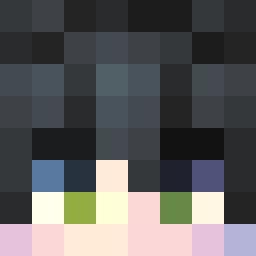 famekaiser01 Rinata_1808 eCrxzy FaitBourTonKi GooseyWooseys TTVddxtooney kixallyy
 Rephact Flyzerta xXionniXx tafikura PavelCreator14 THERED___ bCUMM Mandarynuss ChirsLogic Clantrex JustBlazeee LuffyYonko22 WasabiGaming
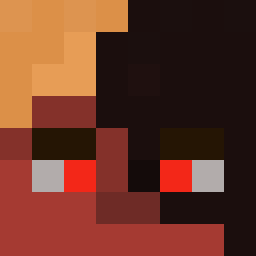 SnowyDND _Tubi dgkaneki
More Squall Leonhart Minecraft skins
See all 3 Squall Leonhart skins
How to install the Octavian3217 skin
- Press the Download button above to save the skin as a PNG file.
- Minecraft: Bedrock Edition (PE): open the Dressing Room from the main menu (or tap your character → Edit Character), go to Classic Skins → Owned, press the + (new skin) button, choose the downloaded PNG and pick the Classic (Steve) model. Works on PC and mobile; consoles cannot import custom skins.
- Minecraft: Java Edition: open the Minecraft Launcher, go to the Skins tab, click New Skin, load the PNG, pick the Classic (Steve) model and press Save & Use. You can also upload it at minecraft.net → Profile → Change Skin.
The skin does not show up after import - what should I do?
Restart Minecraft and open the Dressing Room again - imported skins sometimes appear only after a restart. Also make sure you selected the imported skin and picked the Classic (Steve) model.
Which model should I choose, Classic or Slim?
This skin is designed for the Classic (Steve) model. If you pick the wrong model, the arms of the skin will look stretched or squeezed.
Is the skin of Octavian3217 free to download?
Yes. Press Download, save the PNG file and use it in Minecraft: Bedrock Edition or Java Edition - no payment or registration needed. The skin also works on multiplayer servers and Realms.
More skins
Looking for more? Go back to all Minecraft skins and check the top skins of the week, month and all time, or find any player's skin by nickname.