
Ocha__ - Minecraft Skins & Skin History
Current Minecraft skin of the player Ocha__, loaded from the official Mojang API. Rotate the 3D model with your mouse or finger, then download the skin as a PNG file and use it in Minecraft: Bedrock Edition or Java Edition for free. When Ocha__ changes their skin, this page updates automatically and the old skin stays in the history below.
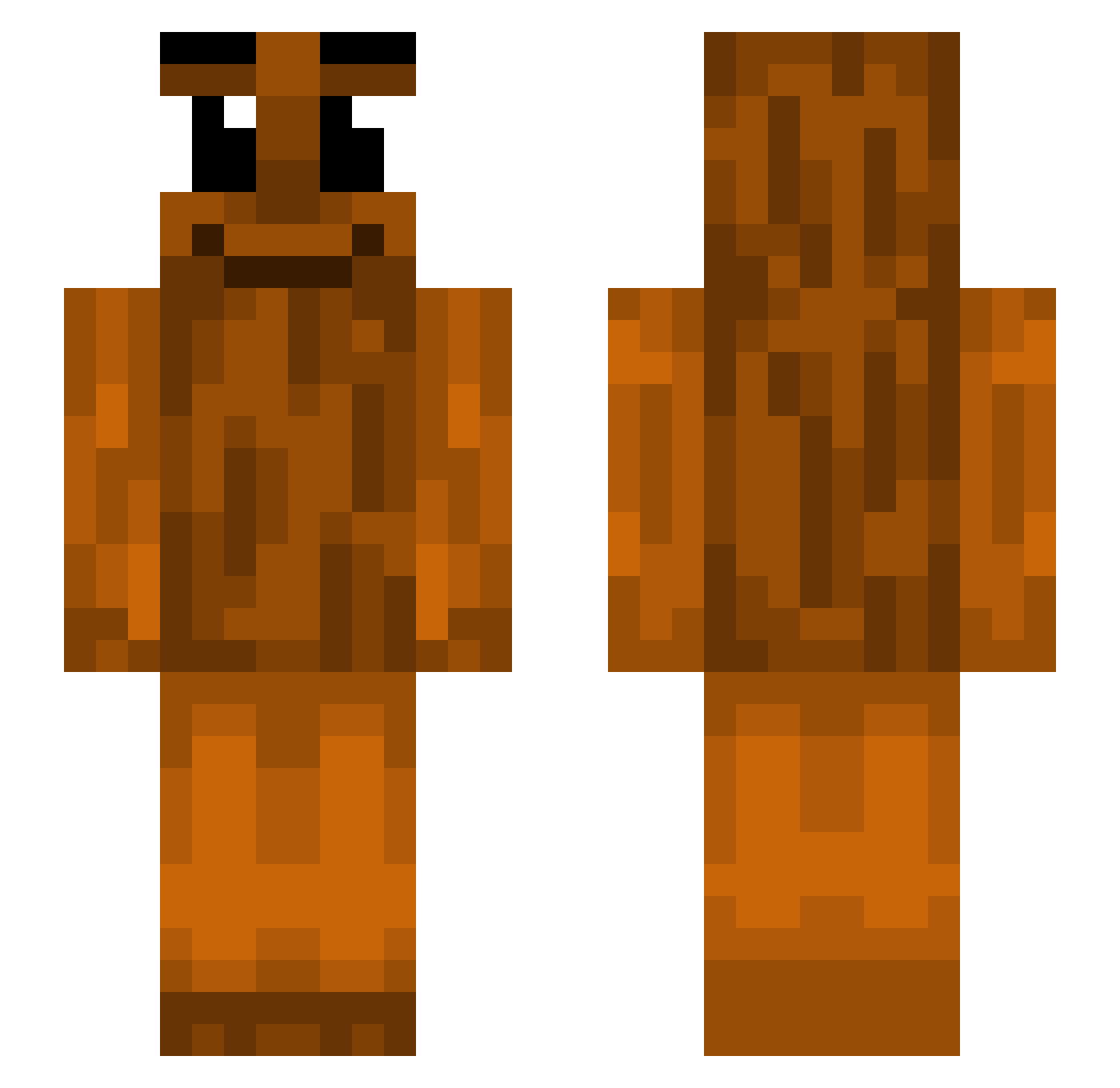
Other players with this skin (439)
Ocha__ was the 58th player we have seen with this skin, first spotted on 09.08.2026. The same skin was seen on these players. Open a nickname to see their current skin and skin history.
 magicbeanzzz mikk474t beanmansam
 ali_is_back Thrme dr_ham2 aranemme Xrdsminecrft
 Legolas41 Hartaura Big_Papa34
 itznoteclipse KOREA_LAZYMAN rodrialveto goonlord6741 mcmontyonthemic octobersveryownn eliplas123 Negramota Miguli28 SHLEEPES Leampro2445 Capsylen franek1148 911miml degamer300 RatKing05 PatrykNotPatrick Wild_Child2123
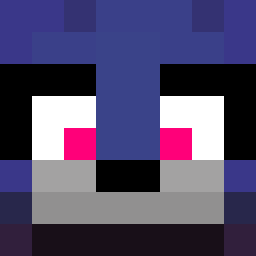 mortartar
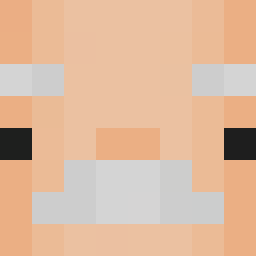 rusty_yoshi sRaZzzVy
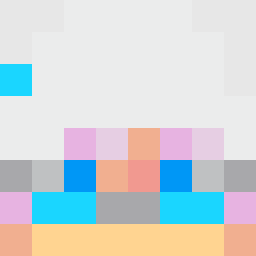 Gilad_T Tunktus sumiteke MWILuca l2GBUCKSHOT zfruitcat AgentFrog007 cain__
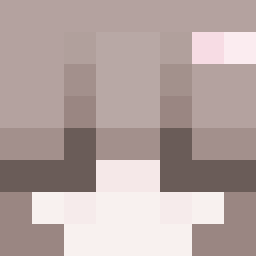 superzmywara2137 beerdrinker140 fornitegmaer Leapyyy
 iixe_vaders BigAWorld Arif10 ollehd1
 Harzh01 BlackHawkHD FerryBCN DiehardAsh10623 childslayer68 nellanibellan
 FanFD riki_20 KRASN1AK Japa67 cbumisvegan findoun_4real
More Oak Log Minecraft skins
How to install the Ocha__ skin
- Press the Download button above to save the skin as a PNG file.
- Minecraft: Bedrock Edition (PE): open the Dressing Room from the main menu (or tap your character → Edit Character), go to Classic Skins → Owned, press the + (new skin) button, choose the downloaded PNG and pick the Slim (Alex) model. Works on PC and mobile; consoles cannot import custom skins.
- Minecraft: Java Edition: open the Minecraft Launcher, go to the Skins tab, click New Skin, load the PNG, pick the Slim (Alex) model and press Save & Use. You can also upload it at minecraft.net → Profile → Change Skin.
The skin does not show up after import - what should I do?
Restart Minecraft and open the Dressing Room again - imported skins sometimes appear only after a restart. Also make sure you selected the imported skin and picked the Slim (Alex) model.
Which model should I choose, Classic or Slim?
This skin is designed for the Slim (Alex) model. If you pick the wrong model, the arms of the skin will look stretched or squeezed.
Is the skin of Ocha__ free to download?
Yes. Press Download, save the PNG file and use it in Minecraft: Bedrock Edition or Java Edition - no payment or registration needed. The skin also works on multiplayer servers and Realms.
More skins
Looking for more? Go back to all Minecraft skins and check the top skins of the week, month and all time, or find any player's skin by nickname.