
Obfuscating - Minecraft Skins & Skin History
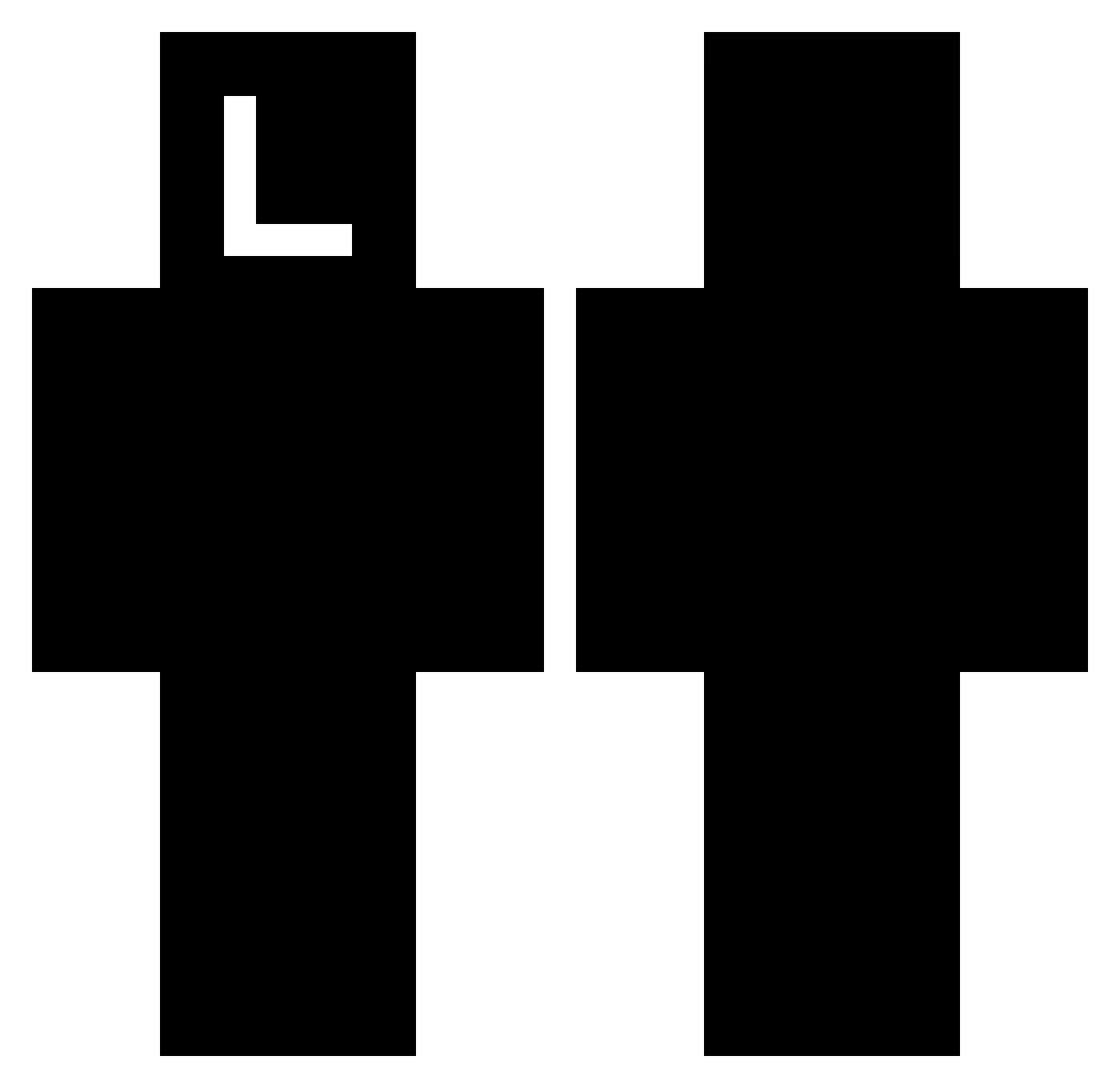
Current Minecraft skin of the player Obfuscating, loaded from the official Mojang API. Rotate the 3D model with your mouse or finger, then download the skin as a PNG file and use it in Minecraft: Bedrock Edition or Java Edition for free. When Obfuscating changes their skin, this page updates automatically and the old skin stays in the history below.
Other players with this skin (73)
Obfuscating was the 6th player we have seen with this skin, first spotted on 01.08.2026. The same skin was seen on these players. Open a nickname to see their current skin and skin history.
 iTzXitiado SociakPlains182 scrowlindo Starahatka xZqloW Karlitosss nochejka draazik Joker12431 MrBrick49 Thanksy madee_K 111EE RicardMann Abyss_Zzz PanUlan_ Byrruby Typeable El_Insanote dlalstjq5959 Bradennnn Oaze Darian_M9 Subah CMJTJEFF bbb3nnn ZaneXB TEYANDEI Xiya974 GrandiosaHelmax LILGANGINFERIOR Daydream_m TheRampage_King bornpaid Emin725 Jxnx02 Rupent adfaf342423 X_SecretSword_X n62 Husstavo 4Paris Lichking_MC KunohsBestMate 420_Minion _Houndo theLukeyFR regretfuls banduraa__ BernerMax Tylxr42 Naming Skywars_Holic Tutzzzzz Exters goofyfitzgerald2 dima777cool gadiq Baanned_ 1lotu1
More Death Note Minecraft skins
How to install the Obfuscating skin
- Press the Download button above to save the skin as a PNG file.
- Minecraft: Bedrock Edition (PE): open the Dressing Room from the main menu (or tap your character → Edit Character), go to Classic Skins → Owned, press the + (new skin) button, choose the downloaded PNG and pick the Classic (Steve) model. Works on PC and mobile; consoles cannot import custom skins.
- Minecraft: Java Edition: open the Minecraft Launcher, go to the Skins tab, click New Skin, load the PNG, pick the Classic (Steve) model and press Save & Use. You can also upload it at minecraft.net → Profile → Change Skin.
The skin does not show up after import - what should I do?
Restart Minecraft and open the Dressing Room again - imported skins sometimes appear only after a restart. Also make sure you selected the imported skin and picked the Classic (Steve) model.
Which model should I choose, Classic or Slim?
This skin is designed for the Classic (Steve) model. If you pick the wrong model, the arms of the skin will look stretched or squeezed.
Is the skin of Obfuscating free to download?
Yes. Press Download, save the PNG file and use it in Minecraft: Bedrock Edition or Java Edition - no payment or registration needed. The skin also works on multiplayer servers and Realms.
More skins
Looking for more? Go back to all Minecraft skins and check the top skins of the week, month and all time, or find any player's skin by nickname.