
Obey_Stozzy - Minecraft Skins & Skin History
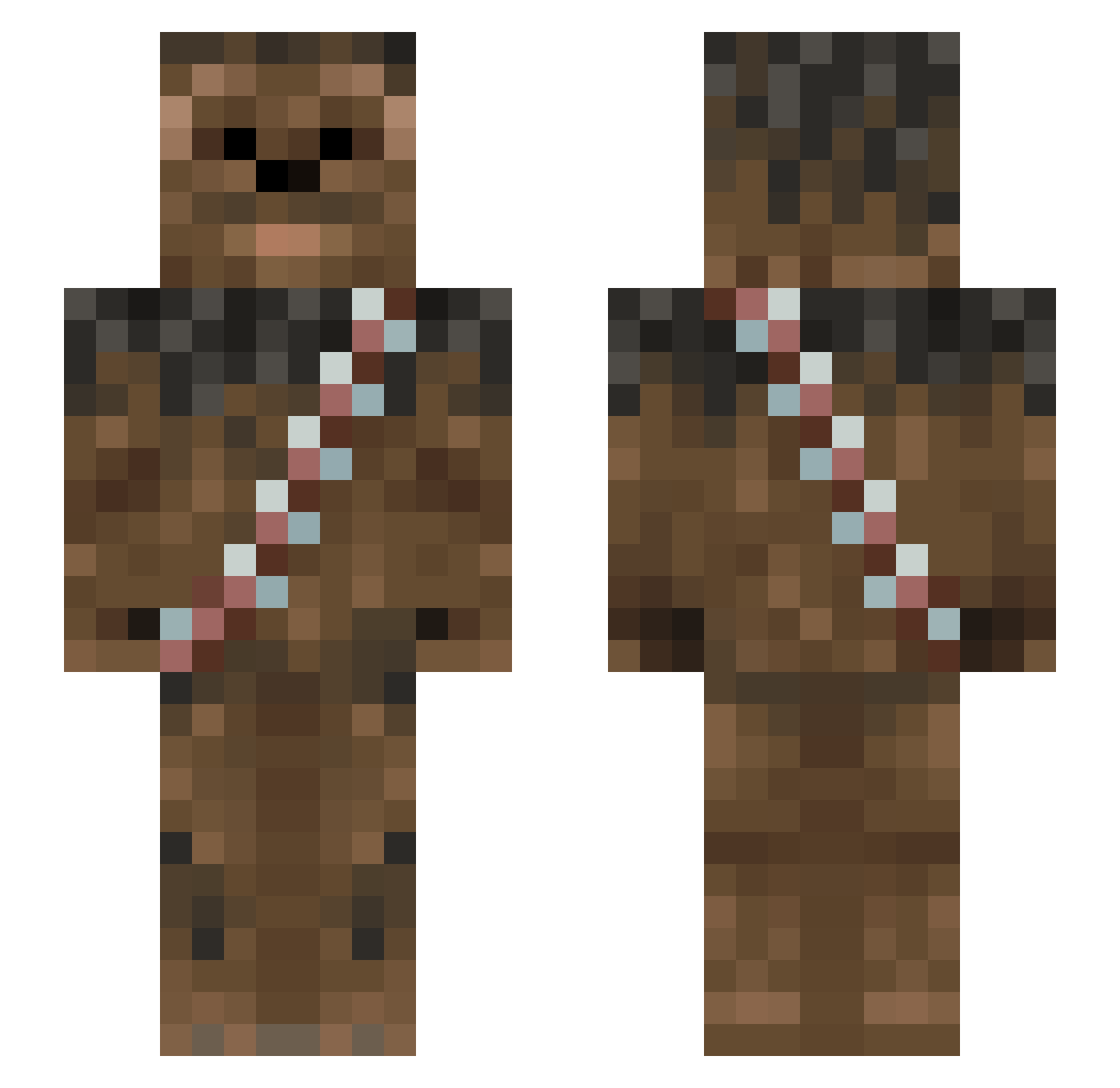
Current Minecraft skin of the player Obey_Stozzy, loaded from the official Mojang API. Rotate the 3D model with your mouse or finger, then download the skin as a PNG file and use it in Minecraft: Bedrock Edition or Java Edition for free. When Obey_Stozzy changes their skin, this page updates automatically and the old skin stays in the history below.
Other players with this skin (1013)
Obey_Stozzy was the 889th player we have seen with this skin, first spotted on 28.10.2026. The same skin was seen on these players. Open a nickname to see their current skin and skin history.
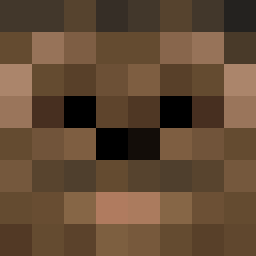 halenite The_Mad_Goat gorgeous2 omalley374 Colonel_Wolff SaragEl Drewbacca7 jahRash DoertyDeeds Timpon5 BenSamC OlliStorm Didyr MadRevengeX Muteqble Shaiful Bradino63 A_Fat_Duck CaptainJack Arentrox nonossared AnalCrusader69 peehrs FrankGolla Brokenequinox Twanto Dakota_is_Pro TheScout9964 remst59 Dinoso93 RobTheLox Chewbacci Poolshark_9ball hterragris whynotzombies GeneKelly ekta MrTheezak Raphael197 Legit_Kempster jpssoccer Wookies_N_Cream liliangoose LarsFredrik2000 dann21 01zac26 Okrop69 Crafter_123_ glassjoe LordGhirahim666 Anngelena Londo_HD 1TzP3ll3 Grxxm Wambba Valladin82 nbfasttrack33 Sockenbarth cwey20 Raizinmoon
More Wookiee Minecraft skins
How to install the Obey_Stozzy skin
- Press the Download button above to save the skin as a PNG file.
- Minecraft: Bedrock Edition (PE): open the Dressing Room from the main menu (or tap your character → Edit Character), go to Classic Skins → Owned, press the + (new skin) button, choose the downloaded PNG and pick the Slim (Alex) model. Works on PC and mobile; consoles cannot import custom skins.
- Minecraft: Java Edition: open the Minecraft Launcher, go to the Skins tab, click New Skin, load the PNG, pick the Slim (Alex) model and press Save & Use. You can also upload it at minecraft.net → Profile → Change Skin.
The skin does not show up after import - what should I do?
Restart Minecraft and open the Dressing Room again - imported skins sometimes appear only after a restart. Also make sure you selected the imported skin and picked the Slim (Alex) model.
Which model should I choose, Classic or Slim?
This skin is designed for the Slim (Alex) model. If you pick the wrong model, the arms of the skin will look stretched or squeezed.
Is the skin of Obey_Stozzy free to download?
Yes. Press Download, save the PNG file and use it in Minecraft: Bedrock Edition or Java Edition - no payment or registration needed. The skin also works on multiplayer servers and Realms.
More skins
Looking for more? Go back to all Minecraft skins and check the top skins of the week, month and all time, or find any player's skin by nickname.