
OTSHELNIK_ODIN - Minecraft Skins & Skin History
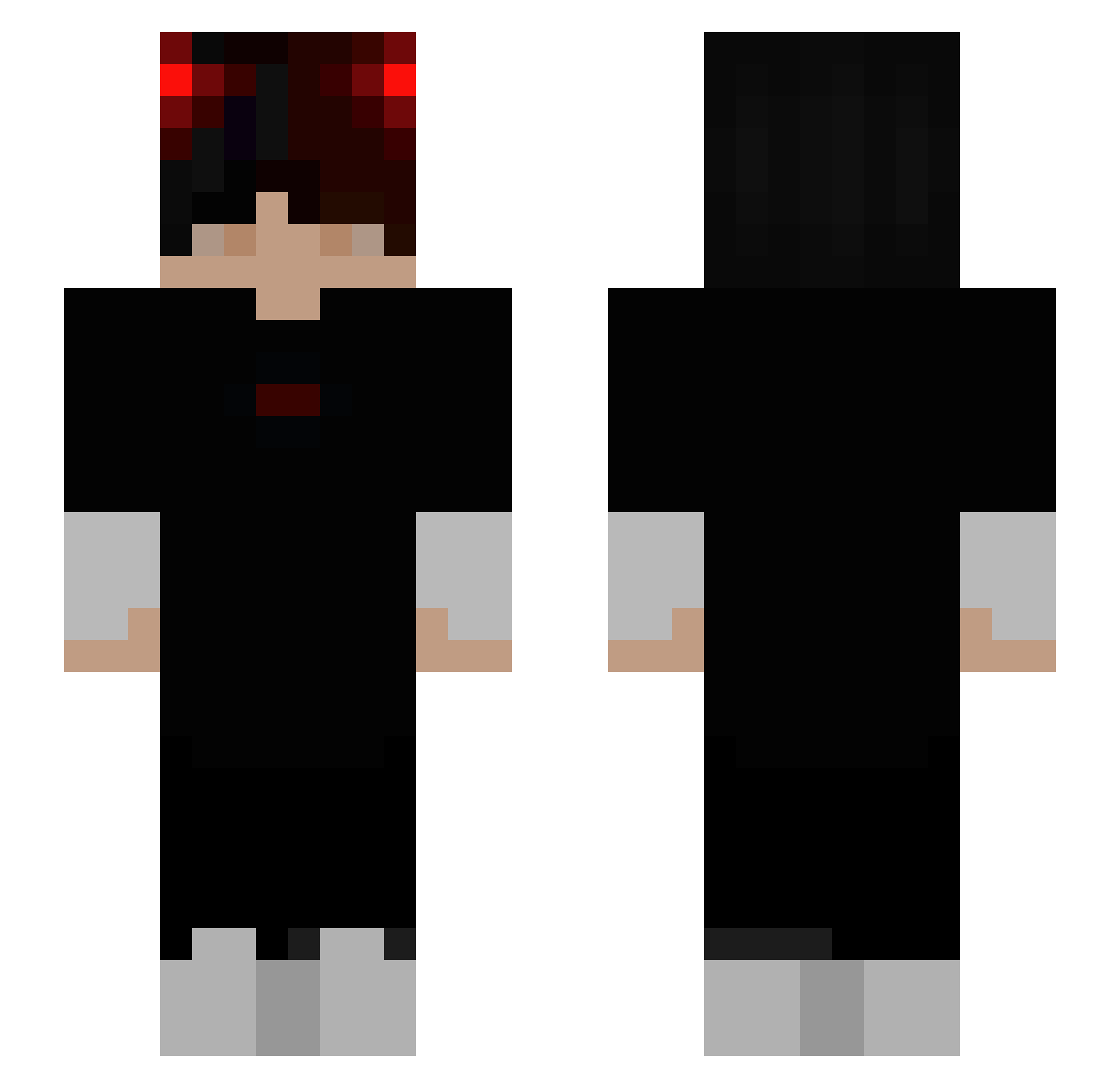
Current Minecraft skin of the player OTSHELNIK_ODIN, loaded from the official Mojang API. Rotate the 3D model with your mouse or finger, then download the skin as a PNG file and use it in Minecraft: Bedrock Edition or Java Edition for free. When OTSHELNIK_ODIN changes their skin, this page updates automatically and the old skin stays in the history below.
Other players with this skin (242)
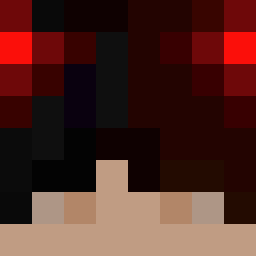
OTSHELNIK_ODIN was the 98th player we have seen with this skin, first spotted on 10.09.2026. The same skin was seen on these players. Open a nickname to see their current skin and skin history.
 Shark_PVP77 _Wicher_ CptAmericaTV coolesmiley1 JorCast Wolf36136 Saulinho_ Thiagobrazil BillCammZ Tigor009 you_wk Notwotwix TryingToPlay cSiLVeR_ Minto30 Pulsewyvern173 memo_mak LusteyNote ZERO_1X2 twodragon_0418 Mael_UwU _Po_prostu_Kuba_ Big_Timmy07 BeigePenguin916 Barrikeit02 caxyxx G2_zghtr War_FireBoy Ventux7 QANTASA380B747 Bunboiii AADHISHx3D itzHIKA YGROD Vitrox88 GOATBAPPE Neo_67 Nganababy tasidemaio Manerek_XD HeadShotByNegan Rxbbyez GodlyRizz TW_William hotdos YZsong K1MIKO7 _Peregrino GamerEymen Azexian JosKoskr Pond_Frog lucai_ gilui_ PedrokasPT Nastu422 Seo07jun HungryPOG ImPeppe_YT Zerokun0122
How to install the OTSHELNIK_ODIN skin
- Press the Download button above to save the skin as a PNG file.
- Minecraft: Bedrock Edition (PE): open the Dressing Room from the main menu (or tap your character → Edit Character), go to Classic Skins → Owned, press the + (new skin) button, choose the downloaded PNG and pick the Slim (Alex) model. Works on PC and mobile; consoles cannot import custom skins.
- Minecraft: Java Edition: open the Minecraft Launcher, go to the Skins tab, click New Skin, load the PNG, pick the Slim (Alex) model and press Save & Use. You can also upload it at minecraft.net → Profile → Change Skin.
The skin does not show up after import - what should I do?
Restart Minecraft and open the Dressing Room again - imported skins sometimes appear only after a restart. Also make sure you selected the imported skin and picked the Slim (Alex) model.
Which model should I choose, Classic or Slim?
This skin is designed for the Slim (Alex) model. If you pick the wrong model, the arms of the skin will look stretched or squeezed.
Is the skin of OTSHELNIK_ODIN free to download?
Yes. Press Download, save the PNG file and use it in Minecraft: Bedrock Edition or Java Edition - no payment or registration needed. The skin also works on multiplayer servers and Realms.
More skins
Looking for more? Go back to all Minecraft skins and check the top skins of the week, month and all time, or find any player's skin by nickname.