
OTFNifty - Minecraft Skins & Skin History
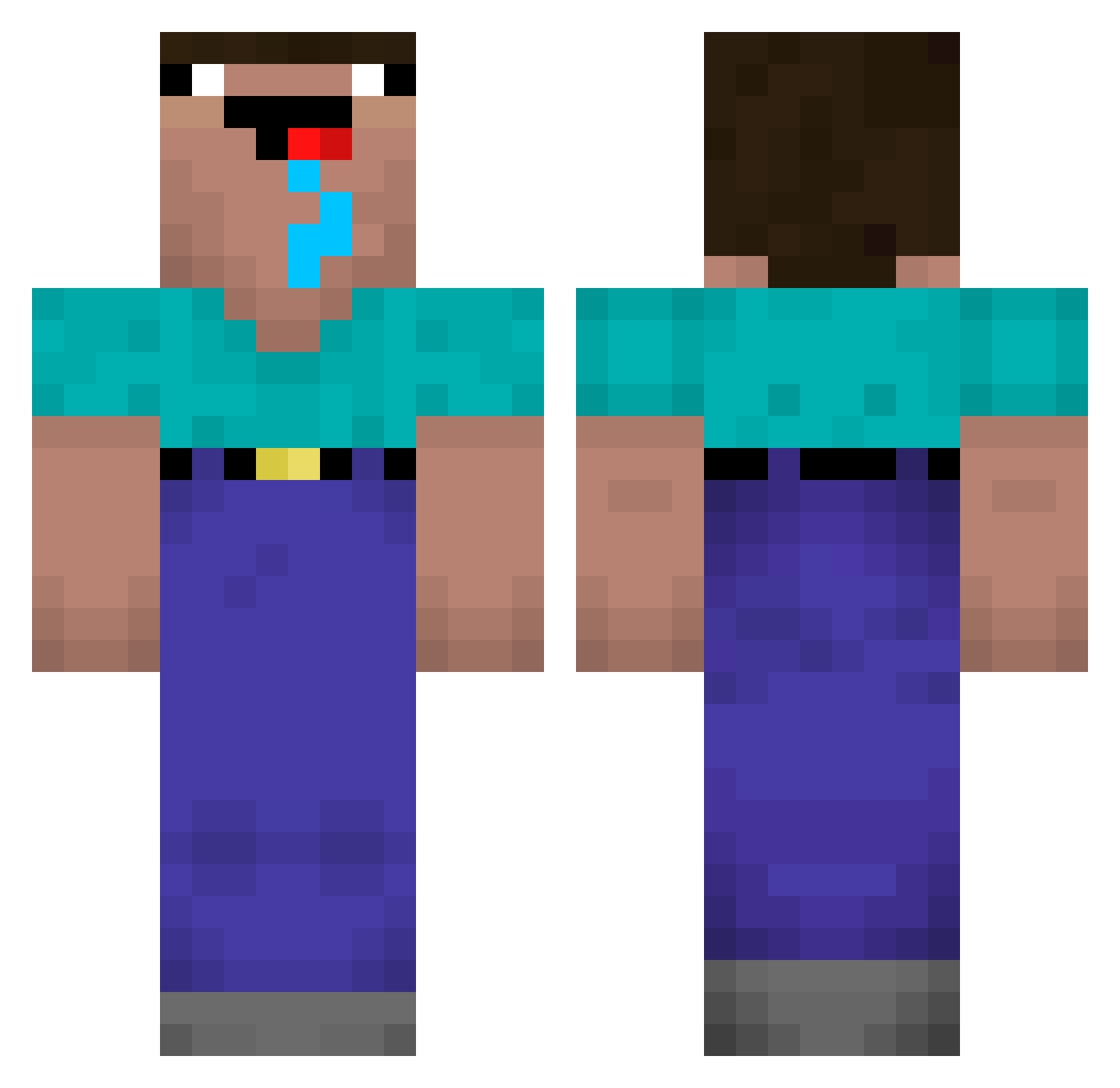
Current Minecraft skin of the player OTFNifty, loaded from the official Mojang API. Rotate the 3D model with your mouse or finger, then download the skin as a PNG file and use it in Minecraft: Bedrock Edition or Java Edition for free. When OTFNifty changes their skin, this page updates automatically and the old skin stays in the history below.
Other players with this skin (206)
OTFNifty was the 138th player we have seen with this skin, first spotted on 29.09.2026. The same skin was seen on these players. Open a nickname to see their current skin and skin history.
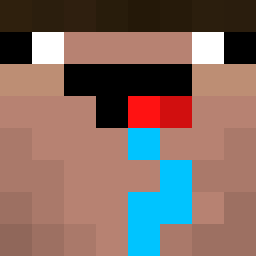 Cleonardo Daucik Defuzed Webby80es SashaYermin HiHiLee ferdinandsuppe Golemc xvideoscom BlackStorm145 Niclas82i YTriovar Asdrubaldo75 Kashiza drysalter GoonMaxxer9412 xXPRCXx Racleu_GB16 _pepon_ Bartek_Zombie Don_Juan7 Only_U rokmc5631 JapaAH Cookie4Dookie streetforces ven0Mcito imGu xduskyy Kelk PANTERADOURADA XX__X1_MAIN__XX tushkeissifam FG_Detro sikkt bobsnob_ MyNameIsKelvin mateus2k2 williambenji Ichikawaa01 chans12 Ethan_Liu ImPetry GabrielNN Bandido387 3AusssieKangas MrThunderClap ii0xC_A KingHerb102 WhiffyWolf68792 Marhin11 Nicky297 smuchta rembet1 ATrudge Andrei2010 Martincim Ippoglycemie angelo30050 Mr_Henzu
More Drooling Minecraft skins
How to install the OTFNifty skin
- Press the Download button above to save the skin as a PNG file.
- Minecraft: Bedrock Edition (PE): open the Dressing Room from the main menu (or tap your character → Edit Character), go to Classic Skins → Owned, press the + (new skin) button, choose the downloaded PNG and pick the Classic (Steve) model. Works on PC and mobile; consoles cannot import custom skins.
- Minecraft: Java Edition: open the Minecraft Launcher, go to the Skins tab, click New Skin, load the PNG, pick the Classic (Steve) model and press Save & Use. You can also upload it at minecraft.net → Profile → Change Skin.
The skin does not show up after import - what should I do?
Restart Minecraft and open the Dressing Room again - imported skins sometimes appear only after a restart. Also make sure you selected the imported skin and picked the Classic (Steve) model.
Which model should I choose, Classic or Slim?
This skin is designed for the Classic (Steve) model. If you pick the wrong model, the arms of the skin will look stretched or squeezed.
Is the skin of OTFNifty free to download?
Yes. Press Download, save the PNG file and use it in Minecraft: Bedrock Edition or Java Edition - no payment or registration needed. The skin also works on multiplayer servers and Realms.
More skins
Looking for more? Go back to all Minecraft skins and check the top skins of the week, month and all time, or find any player's skin by nickname.