
OG_VincentiuS - Minecraft Skins & Skin History
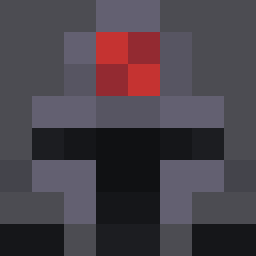
Current Minecraft skin of the player OG_VincentiuS, loaded from the official Mojang API. Rotate the 3D model with your mouse or finger, then download the skin as a PNG file and use it in Minecraft: Bedrock Edition or Java Edition for free. When OG_VincentiuS changes their skin, this page updates automatically and the old skin stays in the history below.
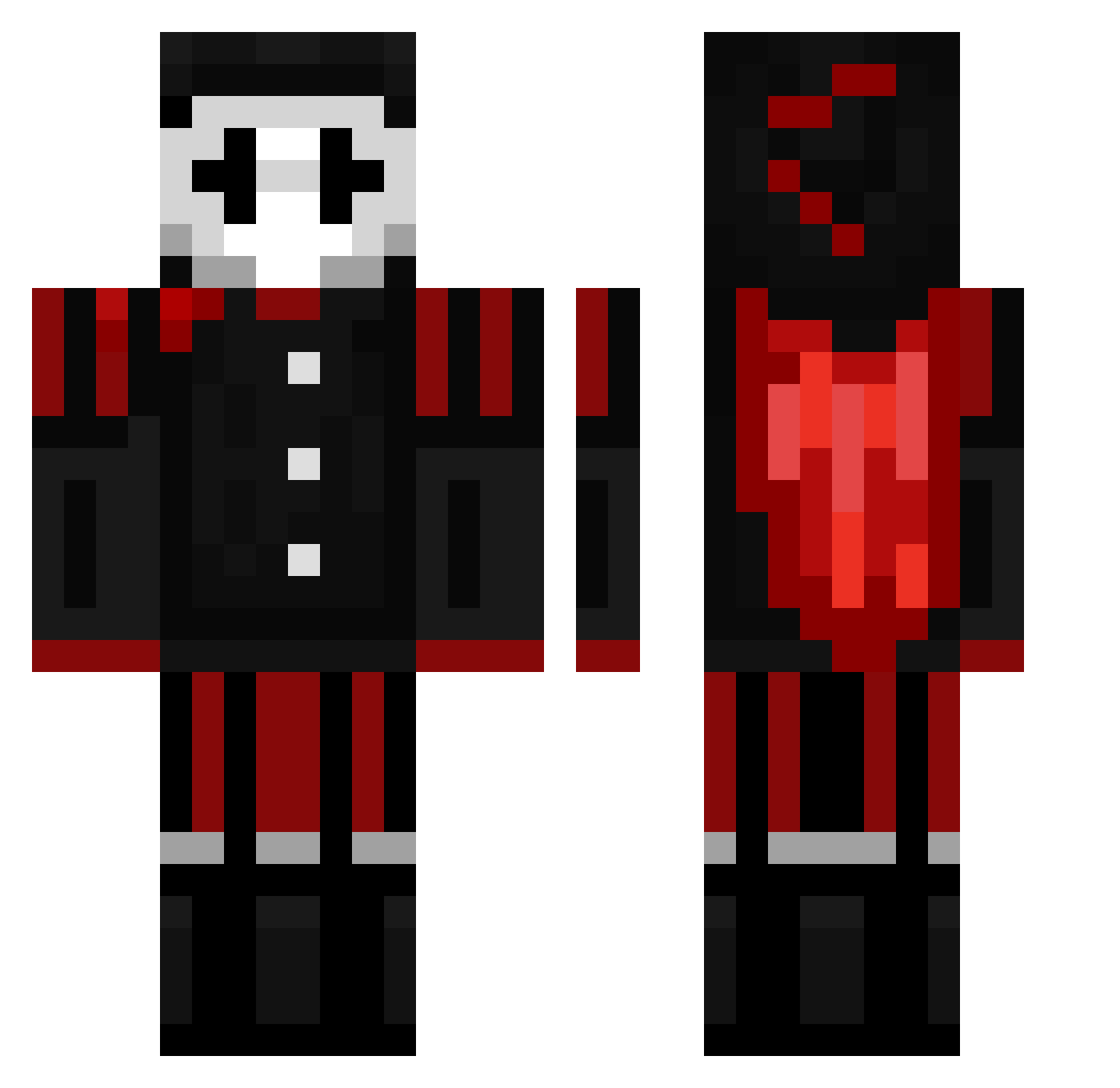
Other players with this skin (163)
OG_VincentiuS was the 15th player we have seen with this skin, first spotted on 03.08.2026. The same skin was seen on these players. Open a nickname to see their current skin and skin history.
 minidarfnry
 Sashko69 Only_A_Sigma Pogzaa CEZAR547 d0ckt0rj19
 DisputedPurse23 AspectTN Immoryx ItsHoloItsMe YAAAAAAA_ CoryKemerov21 Ronancutie filthybike Duckman11 cxz2themax Detlillefuttog FalconKestrel1 T_0e Tennacity_1 EnderY23 HenriGamer2010 connor3431 Derrmay jacob050312
 Renzo9160 Bodybuilder124 tyler0967 fearlessmarston sharoz123 Robbie_rocko12 normalplayer007
 WhiteBagboosst mc1ack Yarellpro Pietjeee_030 sushiroll3r MAXZAIE ObszureSpoonPig MartyGaming zoroghost88 Timo2_34 Huncho445 ClownTrix MainPear__ Its_U MrMatteoWeo Caleb101023 Alex24twef MRralph244
 davedezz SyncTwan Kiwi666Xd YTDarzucc CalixVibes killerbunny5222 krupti Smikkeldoos7 SupremeAirsofter Syndromine
More Harlequin Minecraft skins
How to install the OG_VincentiuS skin
- Press the Download button above to save the skin as a PNG file.
- Minecraft: Bedrock Edition (PE): open the Dressing Room from the main menu (or tap your character → Edit Character), go to Classic Skins → Owned, press the + (new skin) button, choose the downloaded PNG and pick the Classic (Steve) model. Works on PC and mobile; consoles cannot import custom skins.
- Minecraft: Java Edition: open the Minecraft Launcher, go to the Skins tab, click New Skin, load the PNG, pick the Classic (Steve) model and press Save & Use. You can also upload it at minecraft.net → Profile → Change Skin.
The skin does not show up after import - what should I do?
Restart Minecraft and open the Dressing Room again - imported skins sometimes appear only after a restart. Also make sure you selected the imported skin and picked the Classic (Steve) model.
Which model should I choose, Classic or Slim?
This skin is designed for the Classic (Steve) model. If you pick the wrong model, the arms of the skin will look stretched or squeezed.
Is the skin of OG_VincentiuS free to download?
Yes. Press Download, save the PNG file and use it in Minecraft: Bedrock Edition or Java Edition - no payment or registration needed. The skin also works on multiplayer servers and Realms.
More skins
Looking for more? Go back to all Minecraft skins and check the top skins of the week, month and all time, or find any player's skin by nickname.