
OBERSTER1_YT4747 - Minecraft Skins & Skin History
Current Minecraft skin of the player OBERSTER1_YT4747, loaded from the official Mojang API. Rotate the 3D model with your mouse or finger, then download the skin as a PNG file and use it in Minecraft: Bedrock Edition or Java Edition for free. When OBERSTER1_YT4747 changes their skin, this page updates automatically and the old skin stays in the history below.
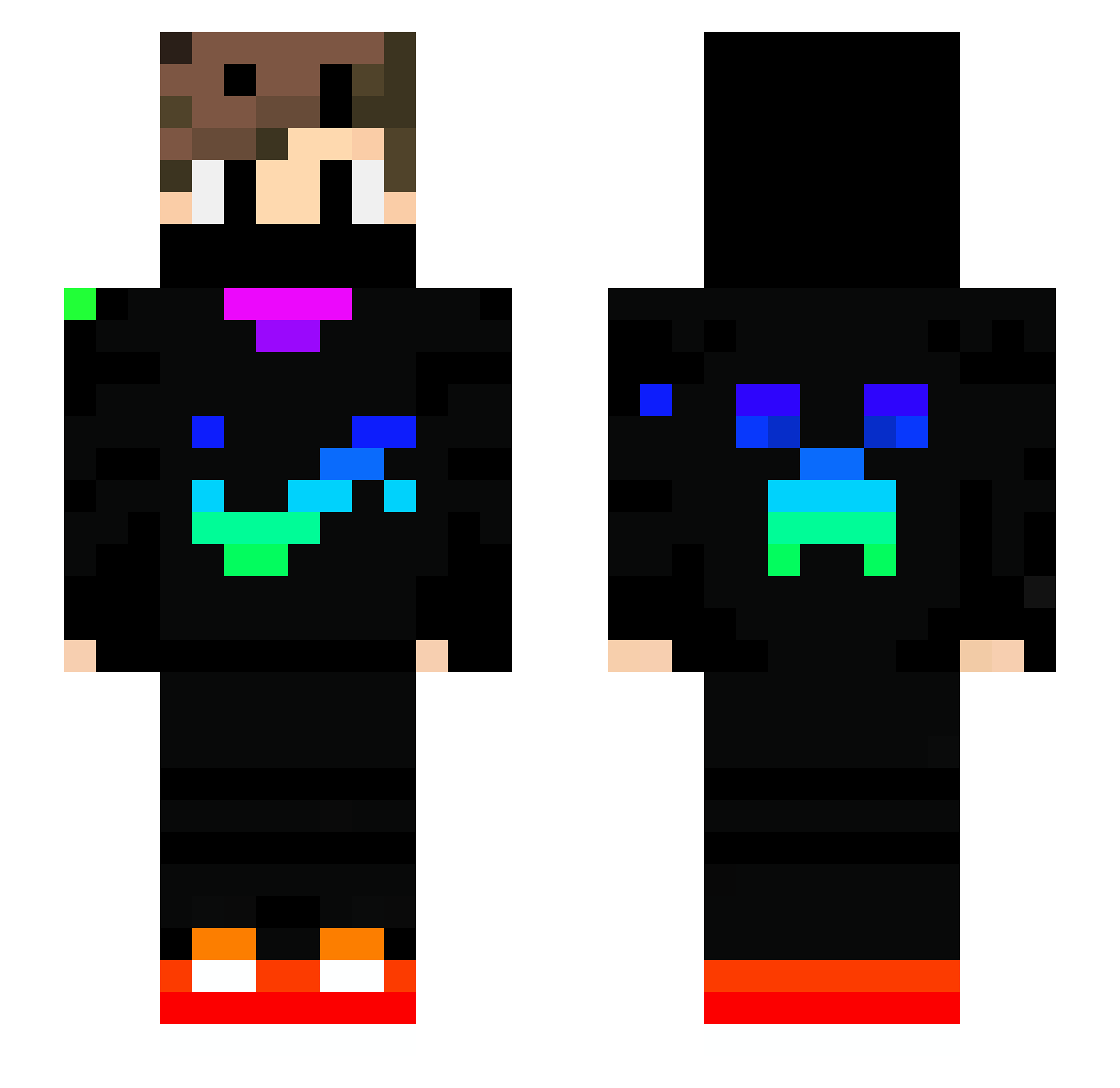
Other players with this skin (729)
OBERSTER1_YT4747 was the 601st player we have seen with this skin, first spotted on 20.10.2026. The same skin was seen on these players. Open a nickname to see their current skin and skin history.
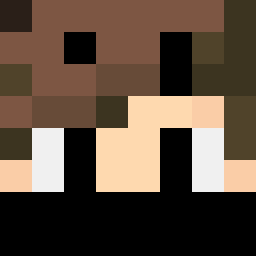 _Matt14c_ YetiFlosse Bolado__ LoveMetallica63 SenhorFLOKI alfaxxx727 LSCTW042 Magiya999 Jasiek4 SANLILL141 Anti_Ork MAGRAADAMI Abneguint ArchGaming akkey255 FieryRedFalcon elNico98 Egoego7070 TAIGA928 Ofek1814 BigTeddy888 SkyHighBuilder Cameroceras1979 CUBED7348 erensengelir Laurinkowski Michal2000 daddy_balle Goku304 RobinleBG31 caique_artista MateiGamer855 RayChen1223 Baby_Yoda_2013 SeaMinerAE z9487xd miri3021 mizozaar Louisthelion68 Luigimaniakid Matteofire7 ProGamer564 Pravej_Dream ErenKaradeniz61 LUFTWAFFE_2 ianw2r Domix577 Gariados Ardababa09 JohnBazemore Sheeeeeshyy Farahhafez alndautare MioBedrock jasamlerdi TTM_Leo Fliflam04 RupertTrevor Nanox123_67 Sytel1
More Creeper Minecraft skins
How to install the OBERSTER1_YT4747 skin
- Press the Download button above to save the skin as a PNG file.
- Minecraft: Bedrock Edition (PE): open the Dressing Room from the main menu (or tap your character → Edit Character), go to Classic Skins → Owned, press the + (new skin) button, choose the downloaded PNG and pick the Slim (Alex) model. Works on PC and mobile; consoles cannot import custom skins.
- Minecraft: Java Edition: open the Minecraft Launcher, go to the Skins tab, click New Skin, load the PNG, pick the Slim (Alex) model and press Save & Use. You can also upload it at minecraft.net → Profile → Change Skin.
The skin does not show up after import - what should I do?
Restart Minecraft and open the Dressing Room again - imported skins sometimes appear only after a restart. Also make sure you selected the imported skin and picked the Slim (Alex) model.
Which model should I choose, Classic or Slim?
This skin is designed for the Slim (Alex) model. If you pick the wrong model, the arms of the skin will look stretched or squeezed.
Is the skin of OBERSTER1_YT4747 free to download?
Yes. Press Download, save the PNG file and use it in Minecraft: Bedrock Edition or Java Edition - no payment or registration needed. The skin also works on multiplayer servers and Realms.
More skins
Looking for more? Go back to all Minecraft skins and check the top skins of the week, month and all time, or find any player's skin by nickname.