
Nyx_LF - Minecraft Skins & Skin History
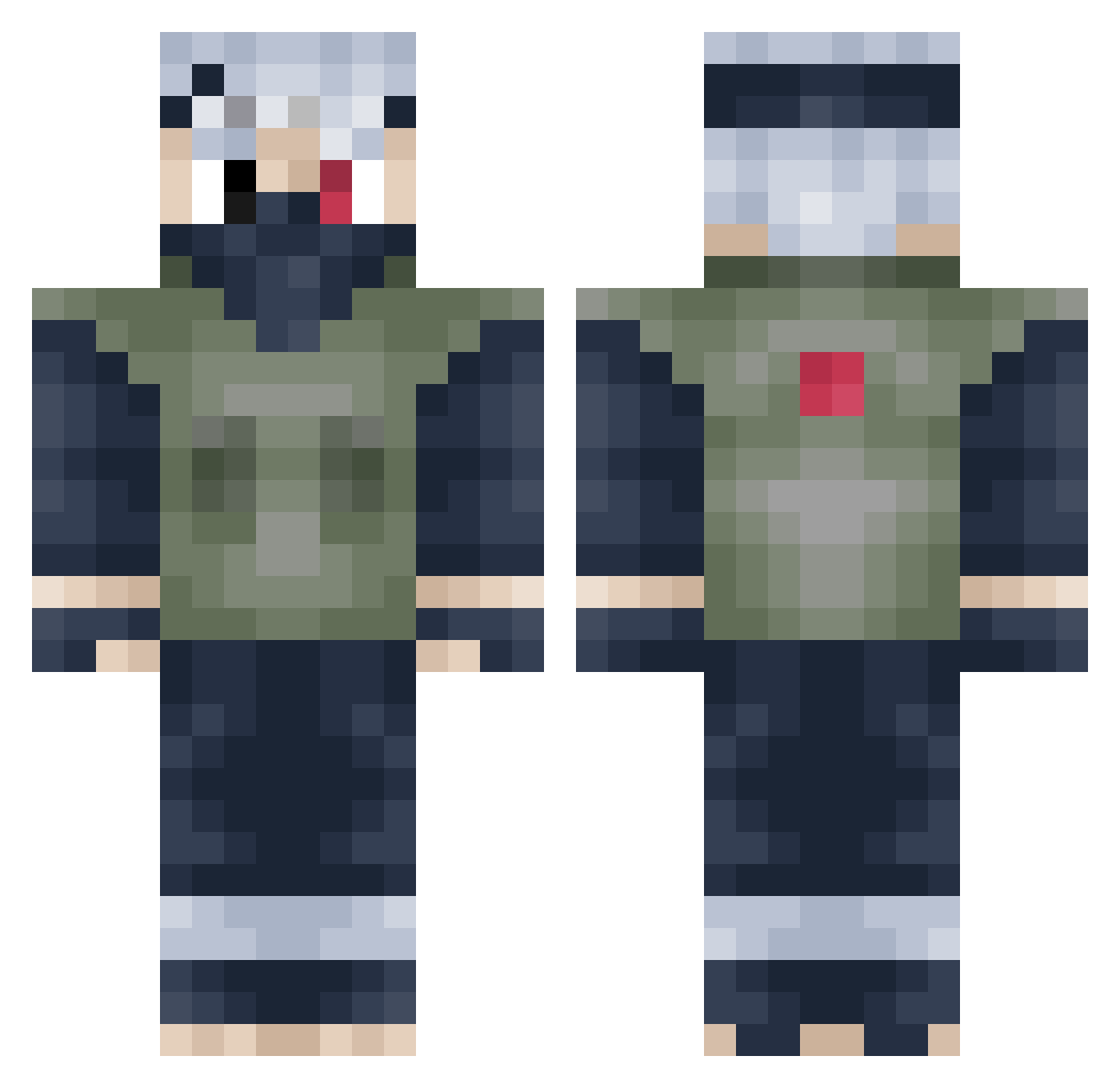
Current Minecraft skin of the player Nyx_LF, loaded from the official Mojang API. Rotate the 3D model with your mouse or finger, then download the skin as a PNG file and use it in Minecraft: Bedrock Edition or Java Edition for free. When Nyx_LF changes their skin, this page updates automatically and the old skin stays in the history below.
Other players with this skin (398)
Nyx_LF was the 281st player we have seen with this skin, first spotted on 07.10.2026. The same skin was seen on these players. Open a nickname to see their current skin and skin history.
 Scal3ne TheJoey_3 NarutoUzumaki08 WarmasterDoom xBlueCreeper Ajin555 Baran12 Ic3rizzo LeftyGfx Atixlolzz harel1997 IsaacApp Genics0957 ShinrasBankai ThorsCatcher trustworthied ddory0922 Shadowlord2860 killshort Forest1534 RickSanchezC148 matouu47 Mdm_Thomas KDaMenace lTR1CHl Piserbi Vinnie2605 OHOAB91 Snowflake1200 Berserker1011 laremiol blk_nightmare YTFlipZy likeh simwon420 HoangM T1anQ RegencyRampage StyledMercury6 Young31 GuiXuan i3bdullah_06 CptSmellyPants ELBasti007 gavinpavin Pupseli Legendboy106 Roedthetripod ZenKaneki Matseren maojianhua CrownTrap Im4GvN187 Jevin42 Patrick_Sch Ilkronos _Frosty_Gaming_ 3GlizziesInMyBun _boat5 ClownDelivery
More Kakashi Hatake Minecraft skins
See all 468 Kakashi Hatake skins
How to install the Nyx_LF skin
- Press the Download button above to save the skin as a PNG file.
- Minecraft: Bedrock Edition (PE): open the Dressing Room from the main menu (or tap your character → Edit Character), go to Classic Skins → Owned, press the + (new skin) button, choose the downloaded PNG and pick the Classic (Steve) model. Works on PC and mobile; consoles cannot import custom skins.
- Minecraft: Java Edition: open the Minecraft Launcher, go to the Skins tab, click New Skin, load the PNG, pick the Classic (Steve) model and press Save & Use. You can also upload it at minecraft.net → Profile → Change Skin.
The skin does not show up after import - what should I do?
Restart Minecraft and open the Dressing Room again - imported skins sometimes appear only after a restart. Also make sure you selected the imported skin and picked the Classic (Steve) model.
Which model should I choose, Classic or Slim?
This skin is designed for the Classic (Steve) model. If you pick the wrong model, the arms of the skin will look stretched or squeezed.
Is the skin of Nyx_LF free to download?
Yes. Press Download, save the PNG file and use it in Minecraft: Bedrock Edition or Java Edition - no payment or registration needed. The skin also works on multiplayer servers and Realms.
More skins
Looking for more? Go back to all Minecraft skins and check the top skins of the week, month and all time, or find any player's skin by nickname.