
Nuxemor - Minecraft Skins & Skin History
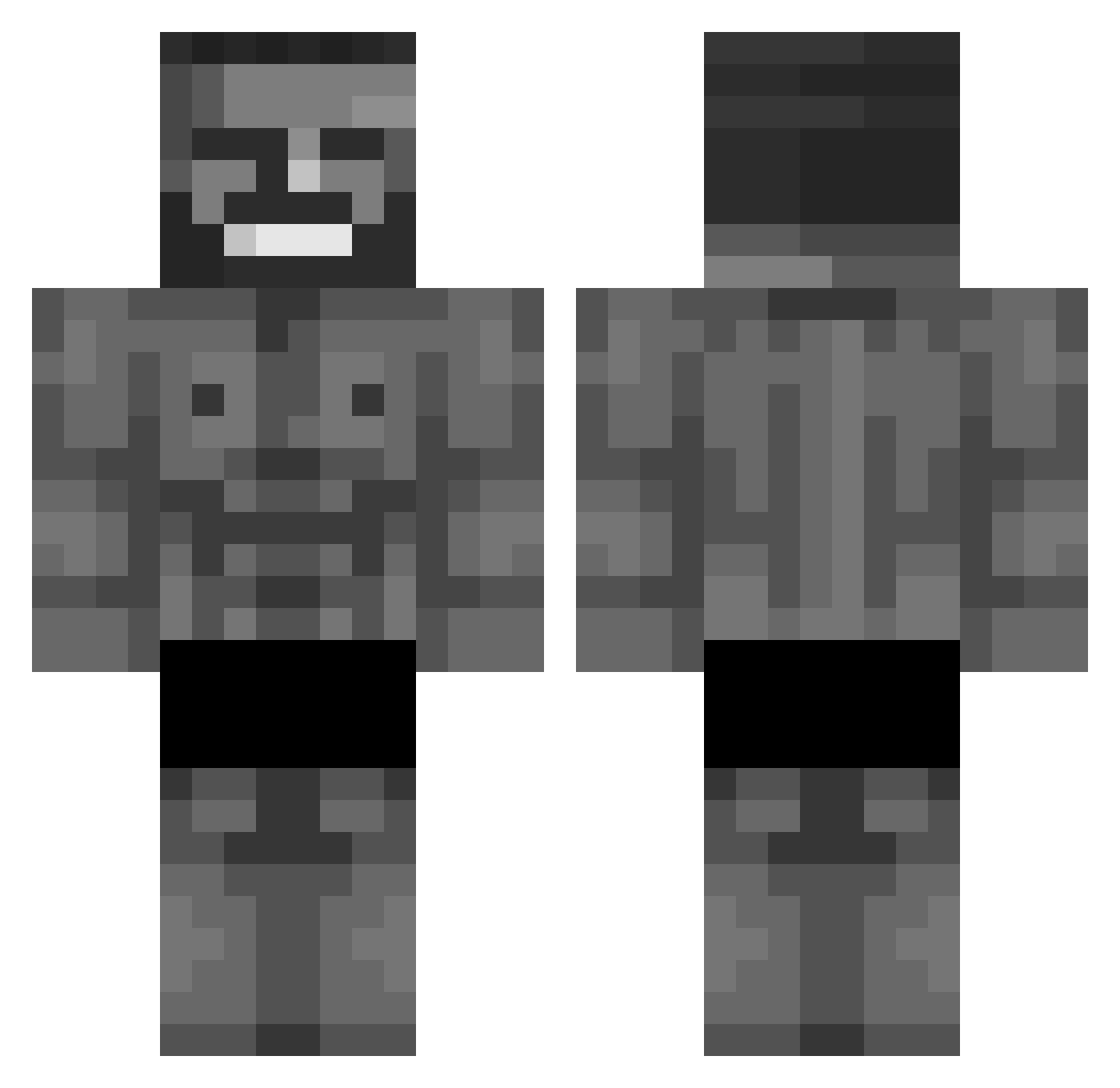
Current Minecraft skin of the player Nuxemor, loaded from the official Mojang API. Rotate the 3D model with your mouse or finger, then download the skin as a PNG file and use it in Minecraft: Bedrock Edition or Java Edition for free. When Nuxemor changes their skin, this page updates automatically and the old skin stays in the history below.
Other players with this skin (768)
Nuxemor was the 29th player we have seen with this skin, first spotted on 27.07.2026. The same skin was seen on these players. Open a nickname to see their current skin and skin history.
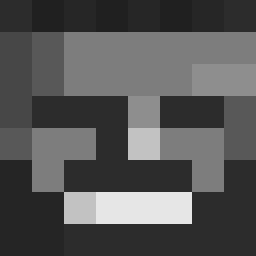 Chipsien IBudI AnimeShards MasterRekr firekillerasap manavcimuz JuanWiCK9 Poleetson EGGZYCLAP fasekr velleeda SwooptyDoop
 ICER_OP venectra UKKIKING Ahmorte 7lM07HY MrKetaminezz Jillanl RetroAlien51 bagh111 Lenovopro669 Impl1c1ty EmirhanBabo67 coldz2k KameradLink markowski_2137 Andrut2137 LyricProduct118 FOURATTS bigmanimposter Lalo428 ZionKai Tobimutombo MRSKELETON12 Double_0D VendettaESP DZJN _Perceuse_Bosh_ Mystermonkey_77 Mellorifick1 Frosset Gogos2108 matiraptor13 gabelQDH GX21 Coole_geit MrLexom coppercoin1031 GB3charlie32 Total_Bruh69 Burgerman022 napstablook8489 HookeyOhs PakruojoBlogis AustrianChad TheRealWhopper KubaMaly brodywody BigToppaSlopppaa
More Gigachad Minecraft skins
How to install the Nuxemor skin
- Press the Download button above to save the skin as a PNG file.
- Minecraft: Bedrock Edition (PE): open the Dressing Room from the main menu (or tap your character → Edit Character), go to Classic Skins → Owned, press the + (new skin) button, choose the downloaded PNG and pick the Classic (Steve) model. Works on PC and mobile; consoles cannot import custom skins.
- Minecraft: Java Edition: open the Minecraft Launcher, go to the Skins tab, click New Skin, load the PNG, pick the Classic (Steve) model and press Save & Use. You can also upload it at minecraft.net → Profile → Change Skin.
The skin does not show up after import - what should I do?
Restart Minecraft and open the Dressing Room again - imported skins sometimes appear only after a restart. Also make sure you selected the imported skin and picked the Classic (Steve) model.
Which model should I choose, Classic or Slim?
This skin is designed for the Classic (Steve) model. If you pick the wrong model, the arms of the skin will look stretched or squeezed.
Is the skin of Nuxemor free to download?
Yes. Press Download, save the PNG file and use it in Minecraft: Bedrock Edition or Java Edition - no payment or registration needed. The skin also works on multiplayer servers and Realms.
More skins
Looking for more? Go back to all Minecraft skins and check the top skins of the week, month and all time, or find any player's skin by nickname.