
NotchDid711 - Minecraft Skins & Skin History
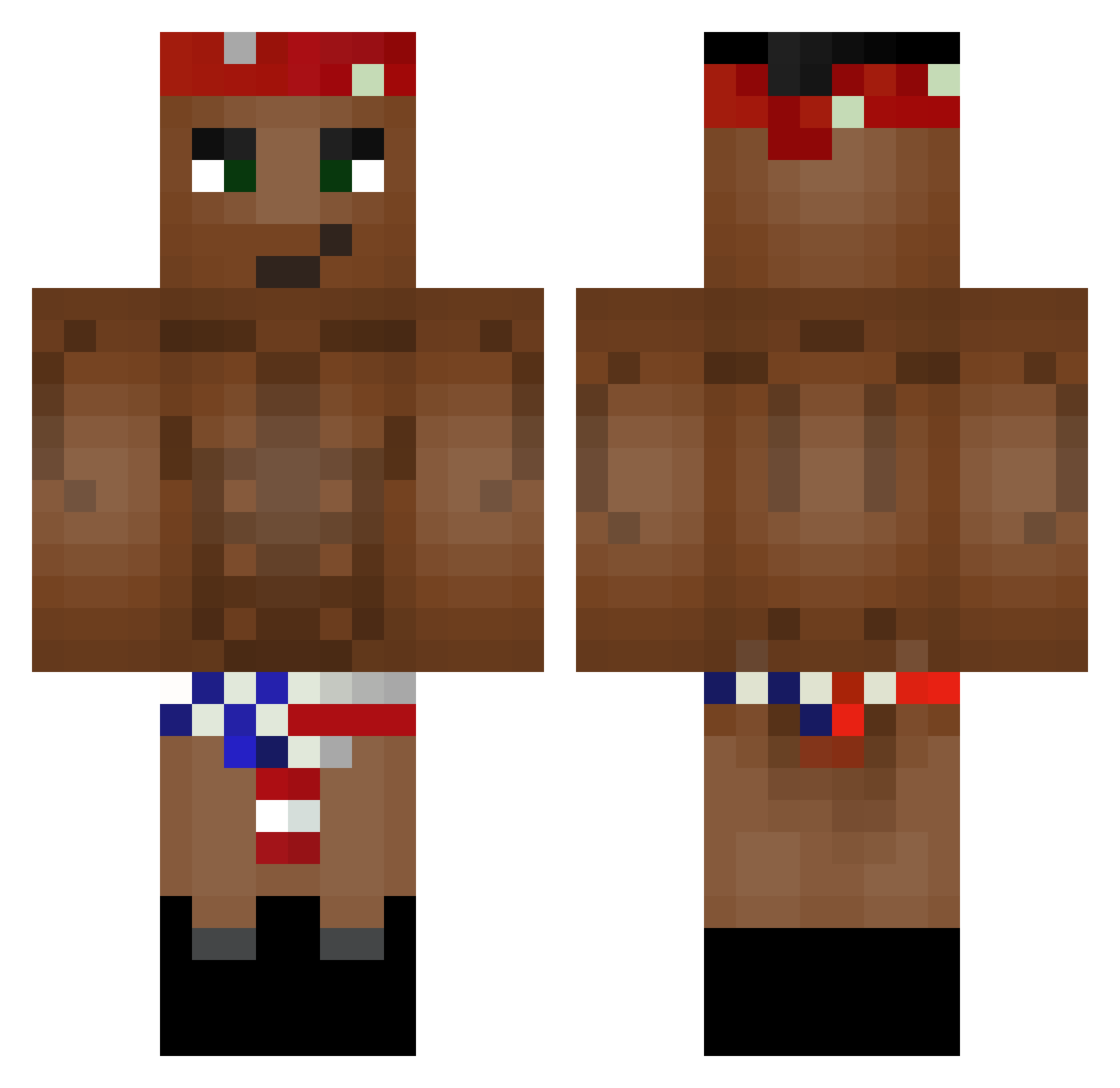
Current Minecraft skin of the player NotchDid711, loaded from the official Mojang API. Rotate the 3D model with your mouse or finger, then download the skin as a PNG file and use it in Minecraft: Bedrock Edition or Java Edition for free. When NotchDid711 changes their skin, this page updates automatically and the old skin stays in the history below.
Other players with this skin (131)
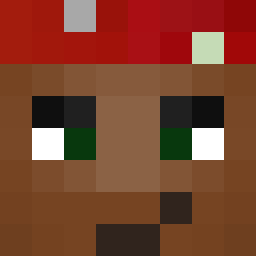
NotchDid711 was the 121st player we have seen with this skin, first spotted on 12.11.2026. The same skin was seen on these players. Open a nickname to see their current skin and skin history.
 Hercules_Balls SuccMyMineShaft Tchub Mavrezen DrBrunoM MaverickZer0 FatBoi123 Joshua5684 Skilloy AltsPancho kiingbloodpool B_2the_rad bottle0drank Hepatitis_F KLein7 EpicSauce7 TheMST78 _VolodyaGG_ boez999 OGCONCEPT BRUHMOMENTUM1 BurritoH2O KingBurgerJee Bryzzor Losuyk Schfifty515 qwimex RendonBMX LandKraken phlucas flexf Sanuker Alcohol1cMuppet PapaPingusPeen dragonlink2000 dedAlexey NoSnails colourbrained ninhaa Commetuveux Ayzikeepo Teelana Royalwaddledee chingusthemingus BSL_Jannick Adrianodecapreo Wicky9722 Fastrano Desoxii MrDerpowsky Capistrano IceAge2OnDVD XanderMcDonald 12RicardoGr Glomsteri knephisto biggda76 Ohyo_Ohyo Spingu Jhonmbe
More Tupac Shakur Minecraft skins
See all 207 Tupac Shakur skins
How to install the NotchDid711 skin
- Press the Download button above to save the skin as a PNG file.
- Minecraft: Bedrock Edition (PE): open the Dressing Room from the main menu (or tap your character → Edit Character), go to Classic Skins → Owned, press the + (new skin) button, choose the downloaded PNG and pick the Classic (Steve) model. Works on PC and mobile; consoles cannot import custom skins.
- Minecraft: Java Edition: open the Minecraft Launcher, go to the Skins tab, click New Skin, load the PNG, pick the Classic (Steve) model and press Save & Use. You can also upload it at minecraft.net → Profile → Change Skin.
The skin does not show up after import - what should I do?
Restart Minecraft and open the Dressing Room again - imported skins sometimes appear only after a restart. Also make sure you selected the imported skin and picked the Classic (Steve) model.
Which model should I choose, Classic or Slim?
This skin is designed for the Classic (Steve) model. If you pick the wrong model, the arms of the skin will look stretched or squeezed.
Is the skin of NotchDid711 free to download?
Yes. Press Download, save the PNG file and use it in Minecraft: Bedrock Edition or Java Edition - no payment or registration needed. The skin also works on multiplayer servers and Realms.
More skins
Looking for more? Go back to all Minecraft skins and check the top skins of the week, month and all time, or find any player's skin by nickname.