
Not_Too_Funny - Minecraft Skins & Skin History
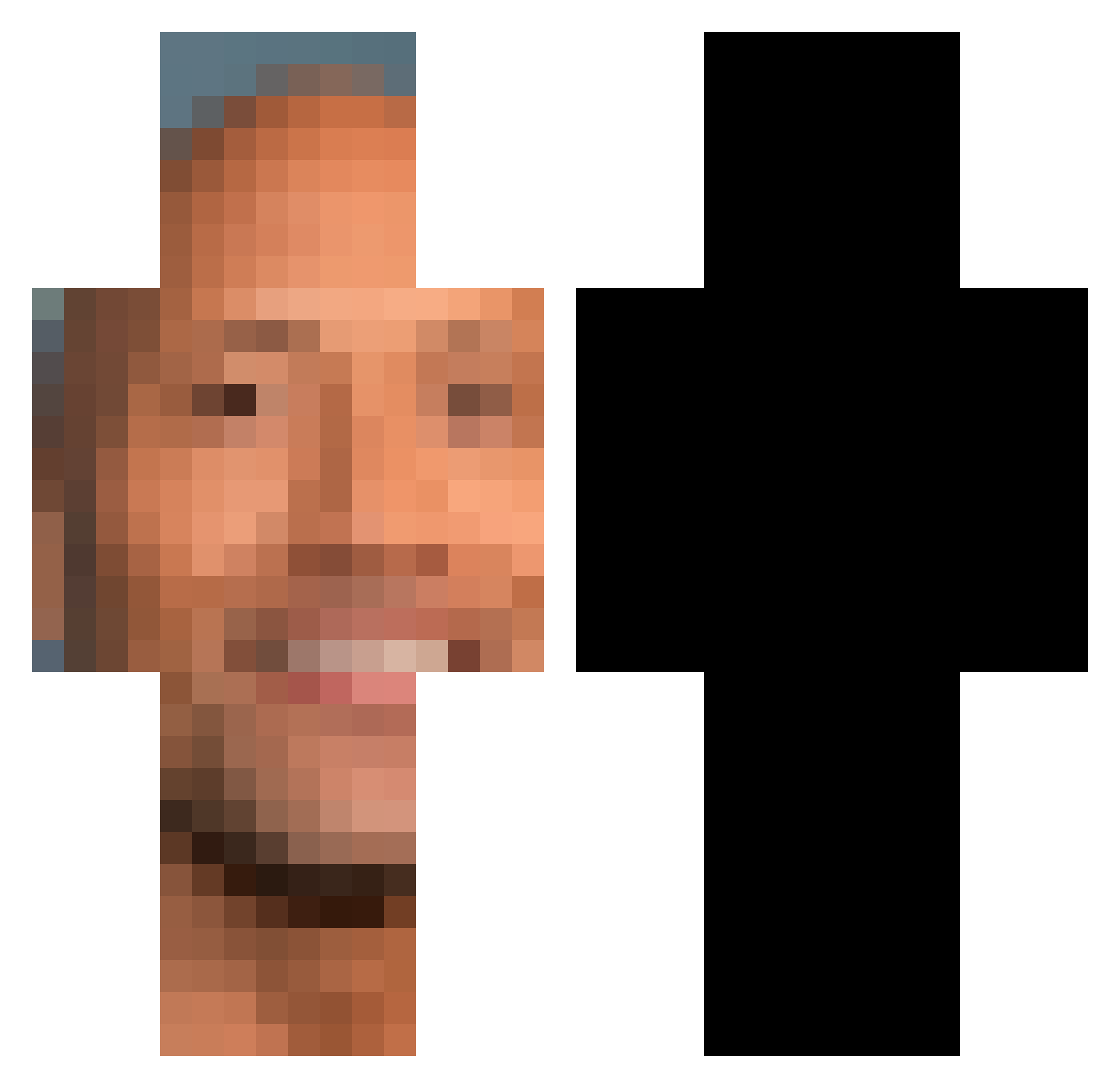
Current Minecraft skin of the player Not_Too_Funny, loaded from the official Mojang API. Rotate the 3D model with your mouse or finger, then download the skin as a PNG file and use it in Minecraft: Bedrock Edition or Java Edition for free. When Not_Too_Funny changes their skin, this page updates automatically and the old skin stays in the history below.
Other players with this skin (280)
Not_Too_Funny was the 237th player we have seen with this skin, first spotted on 27.10.2026. The same skin was seen on these players. Open a nickname to see their current skin and skin history.
 antebra7 F222M cillious P3RPL3X0 Dobejohnson8 Spinnenjaeger08 hi_its_donut 5GenMe skacra 1ssac3rhv Day3NoLean Wcho Shrimpy266 2ndhndprosti iYugo Troublesome2 Milcat68 alpa3169 eggidk Ethars Mereyeo EggYokess 1hen_ TheBront SaizxG Jagger199x Honsee K0STl Isma699 Slazdog _Chromaa Vakmie kjeld06 SoldierCraft3333 OneSheap OmarHOCKEY n8w3rt DescriptingAlt5 cokka olekpindolek S1AN4E namo555 st0ner_b0ner1 WET_NAPPY aniraMordnasselA SikiLL_ Austindo140 NinjaMoves990 Nimzy187 RuinedU YeeRun kristusronaldo lladnxr BorkekStavitel WideBoris Rafi88 Vansddf Wuk1e iill1122 obama_care122
More Dwayne Johnson Minecraft skins
See all 36 Dwayne Johnson skins
How to install the Not_Too_Funny skin
- Press the Download button above to save the skin as a PNG file.
- Minecraft: Bedrock Edition (PE): open the Dressing Room from the main menu (or tap your character → Edit Character), go to Classic Skins → Owned, press the + (new skin) button, choose the downloaded PNG and pick the Classic (Steve) model. Works on PC and mobile; consoles cannot import custom skins.
- Minecraft: Java Edition: open the Minecraft Launcher, go to the Skins tab, click New Skin, load the PNG, pick the Classic (Steve) model and press Save & Use. You can also upload it at minecraft.net → Profile → Change Skin.
The skin does not show up after import - what should I do?
Restart Minecraft and open the Dressing Room again - imported skins sometimes appear only after a restart. Also make sure you selected the imported skin and picked the Classic (Steve) model.
Which model should I choose, Classic or Slim?
This skin is designed for the Classic (Steve) model. If you pick the wrong model, the arms of the skin will look stretched or squeezed.
Is the skin of Not_Too_Funny free to download?
Yes. Press Download, save the PNG file and use it in Minecraft: Bedrock Edition or Java Edition - no payment or registration needed. The skin also works on multiplayer servers and Realms.
More skins
Looking for more? Go back to all Minecraft skins and check the top skins of the week, month and all time, or find any player's skin by nickname.