
NotMeNotYou0 - Minecraft Skins & Skin History
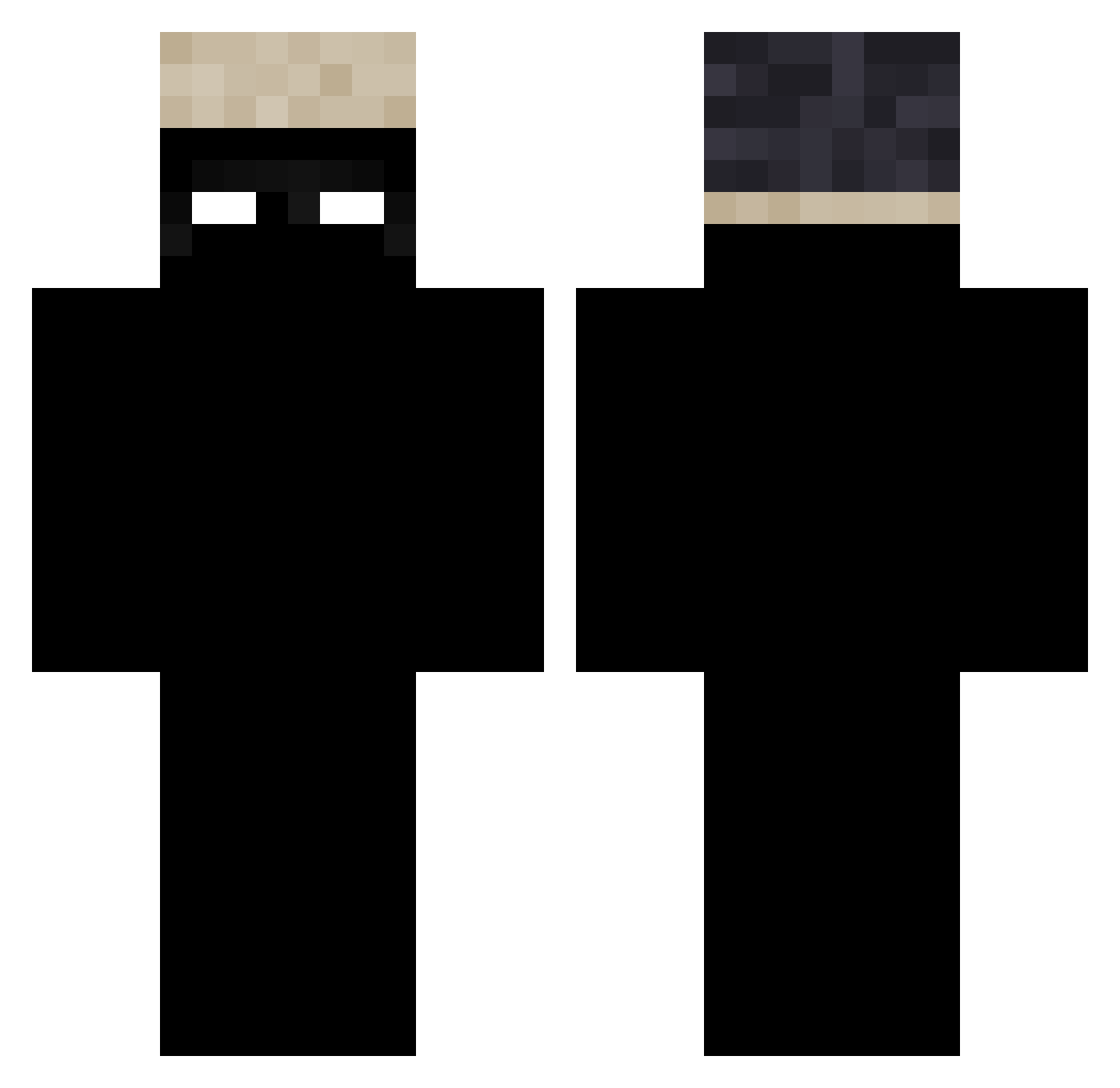
Current Minecraft skin of the player NotMeNotYou0, loaded from the official Mojang API. Rotate the 3D model with your mouse or finger, then download the skin as a PNG file and use it in Minecraft: Bedrock Edition or Java Edition for free. When NotMeNotYou0 changes their skin, this page updates automatically and the old skin stays in the history below.
Other players with this skin (69)
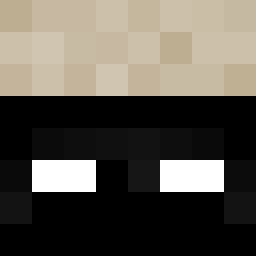
NotMeNotYou0 was the 43rd player we have seen with this skin, first spotted on 18.09.2026. The same skin was seen on these players. Open a nickname to see their current skin and skin history.
 Brandon_63 zenikaOFF NicZab Croakydon Morenoriii JardoF2023 ttcrynrr zrpe Molek_Mostowiak Babalotto SitDogTryhard _AnakJunior Poasy zzzzyzz tank_XL thiccymiggy AyoNarri rajinn itzanteqp Mini_alpaca96 Leoneq77 VaporingElk4041 beleauaNR11 L_uzy kkguiii rewty46 SnawpyZ JS111206 _Frezzy01 TH_Try Fakemandela Seba71 arkuwu_ hydraXDM PhysicalHat13 Kuro1089 ItzAzyra mr_cat911 elpepe13082010 lemmeshoya Nosterd FaZePINO99 Pilzyou NEON146 J0gadorCaro __phill_ YASZ_15 Vexzl_0 iaio igoz3941 uniqwq AQI2011 cam_xm PBlowerGuapo ilmcl juggmyslatttt whyhalfgold Kevvlol ZTER_MC kakakkggb
How to install the NotMeNotYou0 skin
- Press the Download button above to save the skin as a PNG file.
- Minecraft: Bedrock Edition (PE): open the Dressing Room from the main menu (or tap your character → Edit Character), go to Classic Skins → Owned, press the + (new skin) button, choose the downloaded PNG and pick the Classic (Steve) model. Works on PC and mobile; consoles cannot import custom skins.
- Minecraft: Java Edition: open the Minecraft Launcher, go to the Skins tab, click New Skin, load the PNG, pick the Classic (Steve) model and press Save & Use. You can also upload it at minecraft.net → Profile → Change Skin.
The skin does not show up after import - what should I do?
Restart Minecraft and open the Dressing Room again - imported skins sometimes appear only after a restart. Also make sure you selected the imported skin and picked the Classic (Steve) model.
Which model should I choose, Classic or Slim?
This skin is designed for the Classic (Steve) model. If you pick the wrong model, the arms of the skin will look stretched or squeezed.
Is the skin of NotMeNotYou0 free to download?
Yes. Press Download, save the PNG file and use it in Minecraft: Bedrock Edition or Java Edition - no payment or registration needed. The skin also works on multiplayer servers and Realms.
More skins
Looking for more? Go back to all Minecraft skins and check the top skins of the week, month and all time, or find any player's skin by nickname.