
NotLucas777 - Minecraft Skins & Skin History
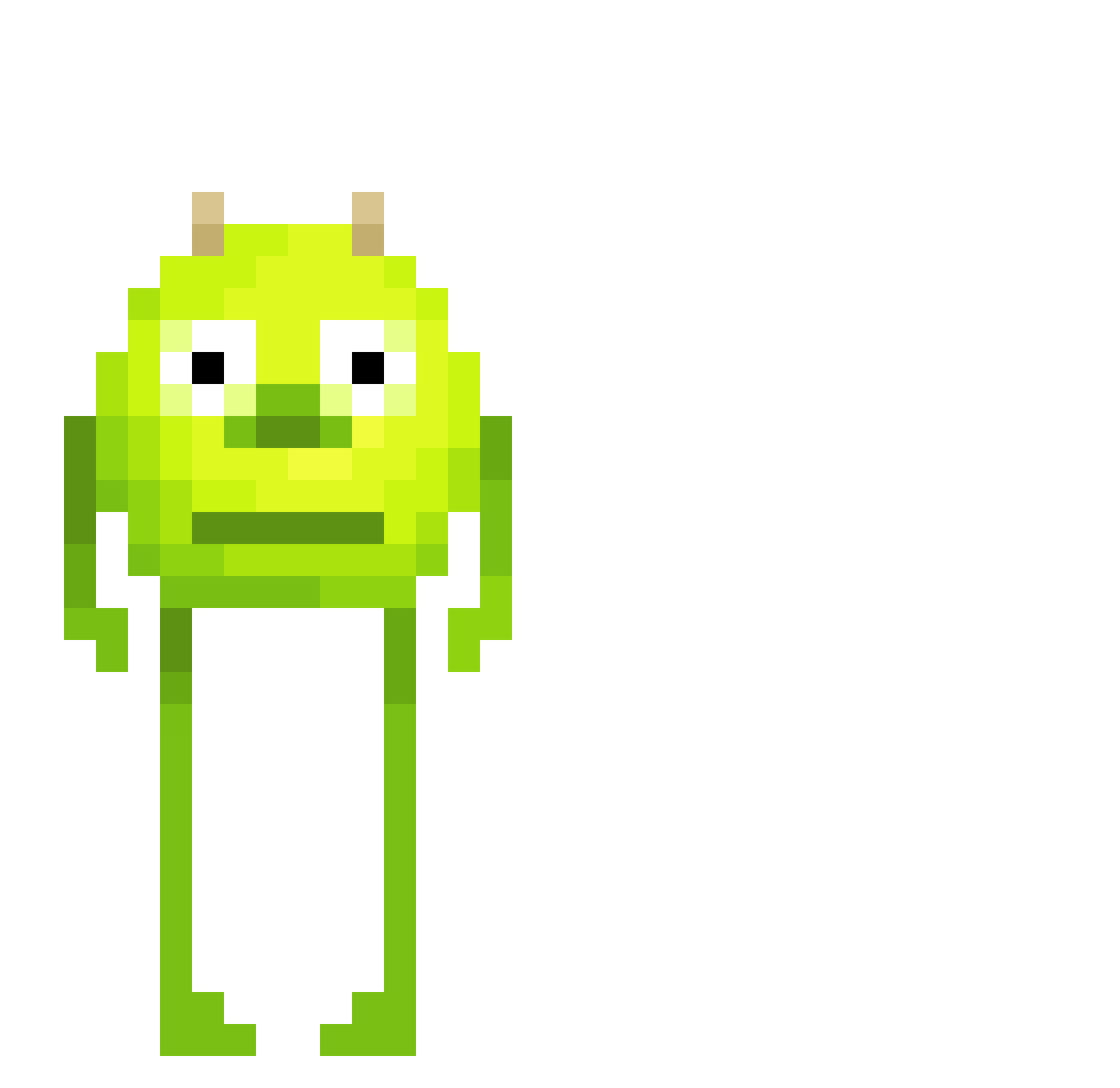
Current Minecraft skin of the player NotLucas777, loaded from the official Mojang API. Rotate the 3D model with your mouse or finger, then download the skin as a PNG file and use it in Minecraft: Bedrock Edition or Java Edition for free. When NotLucas777 changes their skin, this page updates automatically and the old skin stays in the history below.
Other players with this skin (465)
NotLucas777 was the 263rd player we have seen with this skin, first spotted on 25.09.2026. The same skin was seen on these players. Open a nickname to see their current skin and skin history.
 SDS_LaundrySauce ys666 BigBoyBizz pedr0z GoshawkJake kadthechad Gergoo1515 Aphrocronus facekimo Poppedbymarcel delnaey cootienibbler _SILLtiptop_ BingBongBooey boyan0328 0_FLEX MrWeenie72 ListPrivate mistybobcat Xmile6727 GecoGaming Mike_Wazowski420 Tizayy subzero222222222 SOCISS9 Hoowth N1k1taa SoundSea0513354 Ramadan82 Abbuxo ysss7_ Lilyana___ yusufhann0 Valla20 coldenthetree proxy592 marjulone _squidward_13 Diano_SK Peanut54 strinzy21 SlowChetah Dz7Yeager Dilo137 BiggestHead123 fsafafas VariousA_ Grotor9 Flexit007 ByCurdex aronz04 xNormalNormanx Henriqueonfleek JMYoda19 tblaveiras mangosteen0 RodrigoGamboa24 Daisy_VT DDDEmmaSux Ch1ckwin
More Mike Wazowski Minecraft skins
See all 282 Mike Wazowski skins
How to install the NotLucas777 skin
- Press the Download button above to save the skin as a PNG file.
- Minecraft: Bedrock Edition (PE): open the Dressing Room from the main menu (or tap your character → Edit Character), go to Classic Skins → Owned, press the + (new skin) button, choose the downloaded PNG and pick the Classic (Steve) model. Works on PC and mobile; consoles cannot import custom skins.
- Minecraft: Java Edition: open the Minecraft Launcher, go to the Skins tab, click New Skin, load the PNG, pick the Classic (Steve) model and press Save & Use. You can also upload it at minecraft.net → Profile → Change Skin.
The skin does not show up after import - what should I do?
Restart Minecraft and open the Dressing Room again - imported skins sometimes appear only after a restart. Also make sure you selected the imported skin and picked the Classic (Steve) model.
Which model should I choose, Classic or Slim?
This skin is designed for the Classic (Steve) model. If you pick the wrong model, the arms of the skin will look stretched or squeezed.
Is the skin of NotLucas777 free to download?
Yes. Press Download, save the PNG file and use it in Minecraft: Bedrock Edition or Java Edition - no payment or registration needed. The skin also works on multiplayer servers and Realms.
More skins
Looking for more? Go back to all Minecraft skins and check the top skins of the week, month and all time, or find any player's skin by nickname.