
Noski_dk - Minecraft Skins & Skin History
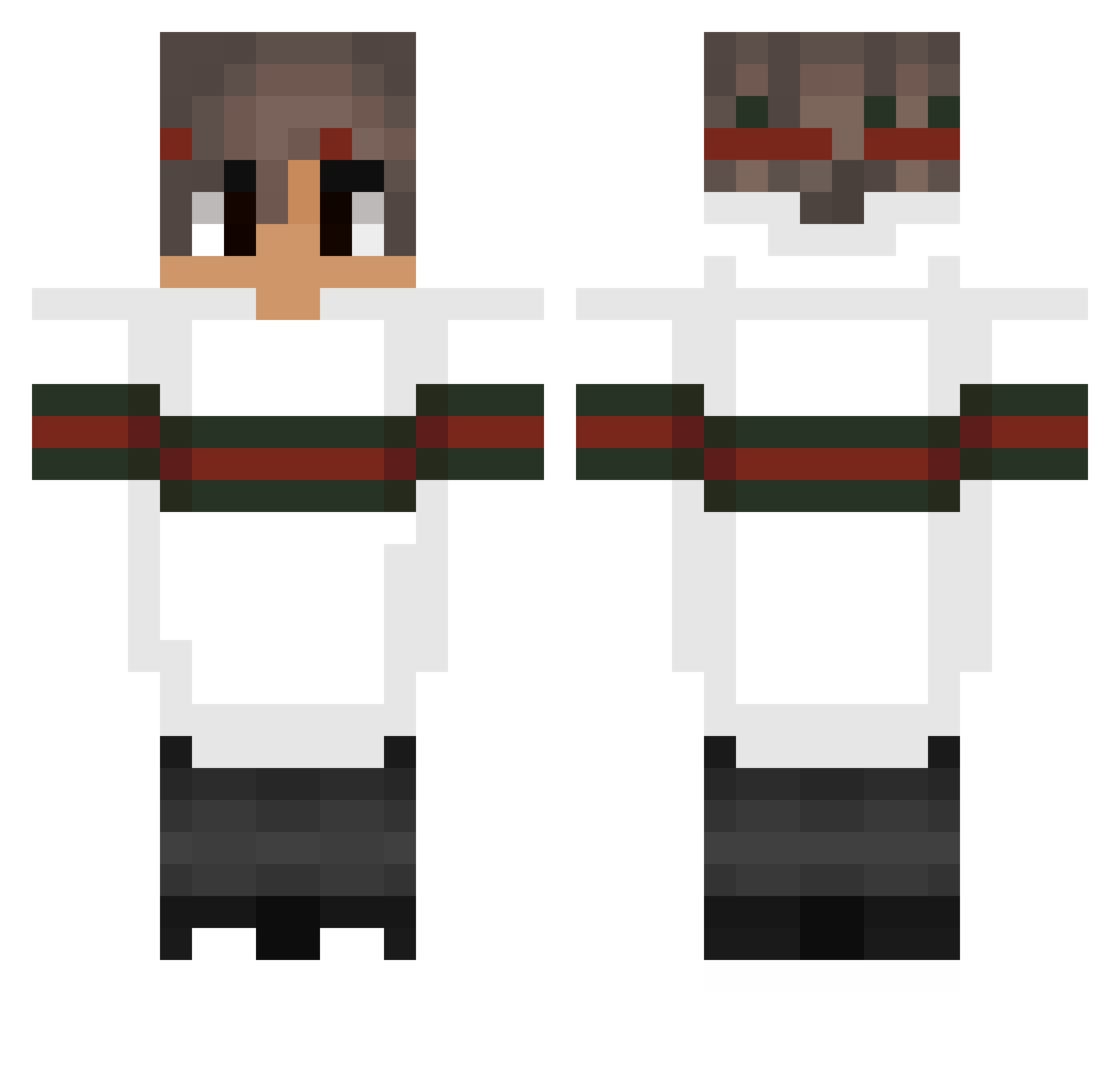
Current Minecraft skin of the player Noski_dk, loaded from the official Mojang API. Rotate the 3D model with your mouse or finger, then download the skin as a PNG file and use it in Minecraft: Bedrock Edition or Java Edition for free. When Noski_dk changes their skin, this page updates automatically and the old skin stays in the history below.
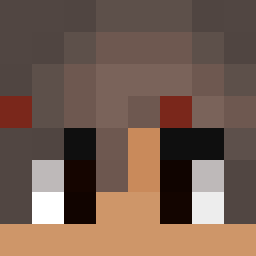
Other players with this skin (152)
Noski_dk was the 137th player we have seen with this skin, first spotted on 15.10.2026. The same skin was seen on these players. Open a nickname to see their current skin and skin history.
 Hyeon_H0 tim_tpw Kacpiu EmotionalBean Blexxican Guzzi03 ardaaq xAhiru2000 GUCCIBOI22 LukasKratzel Th3biII Prevailed viking_Troels710 ByQuefix Kazuuohh kevlolly sizzinsh Zqyx123 __IBOSS__ ey_darkx3 _XSonecaX_ sfirud jww0414 MasterSox92 TaMereAuPlafond ZomBieGeGner JScorpion14Alt EbRaheEm_ FUORIPERILCASH JustKillerKyle 3amer369 Kapselek_007 ObamaPlayGames SOTWtimer gregor7s Xuao JaKostra07 ZeiiiK Sindre20052005 KNOWLEDG2 Brolix11 JoshB871 uebp woong83 Snox2k Siyoonryan izgir Quantvms BluntStat TheBeefySupreme ByCzEx Danukw ToastL3o cjwk93 Santiagotheking MicroCruZZer karlolegioncro Rubenknc x_zkz_x Delected
More Striped Sleeves Minecraft skins
See all 1064 Striped Sleeves skins
How to install the Noski_dk skin
- Press the Download button above to save the skin as a PNG file.
- Minecraft: Bedrock Edition (PE): open the Dressing Room from the main menu (or tap your character → Edit Character), go to Classic Skins → Owned, press the + (new skin) button, choose the downloaded PNG and pick the Classic (Steve) model. Works on PC and mobile; consoles cannot import custom skins.
- Minecraft: Java Edition: open the Minecraft Launcher, go to the Skins tab, click New Skin, load the PNG, pick the Classic (Steve) model and press Save & Use. You can also upload it at minecraft.net → Profile → Change Skin.
The skin does not show up after import - what should I do?
Restart Minecraft and open the Dressing Room again - imported skins sometimes appear only after a restart. Also make sure you selected the imported skin and picked the Classic (Steve) model.
Which model should I choose, Classic or Slim?
This skin is designed for the Classic (Steve) model. If you pick the wrong model, the arms of the skin will look stretched or squeezed.
Is the skin of Noski_dk free to download?
Yes. Press Download, save the PNG file and use it in Minecraft: Bedrock Edition or Java Edition - no payment or registration needed. The skin also works on multiplayer servers and Realms.
More skins
Looking for more? Go back to all Minecraft skins and check the top skins of the week, month and all time, or find any player's skin by nickname.