
Njarween - Minecraft Skins & Skin History
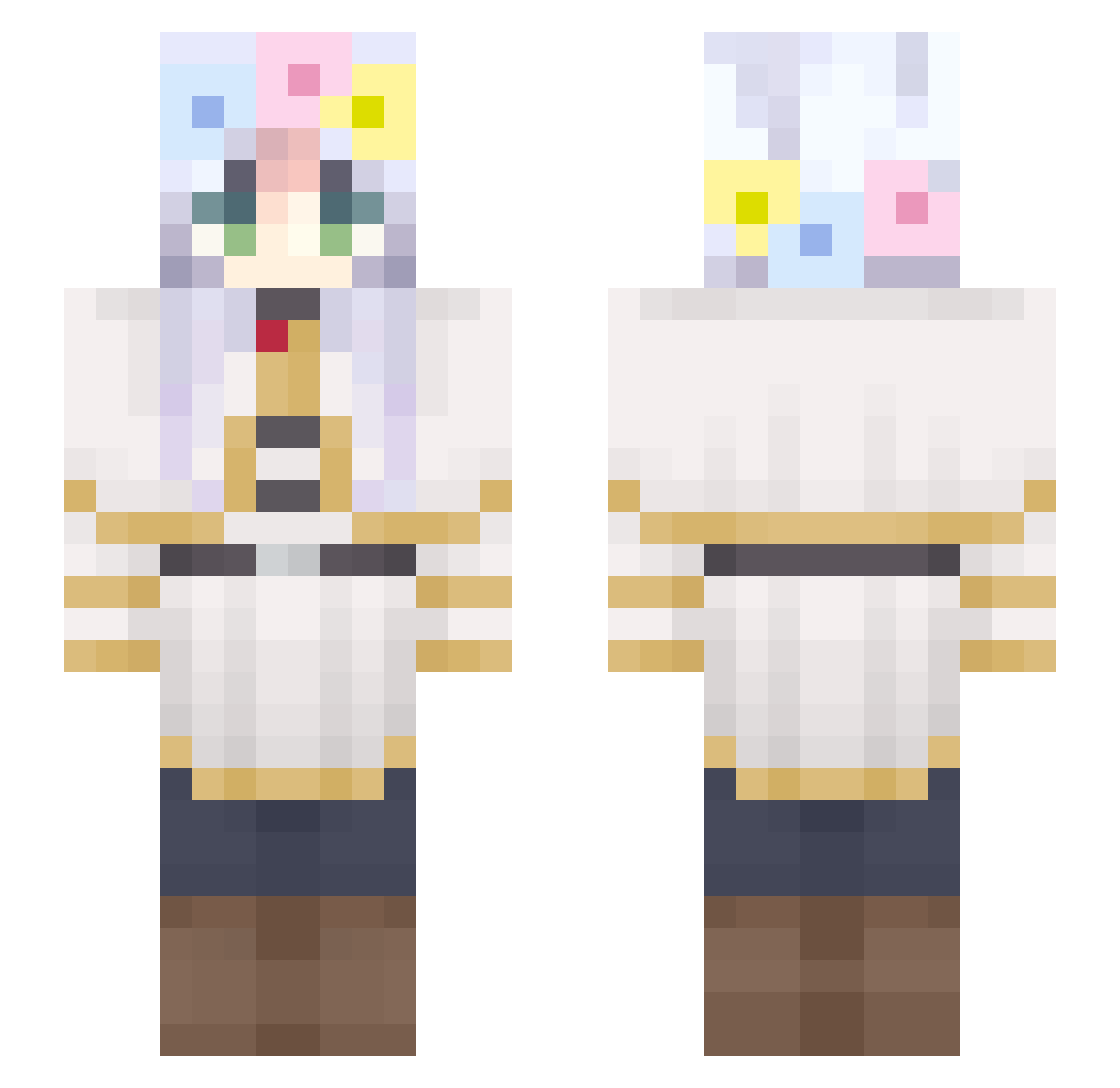
Current Minecraft skin of the player Njarween, loaded from the official Mojang API. Rotate the 3D model with your mouse or finger, then download the skin as a PNG file and use it in Minecraft: Bedrock Edition or Java Edition for free. When Njarween changes their skin, this page updates automatically and the old skin stays in the history below.
Other players with this skin (356)
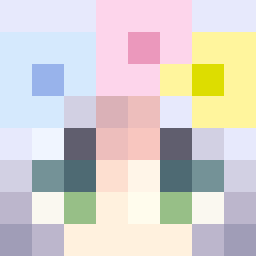
Njarween was the 320th player we have seen with this skin, first spotted on 07.11.2026. The same skin was seen on these players. Open a nickname to see their current skin and skin history.
 112536 MuscleX Jaigar CautiouesPS Melyrah doni0906 PhantomB0y eyllu Hoano remayo_ juntaek2092 UmbyXD rimuruuu LnWZa007X oioi4414 xRui231 Yaoyao272 Pandad8 kirstyverse Turing_Bombe MERRY_0702 misio0 syunshine02 churromann Lightning_129 ft_Lkei Im_ddot_jui FONI_5212 KIMJUNKYU1776 Silver_Gladius haxs1n moon_lt ingapis ElTakes Pedia_ B612_27 hehaaaaaaaaa Y1RS MuZikChanOwO WafflTheCrusader Ombiax SyPoog Trapaaaaa chowbeano eagle776 ciyanhechu GYUGUY Camereman Dunkloestus Danzig213 Mochimochi_nn Emiip tiredIsa Cudol oAndrezito garychu666 Ph4ntom_lord Reitaoo aquatory993 marigc
More Flower Crown Minecraft skins
See all 4086 Flower Crown skins
How to install the Njarween skin
- Press the Download button above to save the skin as a PNG file.
- Minecraft: Bedrock Edition (PE): open the Dressing Room from the main menu (or tap your character → Edit Character), go to Classic Skins → Owned, press the + (new skin) button, choose the downloaded PNG and pick the Slim (Alex) model. Works on PC and mobile; consoles cannot import custom skins.
- Minecraft: Java Edition: open the Minecraft Launcher, go to the Skins tab, click New Skin, load the PNG, pick the Slim (Alex) model and press Save & Use. You can also upload it at minecraft.net → Profile → Change Skin.
The skin does not show up after import - what should I do?
Restart Minecraft and open the Dressing Room again - imported skins sometimes appear only after a restart. Also make sure you selected the imported skin and picked the Slim (Alex) model.
Which model should I choose, Classic or Slim?
This skin is designed for the Slim (Alex) model. If you pick the wrong model, the arms of the skin will look stretched or squeezed.
Is the skin of Njarween free to download?
Yes. Press Download, save the PNG file and use it in Minecraft: Bedrock Edition or Java Edition - no payment or registration needed. The skin also works on multiplayer servers and Realms.
More skins
Looking for more? Go back to all Minecraft skins and check the top skins of the week, month and all time, or find any player's skin by nickname.