
NingMake - Minecraft Skins & Skin History
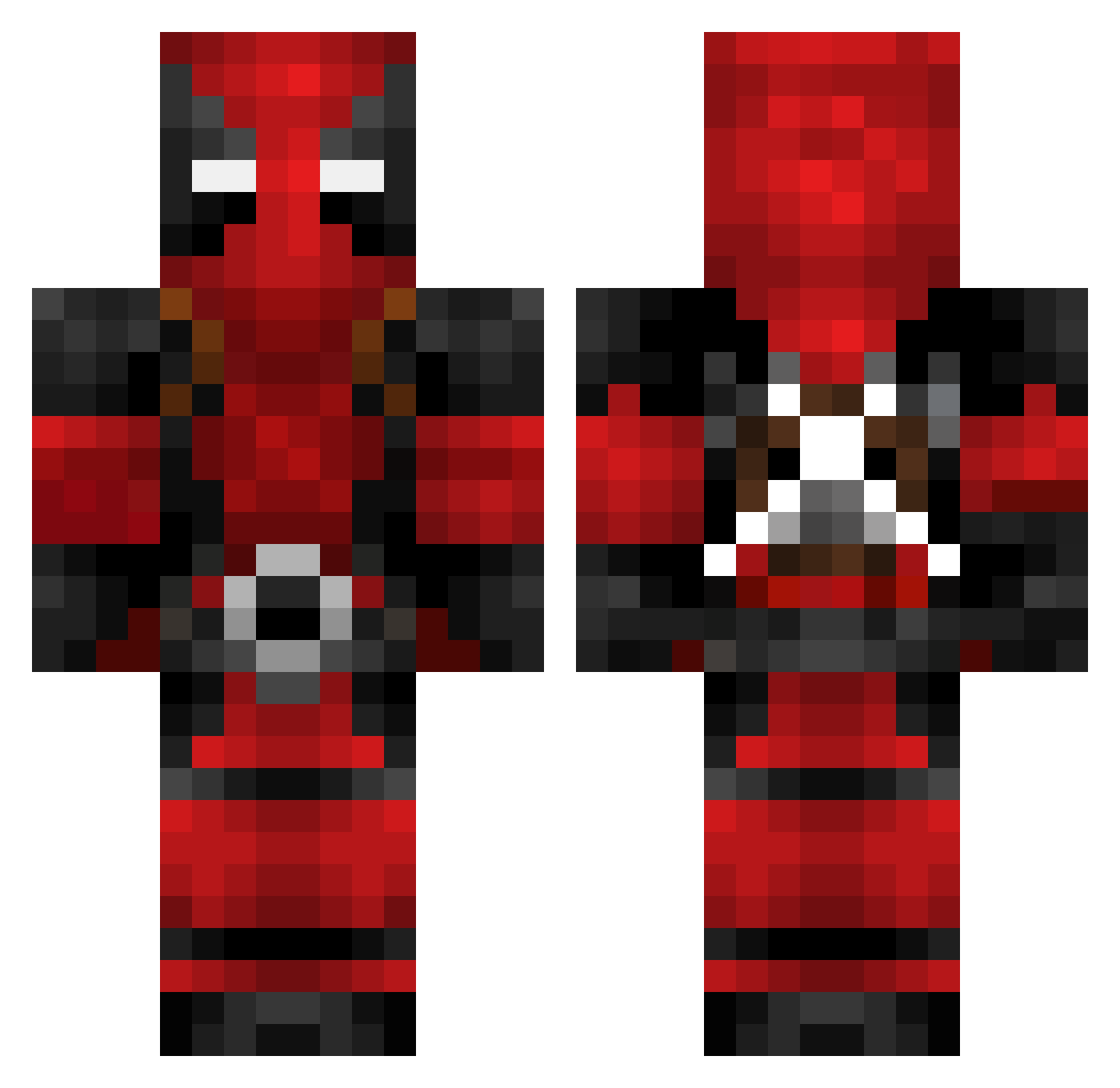
Current Minecraft skin of the player NingMake, loaded from the official Mojang API. Rotate the 3D model with your mouse or finger, then download the skin as a PNG file and use it in Minecraft: Bedrock Edition or Java Edition for free. When NingMake changes their skin, this page updates automatically and the old skin stays in the history below.
Other players with this skin (782)
NingMake was the 678th player we have seen with this skin, first spotted on 28.10.2026. The same skin was seen on these players. Open a nickname to see their current skin and skin history.
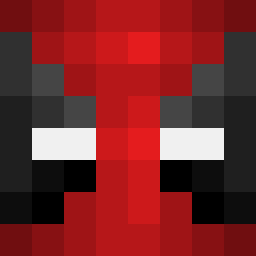 mr_shadow01 ElShiesty69 Technicalfps ImagineBaggins69 Fabman512 CHA_M0 KarmaEnforcer Nplatsch Echiwa Theo0616 Pelatuz JahKorupt saka_chicken LilPooLYe sneaksiefeet SmackinPussie N3Boy Grievedge KIROK_ Elevate66 _Noob_Master_6_9 Nbr_GabbeR Warchee SuperiorRupert Blacktankard eat_my_blocks NicoHD97 DewaldHeenop FlyMeToTheM00n BefokteBoer B33M0 aThunderstruck JumperTrJr tacospy805 kurtiscool5 Tino2405 GoldGraffiti Vanizzel iBuLL3T Pidgeyman Geldxn Truschty _Papo LaLaLaLisaLi Svasse08 ZackyStar Ricksslime Fennanito Cygorilla CFSkud mlukas96 lil_j4f SK0RP1A Chilllbroo Phitz3 xDom117x zProphecy ETlouis Chaosmash JohnThicc2
More Deadpool Minecraft skins
How to install the NingMake skin
- Press the Download button above to save the skin as a PNG file.
- Minecraft: Bedrock Edition (PE): open the Dressing Room from the main menu (or tap your character → Edit Character), go to Classic Skins → Owned, press the + (new skin) button, choose the downloaded PNG and pick the Classic (Steve) model. Works on PC and mobile; consoles cannot import custom skins.
- Minecraft: Java Edition: open the Minecraft Launcher, go to the Skins tab, click New Skin, load the PNG, pick the Classic (Steve) model and press Save & Use. You can also upload it at minecraft.net → Profile → Change Skin.
The skin does not show up after import - what should I do?
Restart Minecraft and open the Dressing Room again - imported skins sometimes appear only after a restart. Also make sure you selected the imported skin and picked the Classic (Steve) model.
Which model should I choose, Classic or Slim?
This skin is designed for the Classic (Steve) model. If you pick the wrong model, the arms of the skin will look stretched or squeezed.
Is the skin of NingMake free to download?
Yes. Press Download, save the PNG file and use it in Minecraft: Bedrock Edition or Java Edition - no payment or registration needed. The skin also works on multiplayer servers and Realms.
More skins
Looking for more? Go back to all Minecraft skins and check the top skins of the week, month and all time, or find any player's skin by nickname.