
NineCentipede31 - Minecraft Skins & Skin History
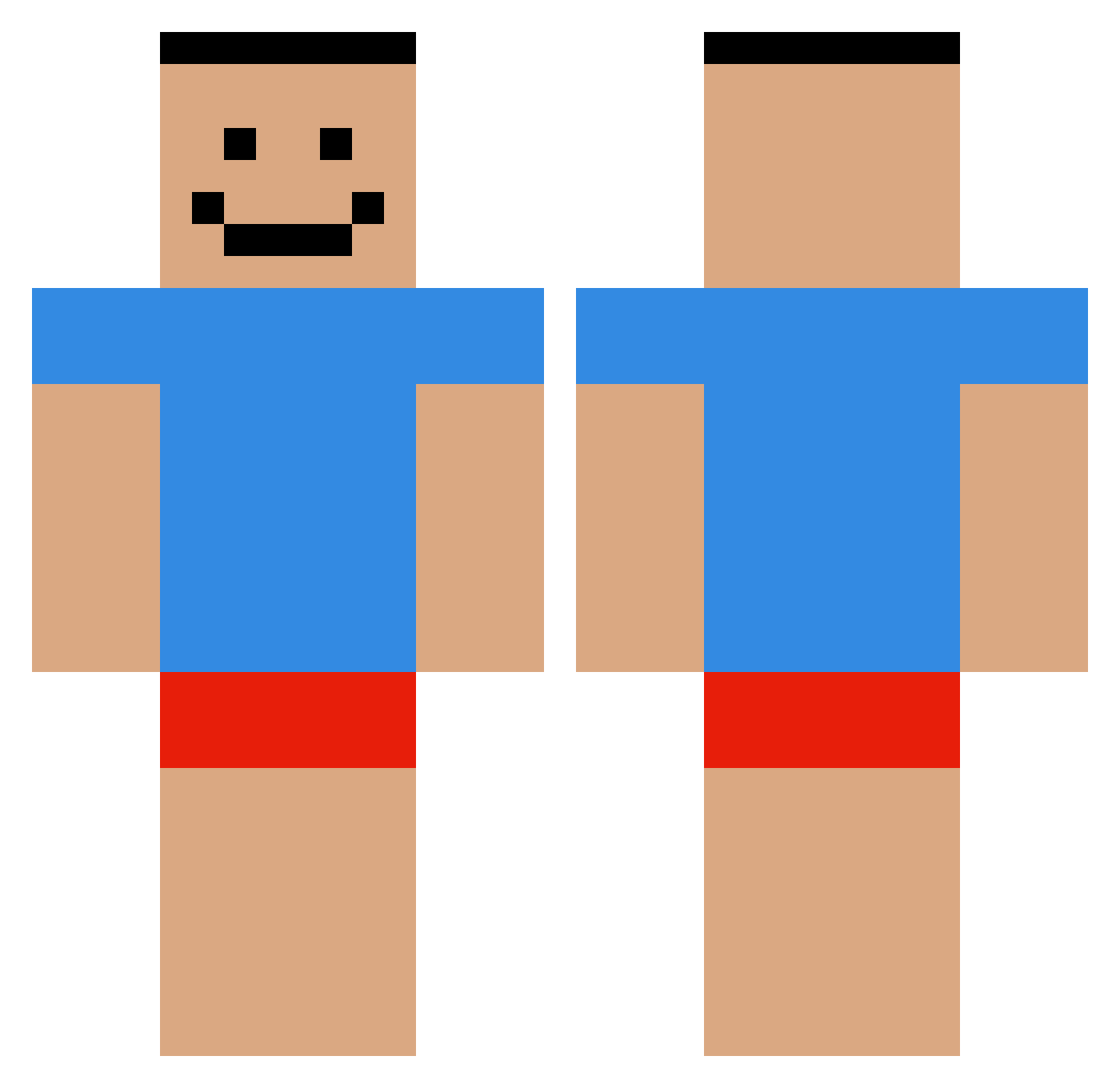
Current Minecraft skin of the player NineCentipede31, loaded from the official Mojang API. Rotate the 3D model with your mouse or finger, then download the skin as a PNG file and use it in Minecraft: Bedrock Edition or Java Edition for free. When NineCentipede31 changes their skin, this page updates automatically and the old skin stays in the history below.
Other players with this skin (479)
NineCentipede31 was the 429th player we have seen with this skin, first spotted on 13.10.2026. The same skin was seen on these players. Open a nickname to see their current skin and skin history.
 Sash_imi_ hsdaws SeWa_Z B3anyBoi Tazmeister weeeeeeeeeeeee3 MrScyzz g00fyg00berman laospook Roastteed TinaDandrige finley018 Koncluded Onruuu _xAsifzz_ PAXpix23 NAIKHEE s0npr0 StylishNoodles ffinest wingkts DoctorHeckler7 nxk1ng Jstin420 miyojjang Adrionic xjyytwoondastick Ghosty115 KnowIts Koodi__ amo5sai negotiablebloodd LiverSalad Mercikk Pentium_4_HT_651 Kejkap wo0__ch mitchbrown63 RegularBrik jvxo bruh_momentm ohxi Kreker337 lawrance1103 jounsoo Apyst Delpharos _kafuu Lithrons tainted_boy NotXandiOnAlt JoeB3rt prkr_7 Bruinpuppy azoteV DDangGi helokittymete jogojo11 Perhaps5 BiliBri
How to install the NineCentipede31 skin
- Press the Download button above to save the skin as a PNG file.
- Minecraft: Bedrock Edition (PE): open the Dressing Room from the main menu (or tap your character → Edit Character), go to Classic Skins → Owned, press the + (new skin) button, choose the downloaded PNG and pick the Classic (Steve) model. Works on PC and mobile; consoles cannot import custom skins.
- Minecraft: Java Edition: open the Minecraft Launcher, go to the Skins tab, click New Skin, load the PNG, pick the Classic (Steve) model and press Save & Use. You can also upload it at minecraft.net → Profile → Change Skin.
The skin does not show up after import - what should I do?
Restart Minecraft and open the Dressing Room again - imported skins sometimes appear only after a restart. Also make sure you selected the imported skin and picked the Classic (Steve) model.
Which model should I choose, Classic or Slim?
This skin is designed for the Classic (Steve) model. If you pick the wrong model, the arms of the skin will look stretched or squeezed.
Is the skin of NineCentipede31 free to download?
Yes. Press Download, save the PNG file and use it in Minecraft: Bedrock Edition or Java Edition - no payment or registration needed. The skin also works on multiplayer servers and Realms.
More skins
Looking for more? Go back to all Minecraft skins and check the top skins of the week, month and all time, or find any player's skin by nickname.