
NicoBnk - Minecraft Skins & Skin History
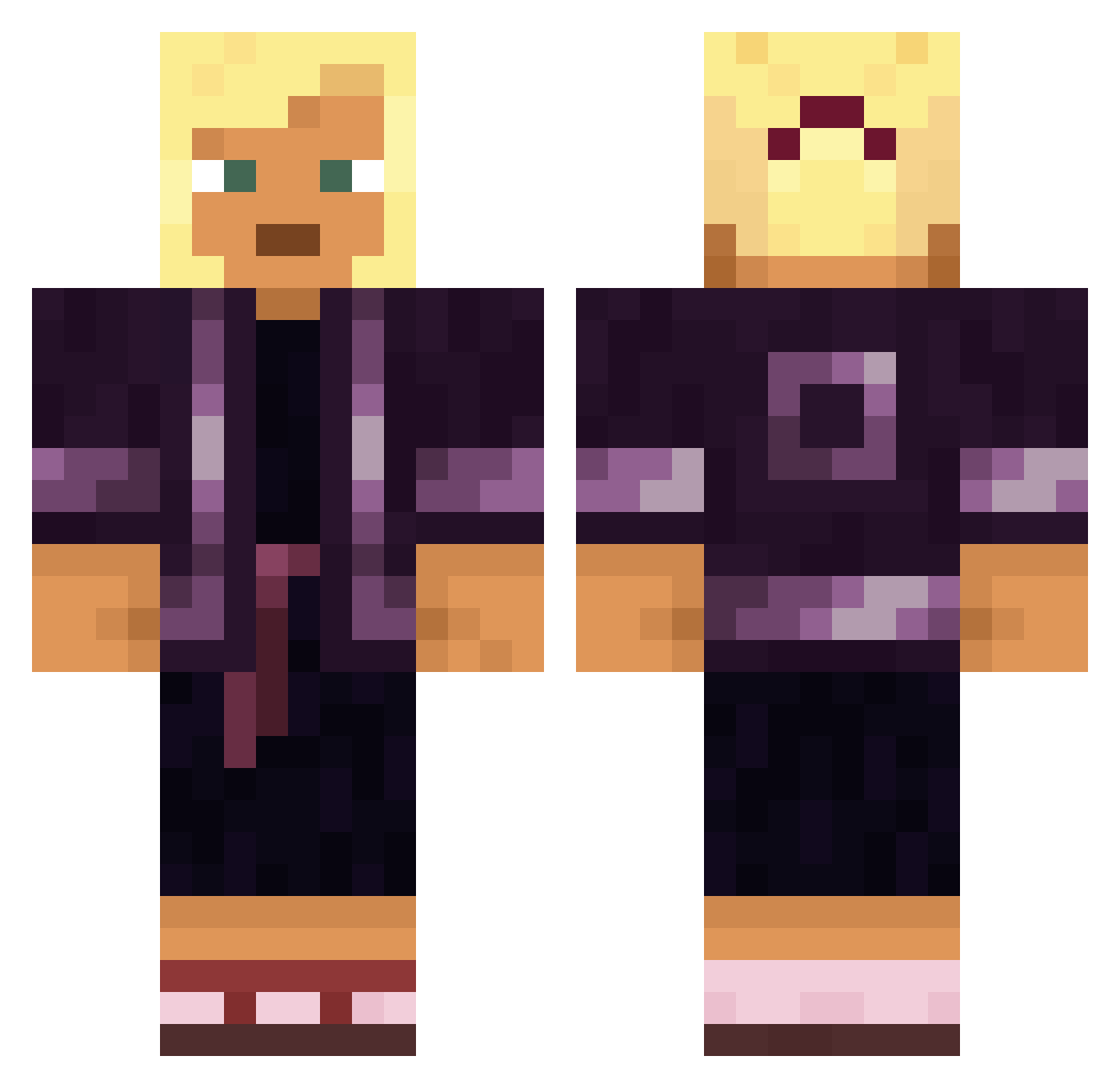
Current Minecraft skin of the player NicoBnk, loaded from the official Mojang API. Rotate the 3D model with your mouse or finger, then download the skin as a PNG file and use it in Minecraft: Bedrock Edition or Java Edition for free. When NicoBnk changes their skin, this page updates automatically and the old skin stays in the history below.
Other players with this skin (1887)
NicoBnk was the 1639th player we have seen with this skin, first spotted on 07.11.2026. The same skin was seen on these players. Open a nickname to see their current skin and skin history.
 YousefAhmad Angelus Tony_200202 Tabbatha MINSEAN Kanishkdgamer anathematised durr Typhlops Gamwxristos69 felipe_louzada Nosmic__ Postura7 Ingttan ninjarena Betterness qwewqfsdfvdfsesa MarineWife22 ManxHummel10475 GoodAtClicking Throngs IamYoutuber scopperil malayalam RARETY AxBurr_ Baby Perique Jabbers kadyjy07 Lxxxkas Abnormous Skamasutra MrGafler XTSANTI Homeyisokay zommom doyun0925 Randomnoob28 Valent1n0o Enmity Glowstone_Guy djbarback remc7 Mieto_olut robloxoof125 Croslet Wes440 Jairex lyx980 Ravia2013____ zaylokssj Kinkerlitz Bonzombie kingcon524 Couverte DavyyJ Bill_5 Alexis_Solaris deerhair
More Kimono Minecraft skins
How to install the NicoBnk skin
- Press the Download button above to save the skin as a PNG file.
- Minecraft: Bedrock Edition (PE): open the Dressing Room from the main menu (or tap your character → Edit Character), go to Classic Skins → Owned, press the + (new skin) button, choose the downloaded PNG and pick the Classic (Steve) model. Works on PC and mobile; consoles cannot import custom skins.
- Minecraft: Java Edition: open the Minecraft Launcher, go to the Skins tab, click New Skin, load the PNG, pick the Classic (Steve) model and press Save & Use. You can also upload it at minecraft.net → Profile → Change Skin.
The skin does not show up after import - what should I do?
Restart Minecraft and open the Dressing Room again - imported skins sometimes appear only after a restart. Also make sure you selected the imported skin and picked the Classic (Steve) model.
Which model should I choose, Classic or Slim?
This skin is designed for the Classic (Steve) model. If you pick the wrong model, the arms of the skin will look stretched or squeezed.
Is the skin of NicoBnk free to download?
Yes. Press Download, save the PNG file and use it in Minecraft: Bedrock Edition or Java Edition - no payment or registration needed. The skin also works on multiplayer servers and Realms.
More skins
Looking for more? Go back to all Minecraft skins and check the top skins of the week, month and all time, or find any player's skin by nickname.