
Nicklasef - Minecraft Skins & Skin History
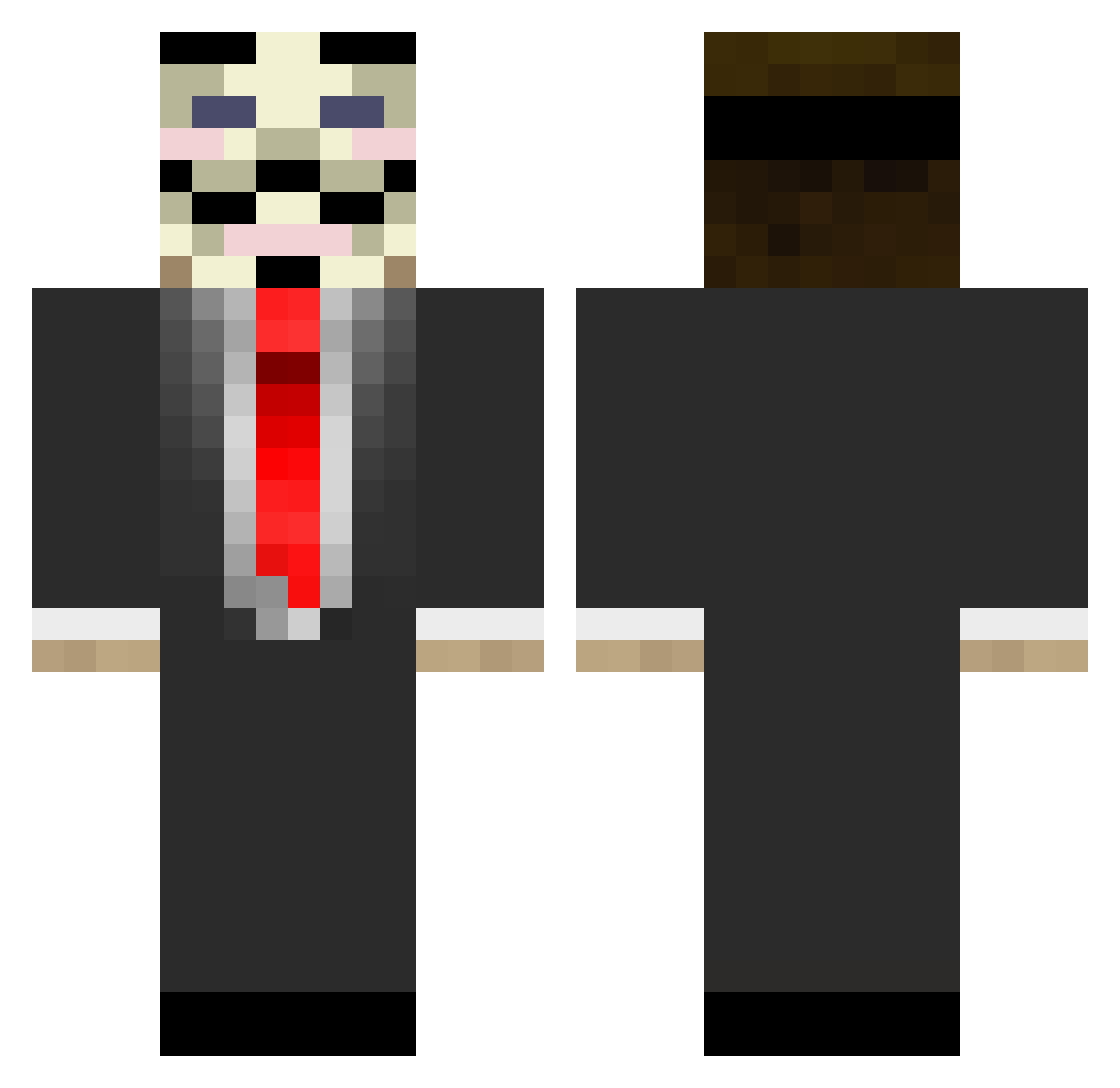
Current Minecraft skin of the player Nicklasef, loaded from the official Mojang API. Rotate the 3D model with your mouse or finger, then download the skin as a PNG file and use it in Minecraft: Bedrock Edition or Java Edition for free. When Nicklasef changes their skin, this page updates automatically and the old skin stays in the history below.
Other players with this skin (677)
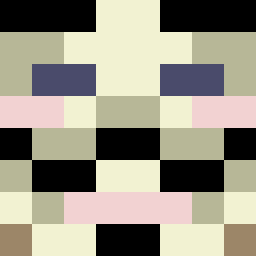
Nicklasef was the 348th player we have seen with this skin, first spotted on 12.09.2026. The same skin was seen on these players. Open a nickname to see their current skin and skin history.
 _JordiPvP WEDGE_41 Moutmoon ppotato37 Ez10Pot max101112 DrMata eliasrosengren ChrisNain Buddsy PostManPat_NZ FuZz60 vidosa SLEEPERMAN03 Itz_Nayto dinkelburg23 n00byedge BombenstimmungXD Hvnter sakkee99 vaivill99 CoronaMiner pesukarhu9 AbstrxctArtz younjin27 OMGYKK Bearholdnshark6 kokoko7 smids1010 Porsche912 nilsdewit Anonymous_Duck TheMiro22 ObEyJoHn craftingducks Wezzaaa shnubse123123 Locozor 7amoud123 tombbba Johnw227 healsow _scouty Koulaps Riddlebug Pnrf mardones2001 RaumKrieger superpowerdonkey 2Matze9 nutcoupon ergeen Stealthy_Armada Fan_Shi JinxMC_ hanappu movingshadow92 juanidiaz DarkShadow9510 Goenger
More V For Vendetta Minecraft skins
See all 258 V For Vendetta skins
How to install the Nicklasef skin
- Press the Download button above to save the skin as a PNG file.
- Minecraft: Bedrock Edition (PE): open the Dressing Room from the main menu (or tap your character → Edit Character), go to Classic Skins → Owned, press the + (new skin) button, choose the downloaded PNG and pick the Classic (Steve) model. Works on PC and mobile; consoles cannot import custom skins.
- Minecraft: Java Edition: open the Minecraft Launcher, go to the Skins tab, click New Skin, load the PNG, pick the Classic (Steve) model and press Save & Use. You can also upload it at minecraft.net → Profile → Change Skin.
The skin does not show up after import - what should I do?
Restart Minecraft and open the Dressing Room again - imported skins sometimes appear only after a restart. Also make sure you selected the imported skin and picked the Classic (Steve) model.
Which model should I choose, Classic or Slim?
This skin is designed for the Classic (Steve) model. If you pick the wrong model, the arms of the skin will look stretched or squeezed.
Is the skin of Nicklasef free to download?
Yes. Press Download, save the PNG file and use it in Minecraft: Bedrock Edition or Java Edition - no payment or registration needed. The skin also works on multiplayer servers and Realms.
More skins
Looking for more? Go back to all Minecraft skins and check the top skins of the week, month and all time, or find any player's skin by nickname.