
Nexxtra_ - Minecraft Skins & Skin History
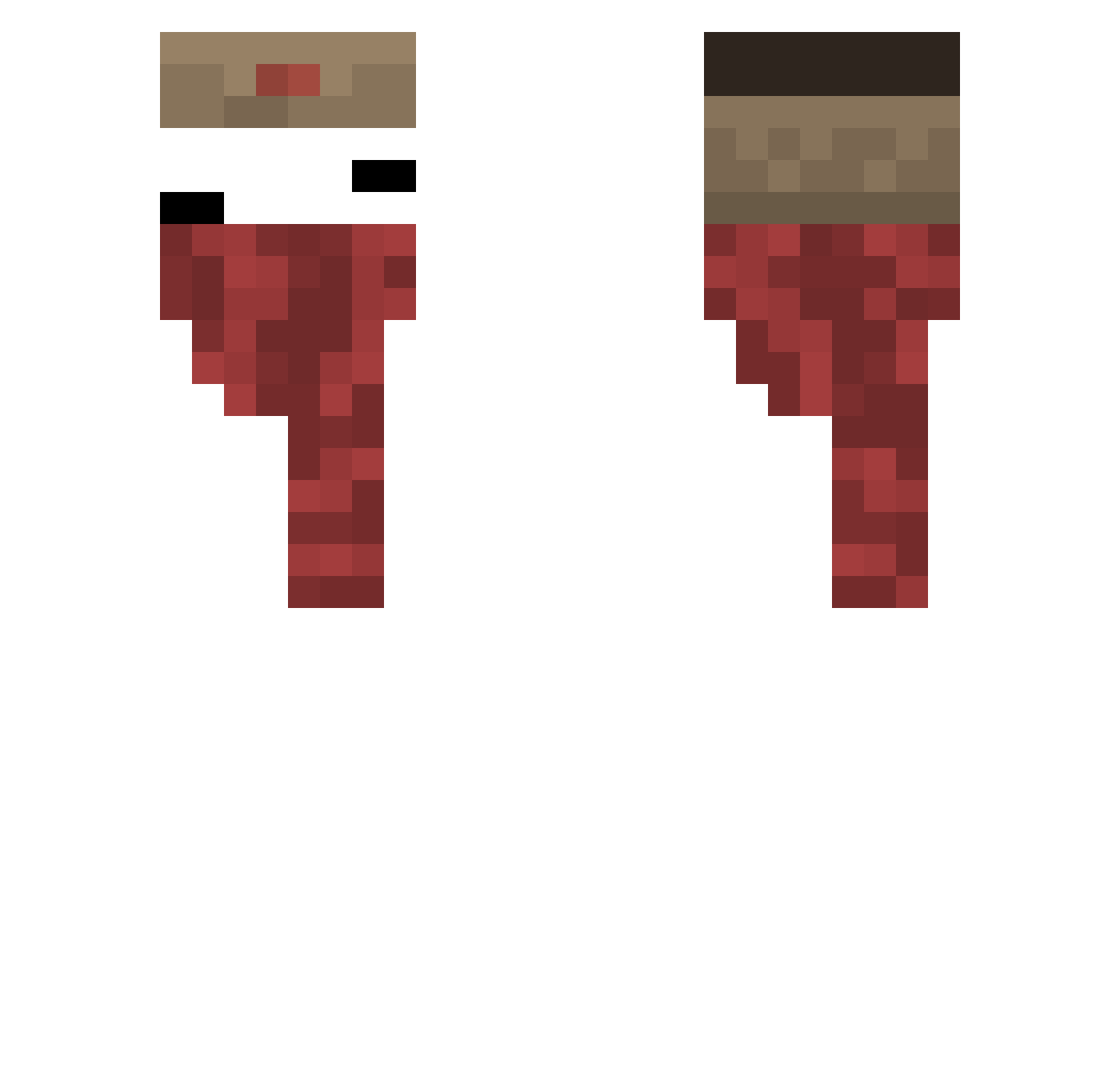
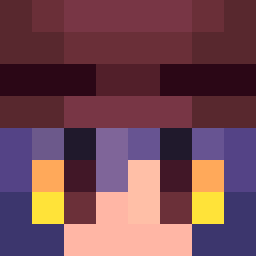
Current Minecraft skin of the player Nexxtra_, loaded from the official Mojang API. Rotate the 3D model with your mouse or finger, then download the skin as a PNG file and use it in Minecraft: Bedrock Edition or Java Edition for free. When Nexxtra_ changes their skin, this page updates automatically and the old skin stays in the history below.
Other players with this skin (127)
Nexxtra_ was the 18th player we have seen with this skin, first spotted on 08.08.2026. The same skin was seen on these players. Open a nickname to see their current skin and skin history.
 Enzoferrari_7 Jeongu1O52 Natsu41144 Gamerman411 xCzemuOrasz
 DIEGO_GM KalKva
 boseong0603 AK_misty MAMOA295 VoxMCC 5022 sujung77 killipok
 TheEqq_ Paslauga vvalrinn Haruka404 FGHL1256 guitierrez11
 Lourlkfljytu
 GlorytoJesus_ Jawasa dark_1902 cheche030 samusamu1008 ILOVEu3200 RICKMARTHO
 kloovt zzspace
 Niko_ioh clsxu2
 Omicron54 momomm 3zhn0 Rand0v
 Lurking_ech0 czek0l4da 0z1_xr Leonardo7903 hatwh blackca thefabsss XiTrumPhieuLieu lelehoo hualuotu omasx lslox ryysocool saanthic69 clazuim NoChoik _1llusi0n_ Alexqurty4 Sh4rk13e Rin_11233 Ziximon smelda_CZ Ilxmn Noir_i7
More Russian Minecraft skins
How to install the Nexxtra_ skin
- Press the Download button above to save the skin as a PNG file.
- Minecraft: Bedrock Edition (PE): open the Dressing Room from the main menu (or tap your character → Edit Character), go to Classic Skins → Owned, press the + (new skin) button, choose the downloaded PNG and pick the Classic (Steve) model. Works on PC and mobile; consoles cannot import custom skins.
- Minecraft: Java Edition: open the Minecraft Launcher, go to the Skins tab, click New Skin, load the PNG, pick the Classic (Steve) model and press Save & Use. You can also upload it at minecraft.net → Profile → Change Skin.
The skin does not show up after import - what should I do?
Restart Minecraft and open the Dressing Room again - imported skins sometimes appear only after a restart. Also make sure you selected the imported skin and picked the Classic (Steve) model.
Which model should I choose, Classic or Slim?
This skin is designed for the Classic (Steve) model. If you pick the wrong model, the arms of the skin will look stretched or squeezed.
Is the skin of Nexxtra_ free to download?
Yes. Press Download, save the PNG file and use it in Minecraft: Bedrock Edition or Java Edition - no payment or registration needed. The skin also works on multiplayer servers and Realms.
More skins
Looking for more? Go back to all Minecraft skins and check the top skins of the week, month and all time, or find any player's skin by nickname.