
NexisxNebula - Minecraft Skins & Skin History
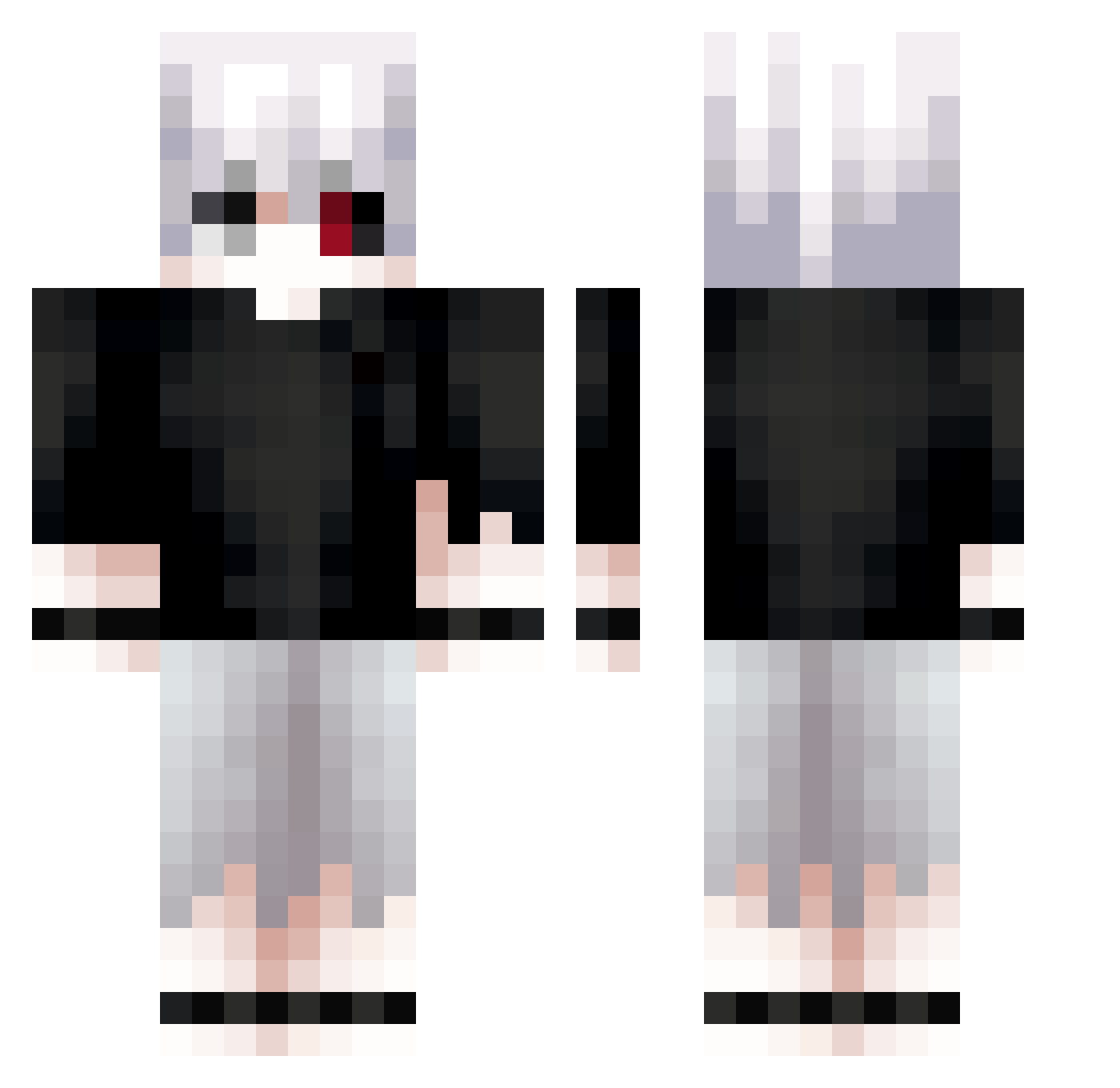
Current Minecraft skin of the player NexisxNebula, loaded from the official Mojang API. Rotate the 3D model with your mouse or finger, then download the skin as a PNG file and use it in Minecraft: Bedrock Edition or Java Edition for free. When NexisxNebula changes their skin, this page updates automatically and the old skin stays in the history below.
Other players with this skin (612)
NexisxNebula was the 102nd player we have seen with this skin, first spotted on 09.08.2026. The same skin was seen on these players. Open a nickname to see their current skin and skin history.
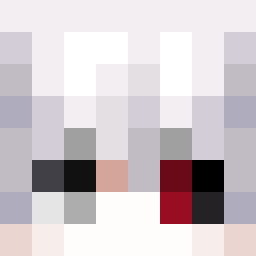 Jaketm01 MercuryEleven Myashhe Paison126 ivan88880 KenSehun its_furni masposs CellCore_ Heart_Chrome XxDEADxX3801 XiaoTiannn RyuUz4496 Zeren0 BloodhoundEB FuyoZ Ellie_Nim iczes yoniip TOMgb7 akaty_ Miphiz Dong0740 Albion_X wd_kOr4X_1201 VoodooXP funerel Serain7 bantikk Aurxux Danygamer6665 ZAWARUDOO7 TrialNR yuukjno shaivsdaworld Prometeo16 Bizzare_cookie Wentaryy jyc01 suiseienjoyer WareD__
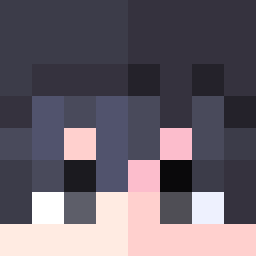 SacredShad Obscurio_fr pelmeshek007 danich777 MrBig_69 bannAht R3dexz tortu500 XxFlareGamingxX iRexkz7 thedaniuxx GHVA226 Kalav22 norityui Blank953 K1llaBr Xyne7 Breinox TkGhouls
More Kaneki Minecraft skins
How to install the NexisxNebula skin
- Press the Download button above to save the skin as a PNG file.
- Minecraft: Bedrock Edition (PE): open the Dressing Room from the main menu (or tap your character → Edit Character), go to Classic Skins → Owned, press the + (new skin) button, choose the downloaded PNG and pick the Classic (Steve) model. Works on PC and mobile; consoles cannot import custom skins.
- Minecraft: Java Edition: open the Minecraft Launcher, go to the Skins tab, click New Skin, load the PNG, pick the Classic (Steve) model and press Save & Use. You can also upload it at minecraft.net → Profile → Change Skin.
The skin does not show up after import - what should I do?
Restart Minecraft and open the Dressing Room again - imported skins sometimes appear only after a restart. Also make sure you selected the imported skin and picked the Classic (Steve) model.
Which model should I choose, Classic or Slim?
This skin is designed for the Classic (Steve) model. If you pick the wrong model, the arms of the skin will look stretched or squeezed.
Is the skin of NexisxNebula free to download?
Yes. Press Download, save the PNG file and use it in Minecraft: Bedrock Edition or Java Edition - no payment or registration needed. The skin also works on multiplayer servers and Realms.
More skins
Looking for more? Go back to all Minecraft skins and check the top skins of the week, month and all time, or find any player's skin by nickname.