
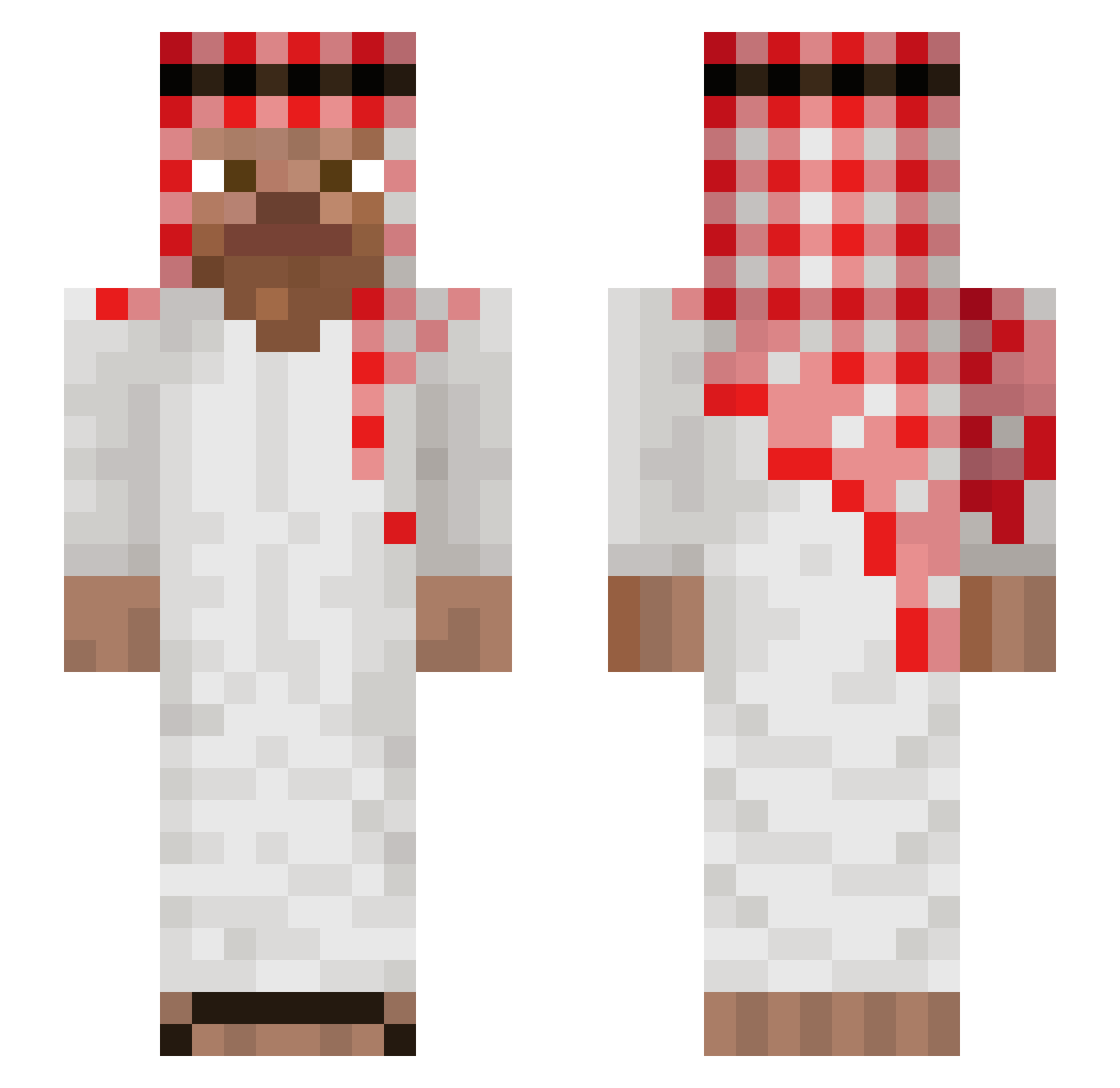
Current Minecraft skin of the player Newynn__, loaded from the official Mojang API. Rotate the 3D model with your mouse or finger, then download the skin as a PNG file and use it in Minecraft: Bedrock Edition or Java Edition for free. When Newynn__ changes their skin, this page updates automatically and the old skin stays in the history below.
Other players with this skin (823)
Newynn__ was the 785th player we have seen with this skin, first spotted on 13.10.2026. The same skin was seen on these players. Open a nickname to see their current skin and skin history.
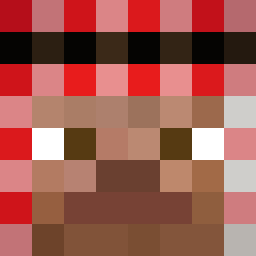 paranoid_69 Dawvid11 2KSJK1 orcuncakirr00 Enxivtyy ksknkzE Joshy_Boyy Sarkassm Lok1nho Noxius17 JaLinRabei6 regzzy BADER223344 Question7Mark MANGON123 crustysock2004 LatChyp LauuGalns DylanWSN Rain910919 Morxi15 pepeloco20 hernan6 Reddddical Makarov55 BurritoQuabeeto Fexl07 DemomXLXY xCreeperino72PVP Gkim1993 KzeDas 6gnis iam_Liguini Lilshugga1 rotem670 Noobiful007 XiKW13 oogaboogachief Jhonatan0703 IWNL_MEMOO kebabiniii juninhuzk gamergeekcham Mattino12 SBAhri Thaskre Diegoo010 Zwixl Loopnotfound __Tike__ Tongkub bapt_off LethargicRussian Txnmxla RanjiidAmApparat Xxtentaded NoLimitDettol PalutenTY Titan_GG basouu54
More Arabic Minecraft skins
How to install the Newynn__ skin
- Press the Download button above to save the skin as a PNG file.
- Minecraft: Bedrock Edition (PE): open the Dressing Room from the main menu (or tap your character → Edit Character), go to Classic Skins → Owned, press the + (new skin) button, choose the downloaded PNG and pick the Slim (Alex) model. Works on PC and mobile; consoles cannot import custom skins.
- Minecraft: Java Edition: open the Minecraft Launcher, go to the Skins tab, click New Skin, load the PNG, pick the Slim (Alex) model and press Save & Use. You can also upload it at minecraft.net → Profile → Change Skin.
The skin does not show up after import - what should I do?
Restart Minecraft and open the Dressing Room again - imported skins sometimes appear only after a restart. Also make sure you selected the imported skin and picked the Slim (Alex) model.
Which model should I choose, Classic or Slim?
This skin is designed for the Slim (Alex) model. If you pick the wrong model, the arms of the skin will look stretched or squeezed.
Is the skin of Newynn__ free to download?
Yes. Press Download, save the PNG file and use it in Minecraft: Bedrock Edition or Java Edition - no payment or registration needed. The skin also works on multiplayer servers and Realms.
More skins
Looking for more? Go back to all Minecraft skins and check the top skins of the week, month and all time, or find any player's skin by nickname.