
NeonNNN09 - Minecraft Skins & Skin History
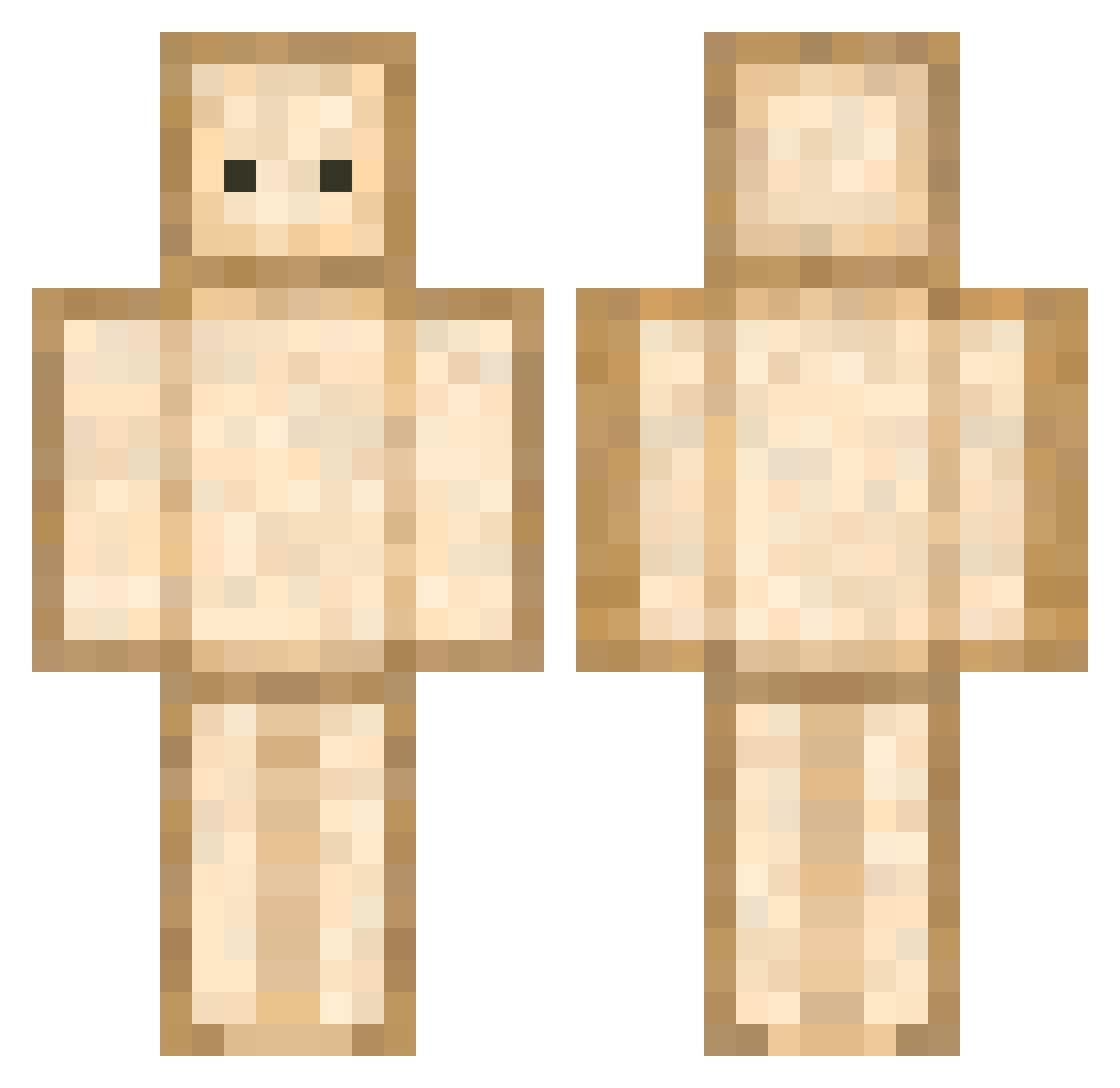
Current Minecraft skin of the player NeonNNN09, loaded from the official Mojang API. Rotate the 3D model with your mouse or finger, then download the skin as a PNG file and use it in Minecraft: Bedrock Edition or Java Edition for free. When NeonNNN09 changes their skin, this page updates automatically and the old skin stays in the history below.
Other players with this skin (593)
NeonNNN09 was the 209th player we have seen with this skin, first spotted on 27.08.2026. The same skin was seen on these players. Open a nickname to see their current skin and skin history.
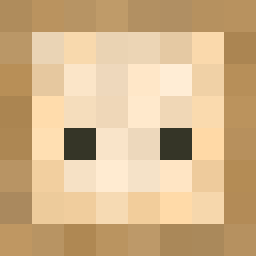 Kroksy69 naaakoko dmstjd123 Has_tomick Subb0ng kakaka_234 DroodFun _Kanobi yatesy34andahalf __Cc2 Noob_Lord300 dwenjji Palax364 Neos1s qwertyuioop Quendolin OrdoChaos ThelittlebroYT seexyboyjun livenbad jolinnn90 dekajoo ADI9999 ooxey jerrydaberryy MagicianDragon55 Sandwach Bastish ooaey HHZone UltraCactus Sarge841 brytrh ImTheRizer FoxWhiskey55 Taminouchnouch dain412 uPedrdx Frikadelleke toniejaxD Raschlen OliverHSG 77aden Tearode funalpql Hochlauch2 Javasiru rinne1201 Cilemon Cinderlol hanui_1108 Bibichou FalseCredential_ kellvox subsub1908 sword9509 Dosora GGESher_ roboloooks ofu0404
More Toast Minecraft skins
How to install the NeonNNN09 skin
- Press the Download button above to save the skin as a PNG file.
- Minecraft: Bedrock Edition (PE): open the Dressing Room from the main menu (or tap your character → Edit Character), go to Classic Skins → Owned, press the + (new skin) button, choose the downloaded PNG and pick the Classic (Steve) model. Works on PC and mobile; consoles cannot import custom skins.
- Minecraft: Java Edition: open the Minecraft Launcher, go to the Skins tab, click New Skin, load the PNG, pick the Classic (Steve) model and press Save & Use. You can also upload it at minecraft.net → Profile → Change Skin.
The skin does not show up after import - what should I do?
Restart Minecraft and open the Dressing Room again - imported skins sometimes appear only after a restart. Also make sure you selected the imported skin and picked the Classic (Steve) model.
Which model should I choose, Classic or Slim?
This skin is designed for the Classic (Steve) model. If you pick the wrong model, the arms of the skin will look stretched or squeezed.
Is the skin of NeonNNN09 free to download?
Yes. Press Download, save the PNG file and use it in Minecraft: Bedrock Edition or Java Edition - no payment or registration needed. The skin also works on multiplayer servers and Realms.
More skins
Looking for more? Go back to all Minecraft skins and check the top skins of the week, month and all time, or find any player's skin by nickname.