
Neliux - Minecraft Skins & Skin History
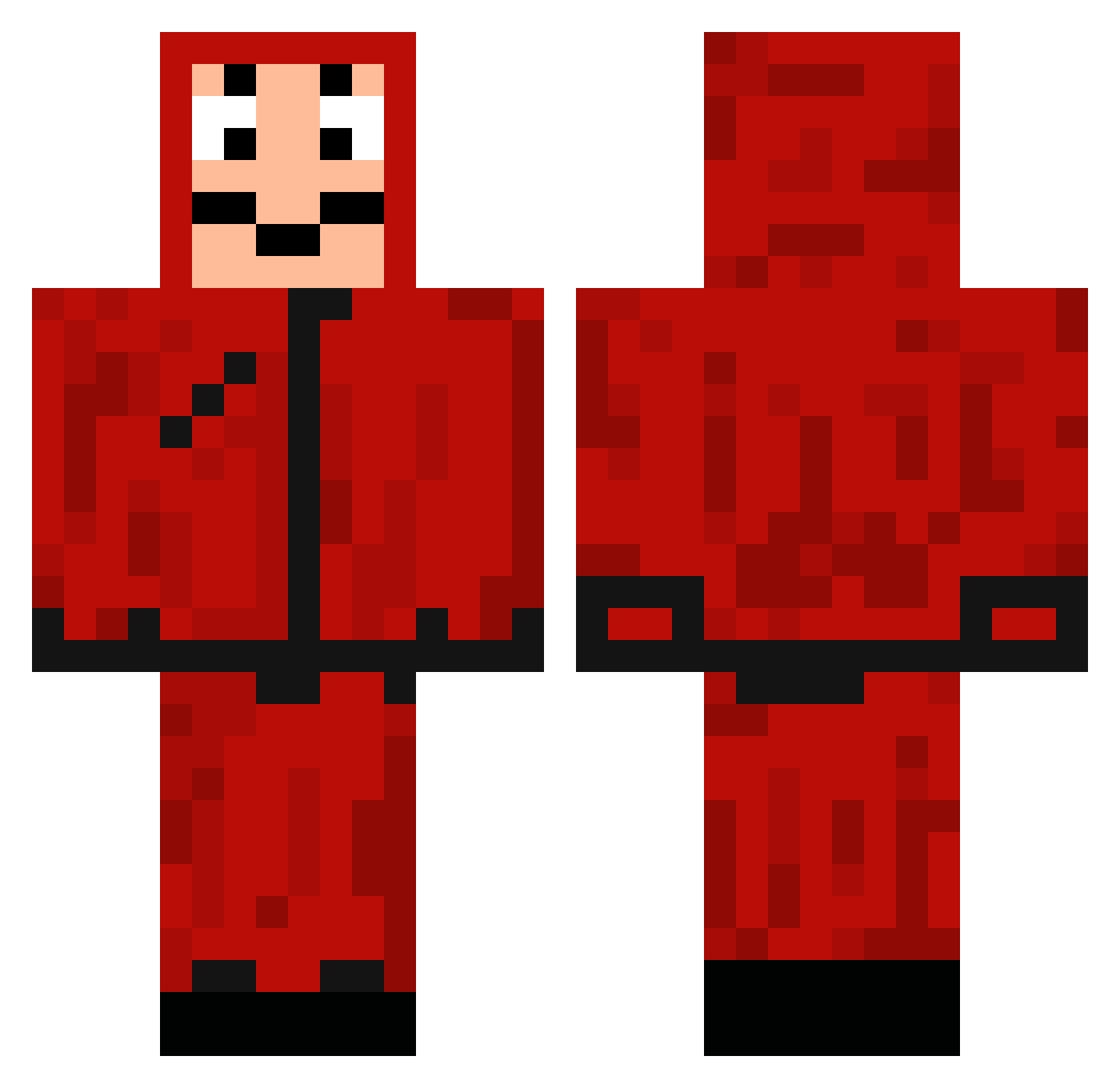
Current Minecraft skin of the player Neliux, loaded from the official Mojang API. Rotate the 3D model with your mouse or finger, then download the skin as a PNG file and use it in Minecraft: Bedrock Edition or Java Edition for free. When Neliux changes their skin, this page updates automatically and the old skin stays in the history below.
Other players with this skin (150)
Neliux was the 99th player we have seen with this skin, first spotted on 14.10.2026. The same skin was seen on these players. Open a nickname to see their current skin and skin history.
 Kazim07 Mrs_T_xo Txtvm talha1915 skander_Gamer_TN Royalaces1606 MrDaXySe SamPellegrino Frxshouille Techan jimmydnet HerresZetter010 YiChen0716 Schneidi1976 Jhoomba Arezpar Mant1375 Kmet_Jajcek Yo_El_Luis_Xd Abaftjam Dg00xD ptasiekoriginal i3badi502 xXF3rn4nd0Xx Helsinkiee martim154 1Tokyo1 ElPapiJason7 Nipsey77 VendettaV21 eddy1061 HASHEM_8 ElMimO7u7r XxYefetxX Victorayuso Hopppla Amandiine1 RedSwordMan_07 parvelon porsch_e D4NNNn SereohRocher EllaGlad Factne hykatji MamuteSanguinaro tedikarhu JolaPepito S4RUG4 IDragonpooI Chameleeon jude31162473 ClaptraP1349 Fedey Loukyys Jessey_ TewFast Mousques DimplyPepper jaropolski
More Dali Mask Minecraft skins
How to install the Neliux skin
- Press the Download button above to save the skin as a PNG file.
- Minecraft: Bedrock Edition (PE): open the Dressing Room from the main menu (or tap your character → Edit Character), go to Classic Skins → Owned, press the + (new skin) button, choose the downloaded PNG and pick the Classic (Steve) model. Works on PC and mobile; consoles cannot import custom skins.
- Minecraft: Java Edition: open the Minecraft Launcher, go to the Skins tab, click New Skin, load the PNG, pick the Classic (Steve) model and press Save & Use. You can also upload it at minecraft.net → Profile → Change Skin.
The skin does not show up after import - what should I do?
Restart Minecraft and open the Dressing Room again - imported skins sometimes appear only after a restart. Also make sure you selected the imported skin and picked the Classic (Steve) model.
Which model should I choose, Classic or Slim?
This skin is designed for the Classic (Steve) model. If you pick the wrong model, the arms of the skin will look stretched or squeezed.
Is the skin of Neliux free to download?
Yes. Press Download, save the PNG file and use it in Minecraft: Bedrock Edition or Java Edition - no payment or registration needed. The skin also works on multiplayer servers and Realms.
More skins
Looking for more? Go back to all Minecraft skins and check the top skins of the week, month and all time, or find any player's skin by nickname.