
Natshenko - Minecraft Skins & Skin History
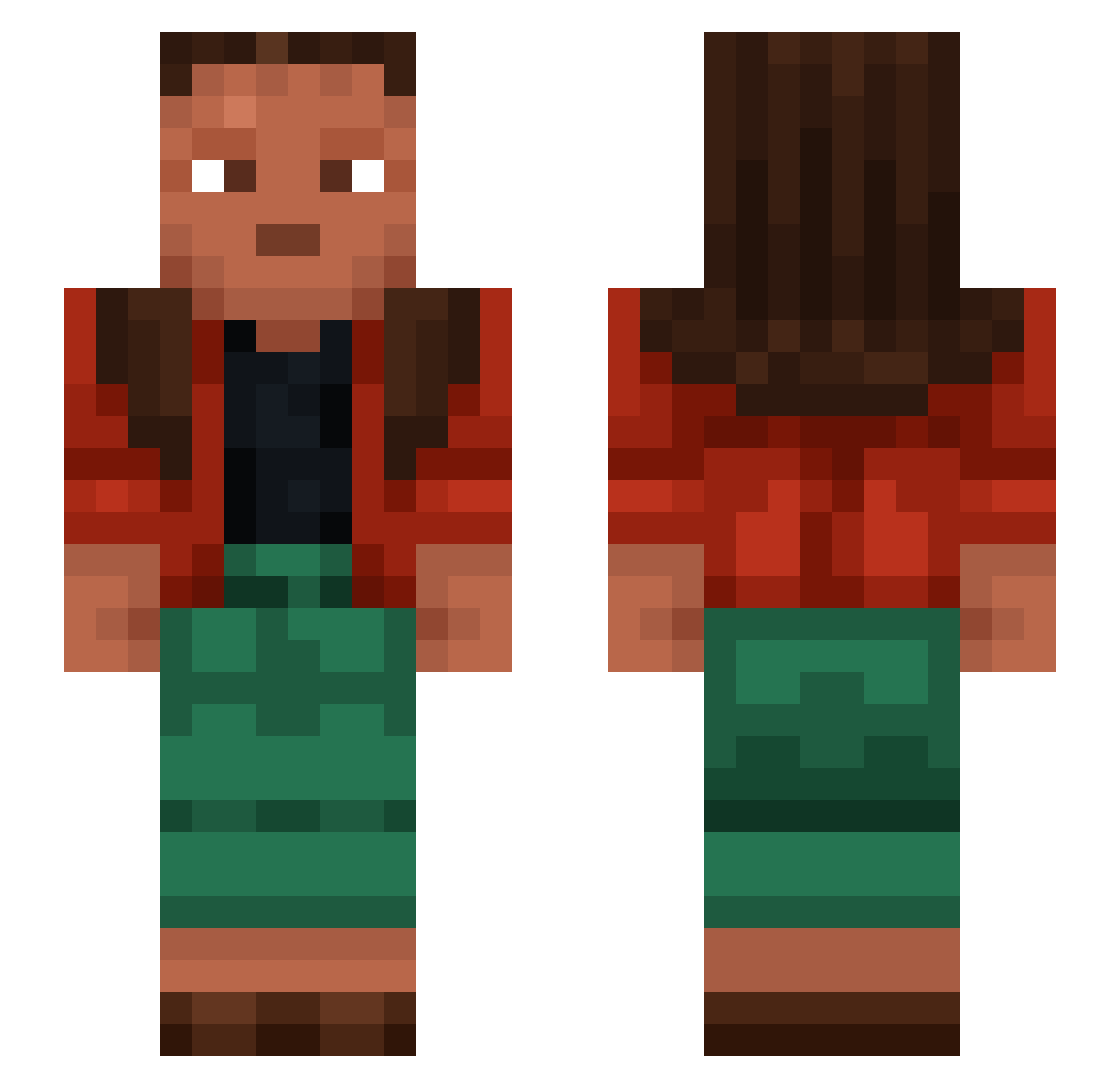
Current Minecraft skin of the player Natshenko, loaded from the official Mojang API. Rotate the 3D model with your mouse or finger, then download the skin as a PNG file and use it in Minecraft: Bedrock Edition or Java Edition for free. When Natshenko changes their skin, this page updates automatically and the old skin stays in the history below.
Other players with this skin (1224)
Natshenko was the 359th player we have seen with this skin, first spotted on 28.08.2026. The same skin was seen on these players. Open a nickname to see their current skin and skin history.
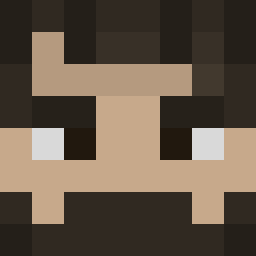 JankoKalmanko
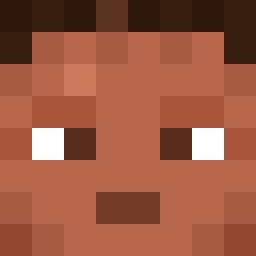 Bloxxy213 Nemesyy Kryhoss Tarrow RachelIvery PALITODEPESCADO Novelists lxnxkramer TKJ Remionsse Effluvious Sinusoidally Enterpriser incarnations tophersean_ RHSdumbledore yardbird Tymp MattHxs carrotbabo Linhmxjrn0308 Pepito_ah jotters YakupB0 Appropriator Mitzburn diapababy zFzenfy_yt Chilled Noarox Iaqn xIBrave Lawine jgotuwka Obimbornl ribeirofedido Heroid andre234 rerggoergo Philomath Conjurations jelick
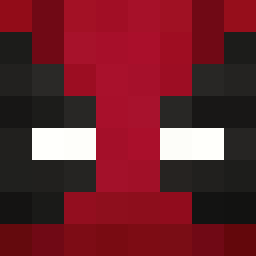 DaddyGabo R4shid dradjik PADD2416 Designating Dafti heuristics Olympe Nhoppi azralil notzoro23 Uncurtain Knoppy ImMusa
 AnomalyAutumn Remarrying planche
How to install the Natshenko skin
- Press the Download button above to save the skin as a PNG file.
- Minecraft: Bedrock Edition (PE): open the Dressing Room from the main menu (or tap your character → Edit Character), go to Classic Skins → Owned, press the + (new skin) button, choose the downloaded PNG and pick the Slim (Alex) model. Works on PC and mobile; consoles cannot import custom skins.
- Minecraft: Java Edition: open the Minecraft Launcher, go to the Skins tab, click New Skin, load the PNG, pick the Slim (Alex) model and press Save & Use. You can also upload it at minecraft.net → Profile → Change Skin.
The skin does not show up after import - what should I do?
Restart Minecraft and open the Dressing Room again - imported skins sometimes appear only after a restart. Also make sure you selected the imported skin and picked the Slim (Alex) model.
Which model should I choose, Classic or Slim?
This skin is designed for the Slim (Alex) model. If you pick the wrong model, the arms of the skin will look stretched or squeezed.
Is the skin of Natshenko free to download?
Yes. Press Download, save the PNG file and use it in Minecraft: Bedrock Edition or Java Edition - no payment or registration needed. The skin also works on multiplayer servers and Realms.
More skins
Looking for more? Go back to all Minecraft skins and check the top skins of the week, month and all time, or find any player's skin by nickname.