
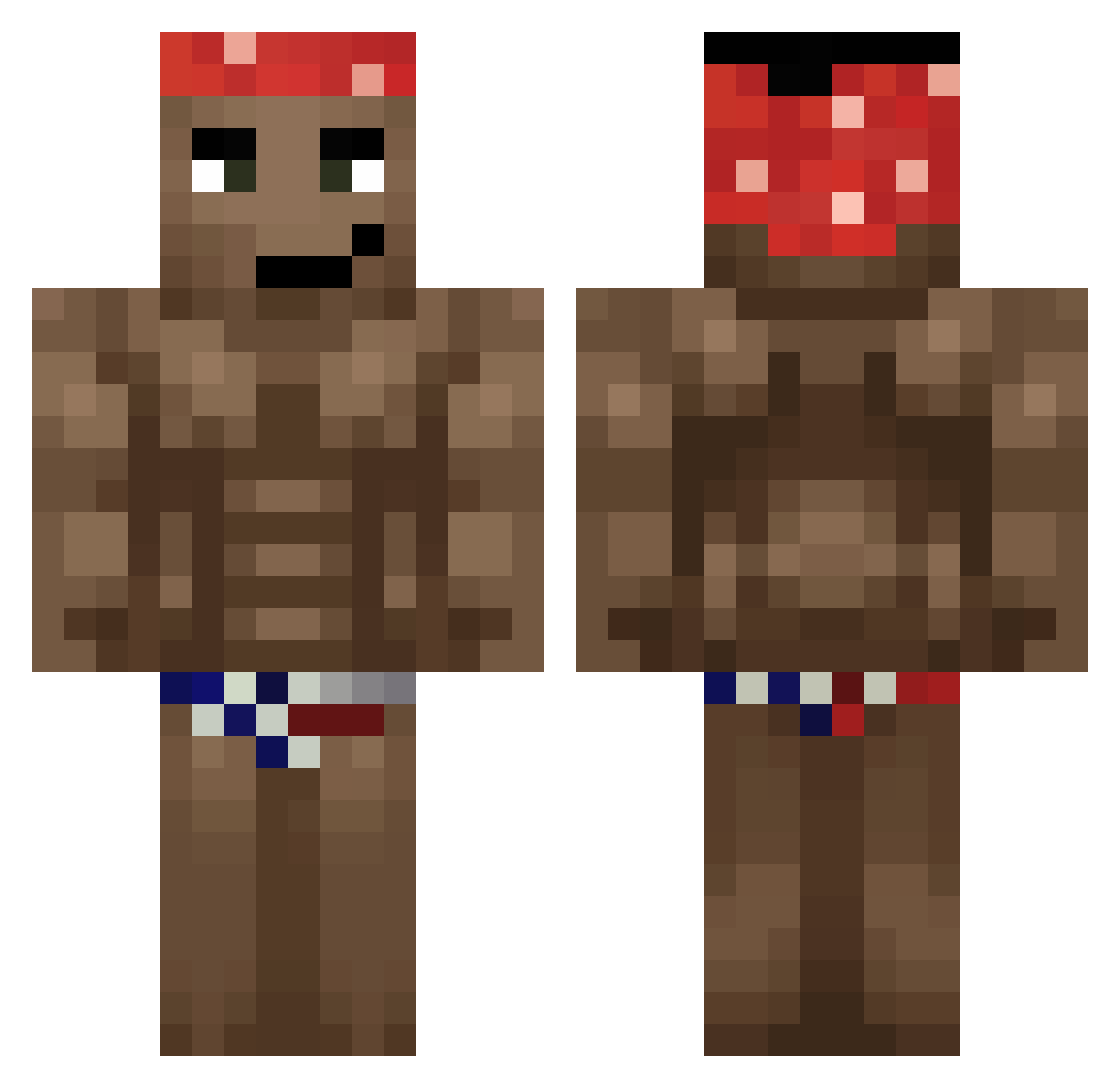
Current Minecraft skin of the player Natrelia, loaded from the official Mojang API. Rotate the 3D model with your mouse or finger, then download the skin as a PNG file and use it in Minecraft: Bedrock Edition or Java Edition for free. When Natrelia changes their skin, this page updates automatically and the old skin stays in the history below.
Other players with this skin (501)
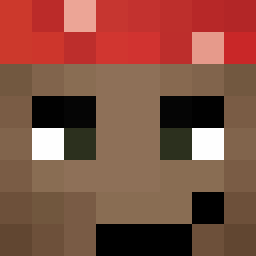
Natrelia was the 309th player we have seen with this skin, first spotted on 18.09.2026. The same skin was seen on these players. Open a nickname to see their current skin and skin history.
 thetruemanuel gingeBread NoSesRicard KaijinScript Ttv_Ajeuf Tutankamen Oguhhh Klawcio2115 Axilliaris Shidion Alopochito134 Petrick003 Sm1lie Chaoticpiez oval_magic samotnymaciej69 Xtreella Victoriously13 ArneA MattGGP JoeMom01 Ppeeng AAguns69 KitaOne bbqkid699 lexoTTV PepianoCZ LIMBKO VitunAntero RodrigoAgudoP2 FerHF17 Koiinzel D3V0K Farquaad66 Tokitaupe Jacob00s Fyres345 ketovek Stardust_1022 NMMMM055 elarabasisever joe_moma123 umiemsalto123 Peekyl Sant1n R1nkiTcro yyabra Benkse epardo11 oNSRD ANYAwakuwa Janpypo gaore0206 Nlnjazissad RightistDestryer RedTenox dabeibii IsKoldZ_I_M EiEiDotCom Arcaneus_
More Dancer Minecraft skins
How to install the Natrelia skin
- Press the Download button above to save the skin as a PNG file.
- Minecraft: Bedrock Edition (PE): open the Dressing Room from the main menu (or tap your character → Edit Character), go to Classic Skins → Owned, press the + (new skin) button, choose the downloaded PNG and pick the Classic (Steve) model. Works on PC and mobile; consoles cannot import custom skins.
- Minecraft: Java Edition: open the Minecraft Launcher, go to the Skins tab, click New Skin, load the PNG, pick the Classic (Steve) model and press Save & Use. You can also upload it at minecraft.net → Profile → Change Skin.
The skin does not show up after import - what should I do?
Restart Minecraft and open the Dressing Room again - imported skins sometimes appear only after a restart. Also make sure you selected the imported skin and picked the Classic (Steve) model.
Which model should I choose, Classic or Slim?
This skin is designed for the Classic (Steve) model. If you pick the wrong model, the arms of the skin will look stretched or squeezed.
Is the skin of Natrelia free to download?
Yes. Press Download, save the PNG file and use it in Minecraft: Bedrock Edition or Java Edition - no payment or registration needed. The skin also works on multiplayer servers and Realms.
More skins
Looking for more? Go back to all Minecraft skins and check the top skins of the week, month and all time, or find any player's skin by nickname.