
Narutodark32 - Minecraft Skins & Skin History
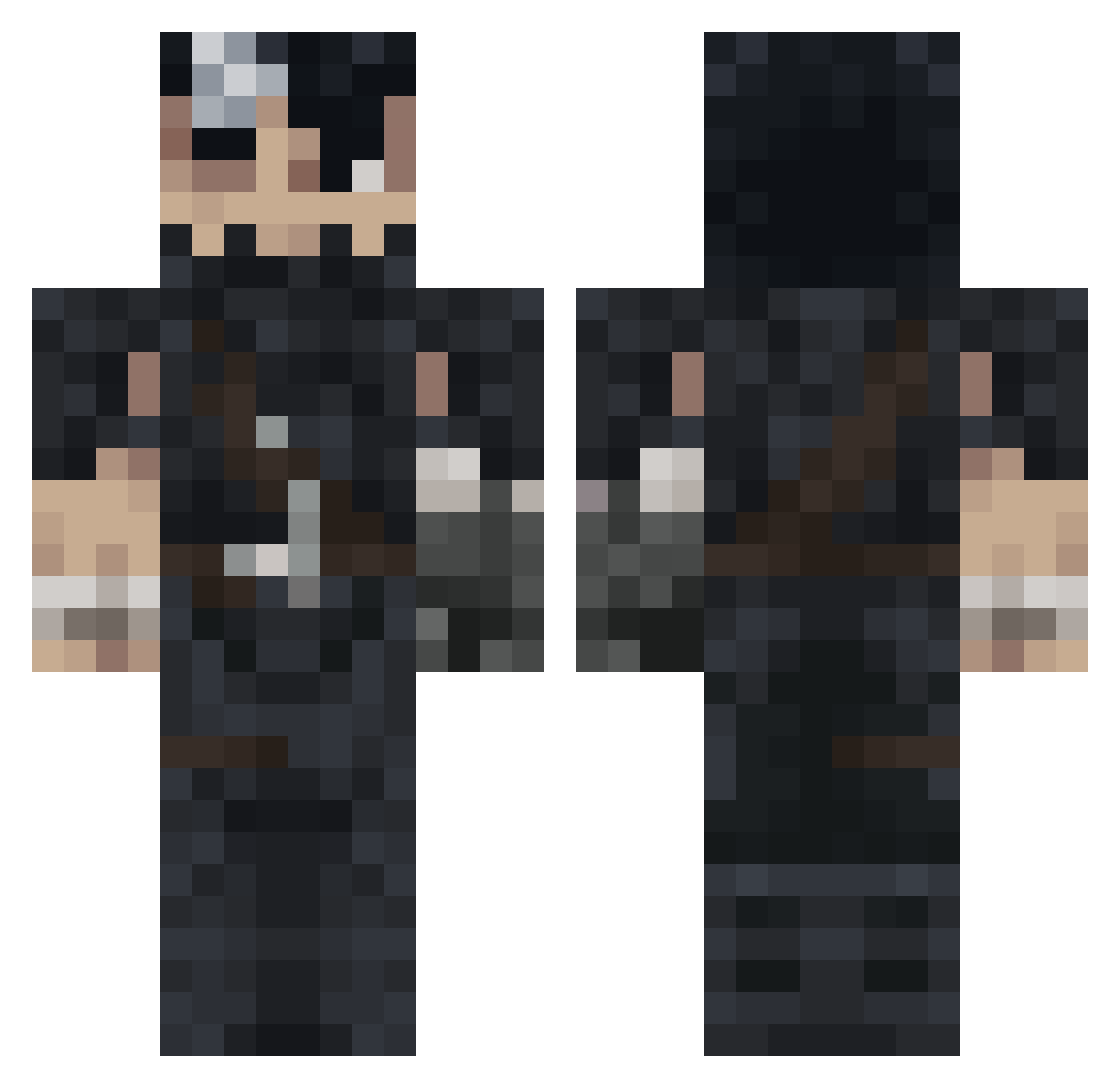
Current Minecraft skin of the player Narutodark32, loaded from the official Mojang API. Rotate the 3D model with your mouse or finger, then download the skin as a PNG file and use it in Minecraft: Bedrock Edition or Java Edition for free. When Narutodark32 changes their skin, this page updates automatically and the old skin stays in the history below.
Other players with this skin (993)
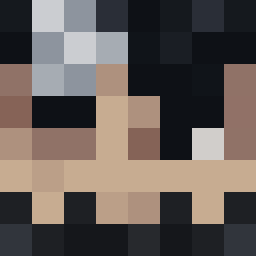
Narutodark32 was the 674th player we have seen with this skin, first spotted on 03.10.2026. The same skin was seen on these players. Open a nickname to see their current skin and skin history.
 Mircea_Hezbollah q5v8tn Rlexd Rexter_57 Hassan236 Cappuccino08 28032008 Geminl12 MyLastResorte LlLMack SovietGlace xamiss4 Sam_bru Crisocp FiJaBe beno2410 Mogatine SuperTuurK onlyandrei Dxwkk ziloXX Borisov2405 Aizen_Solo_ Dragosa40k windedwriter DearSod andyruil Jarown Claudiooxc Shz_5 goldswordman Atarayo333 GutsNpc ChillingMyLife othmanedxd Bballdude11 JUSTINAHAAHHAHAH Vegard Shaggi_ Mappa_che _Hisham EnemyToaster55 Zer0f39 Biakuray Viaper07 Gerard87 _Gatss Stormi42 Azizx96 Danicastgod nightmare6817 AlanCraft22 kilian_35 1C4R0_7 PhdInPoop fvynsm Captain_Groovas Berserk1111 psydraco23 Glouww
More Guts Minecraft skins
How to install the Narutodark32 skin
- Press the Download button above to save the skin as a PNG file.
- Minecraft: Bedrock Edition (PE): open the Dressing Room from the main menu (or tap your character → Edit Character), go to Classic Skins → Owned, press the + (new skin) button, choose the downloaded PNG and pick the Classic (Steve) model. Works on PC and mobile; consoles cannot import custom skins.
- Minecraft: Java Edition: open the Minecraft Launcher, go to the Skins tab, click New Skin, load the PNG, pick the Classic (Steve) model and press Save & Use. You can also upload it at minecraft.net → Profile → Change Skin.
The skin does not show up after import - what should I do?
Restart Minecraft and open the Dressing Room again - imported skins sometimes appear only after a restart. Also make sure you selected the imported skin and picked the Classic (Steve) model.
Which model should I choose, Classic or Slim?
This skin is designed for the Classic (Steve) model. If you pick the wrong model, the arms of the skin will look stretched or squeezed.
Is the skin of Narutodark32 free to download?
Yes. Press Download, save the PNG file and use it in Minecraft: Bedrock Edition or Java Edition - no payment or registration needed. The skin also works on multiplayer servers and Realms.
More skins
Looking for more? Go back to all Minecraft skins and check the top skins of the week, month and all time, or find any player's skin by nickname.