
Nabroo - Minecraft Skins & Skin History
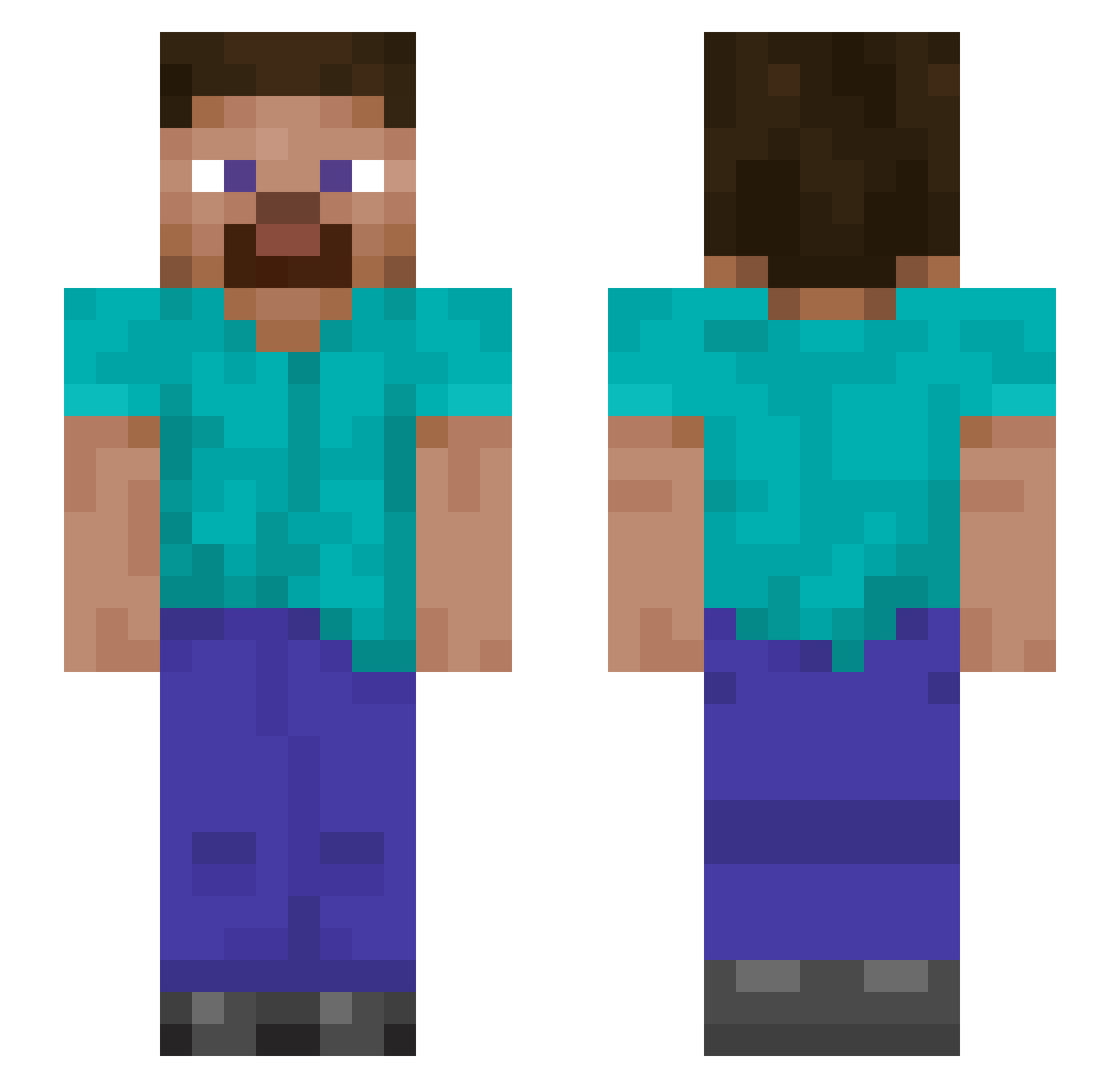
Current Minecraft skin of the player Nabroo, loaded from the official Mojang API. Rotate the 3D model with your mouse or finger, then download the skin as a PNG file and use it in Minecraft: Bedrock Edition or Java Edition for free. When Nabroo changes their skin, this page updates automatically and the old skin stays in the history below.
Other players with this skin (1145)
Nabroo was the 1024th player we have seen with this skin, first spotted on 31.10.2026. The same skin was seen on these players. Open a nickname to see their current skin and skin history.
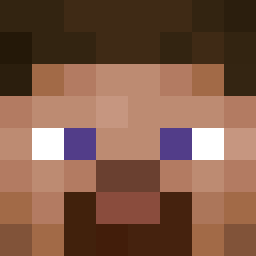 Monsteryryry RINBIUS get8r B0bux1 BrenoRoberto Qperkowy SlipperySausage2 spookyvvr QWELIJ AmuZ4kk youme3 Fire2850 jasonldurden Jimbo306 S4mmy16 Zenries ilich6743 spartanGhost909 bbeun jointpl420 Servet42 DaddioLando Soldi91 Harmanshig Binkerz Juiceshua Evol_Drew Majestic9920 Guccimangoo Hunta223 spawnhub1 TrumpetJesus21 AT_BricksUp Mirhu detonaterage WYXLhg MINASONG zakusowicz T0ny_chen RRD_1978 Kickyboy6 sthiri Snakevenom924 Brandon96626 6ytx Tandem05 R0dr1g01 Zaqwas metrixkye Baja_Blastoise84 AWH_1210 DuckyD1127 PitoGordo2 USTURASADGE ZCHOCK44 dalcant757 kefbab adjft Kdcrypto Bl4ckInc
How to install the Nabroo skin
- Press the Download button above to save the skin as a PNG file.
- Minecraft: Bedrock Edition (PE): open the Dressing Room from the main menu (or tap your character → Edit Character), go to Classic Skins → Owned, press the + (new skin) button, choose the downloaded PNG and pick the Slim (Alex) model. Works on PC and mobile; consoles cannot import custom skins.
- Minecraft: Java Edition: open the Minecraft Launcher, go to the Skins tab, click New Skin, load the PNG, pick the Slim (Alex) model and press Save & Use. You can also upload it at minecraft.net → Profile → Change Skin.
The skin does not show up after import - what should I do?
Restart Minecraft and open the Dressing Room again - imported skins sometimes appear only after a restart. Also make sure you selected the imported skin and picked the Slim (Alex) model.
Which model should I choose, Classic or Slim?
This skin is designed for the Slim (Alex) model. If you pick the wrong model, the arms of the skin will look stretched or squeezed.
Is the skin of Nabroo free to download?
Yes. Press Download, save the PNG file and use it in Minecraft: Bedrock Edition or Java Edition - no payment or registration needed. The skin also works on multiplayer servers and Realms.
More skins
Looking for more? Go back to all Minecraft skins and check the top skins of the week, month and all time, or find any player's skin by nickname.