
NaRuToBattle - Minecraft Skins & Skin History
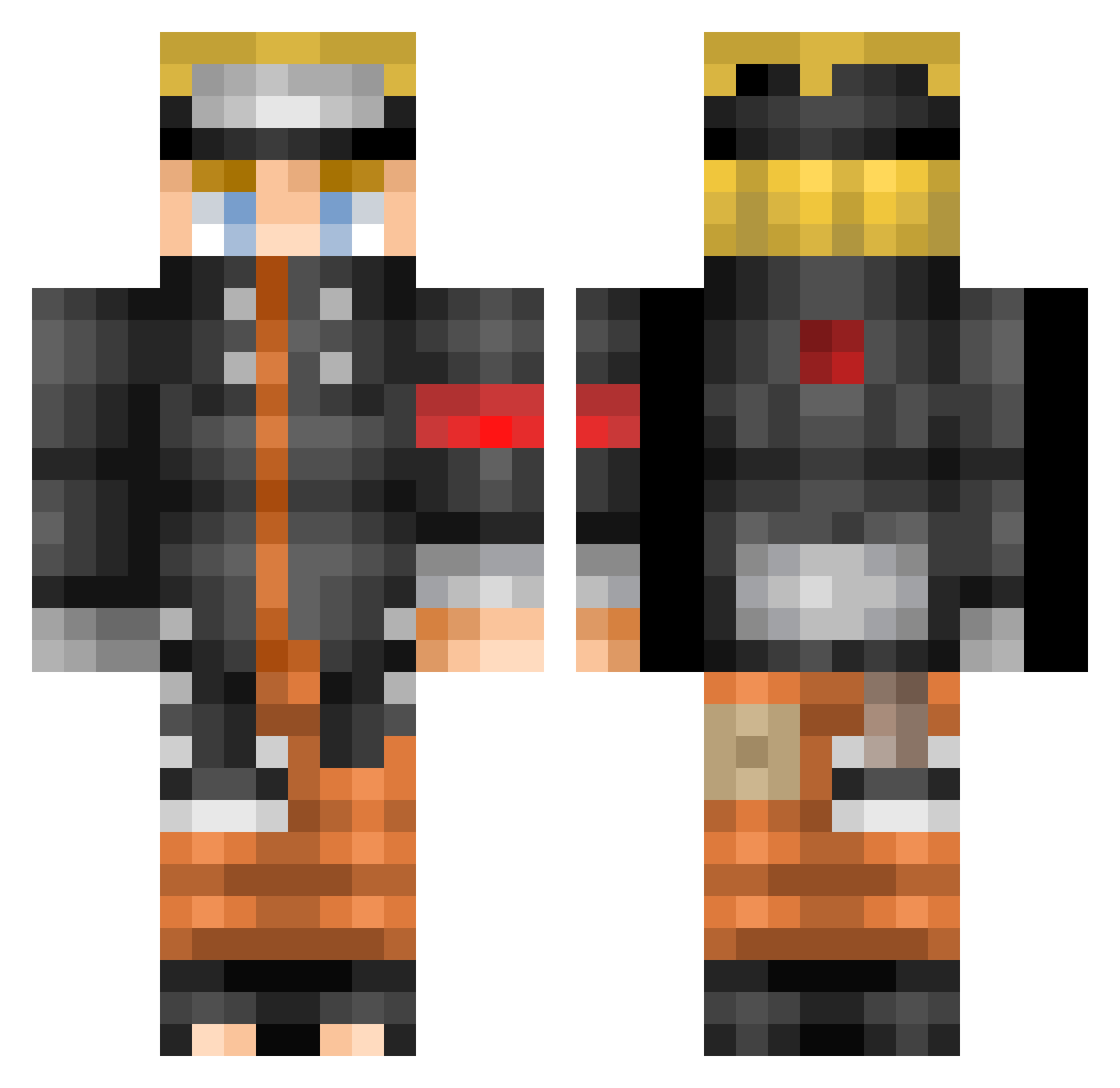
Current Minecraft skin of the player NaRuToBattle, loaded from the official Mojang API. Rotate the 3D model with your mouse or finger, then download the skin as a PNG file and use it in Minecraft: Bedrock Edition or Java Edition for free. When NaRuToBattle changes their skin, this page updates automatically and the old skin stays in the history below.
Other players with this skin (632)
NaRuToBattle was the 620th player we have seen with this skin, first spotted on 17.11.2026. The same skin was seen on these players. Open a nickname to see their current skin and skin history.
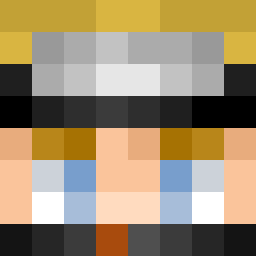 sxrar VVoJlfeHTXaFeH gg4554 DaddyPesto Nagrento z3phyrrr wjdrjsdn1324 NiJoRu_ Elprofesor275 ImTooCalm _MERNER_ NeverluckyGuille MelonMuncher666 TekyoSuzo Meharrie Barrrney 123gulerod123 Rocky_lm YuYimo DarkKnightPete Michael_HO bunnylady dorkyoreos22 BirdHunting B4RRYK EINEgFERDLT EvvaN69 Wave87 tiger_kid13 Aligned777 Sacred456 _Youbee_ duskdogb ImSamLu Irishquest Nagaraa Cyprian_kun 00_Stephen VermilionScourge Bilys0n TheAndreseitor Mayerzol mariku1154 Xorous papiprospere NaruRegards vZentyy ilayps Min3craftKid MormonCrisp PsykOzone MrFace000 Wallo12 AHdezC ldh1211211 OrangEMinT81 Hinata_JP dijianbnb DetPas babyskimask_
More Naruto Uzumaki Minecraft skins
See all 552 Naruto Uzumaki skins
How to install the NaRuToBattle skin
- Press the Download button above to save the skin as a PNG file.
- Minecraft: Bedrock Edition (PE): open the Dressing Room from the main menu (or tap your character → Edit Character), go to Classic Skins → Owned, press the + (new skin) button, choose the downloaded PNG and pick the Classic (Steve) model. Works on PC and mobile; consoles cannot import custom skins.
- Minecraft: Java Edition: open the Minecraft Launcher, go to the Skins tab, click New Skin, load the PNG, pick the Classic (Steve) model and press Save & Use. You can also upload it at minecraft.net → Profile → Change Skin.
The skin does not show up after import - what should I do?
Restart Minecraft and open the Dressing Room again - imported skins sometimes appear only after a restart. Also make sure you selected the imported skin and picked the Classic (Steve) model.
Which model should I choose, Classic or Slim?
This skin is designed for the Classic (Steve) model. If you pick the wrong model, the arms of the skin will look stretched or squeezed.
Is the skin of NaRuToBattle free to download?
Yes. Press Download, save the PNG file and use it in Minecraft: Bedrock Edition or Java Edition - no payment or registration needed. The skin also works on multiplayer servers and Realms.
More skins
Looking for more? Go back to all Minecraft skins and check the top skins of the week, month and all time, or find any player's skin by nickname.