
NaBom_tree - Minecraft Skins & Skin History
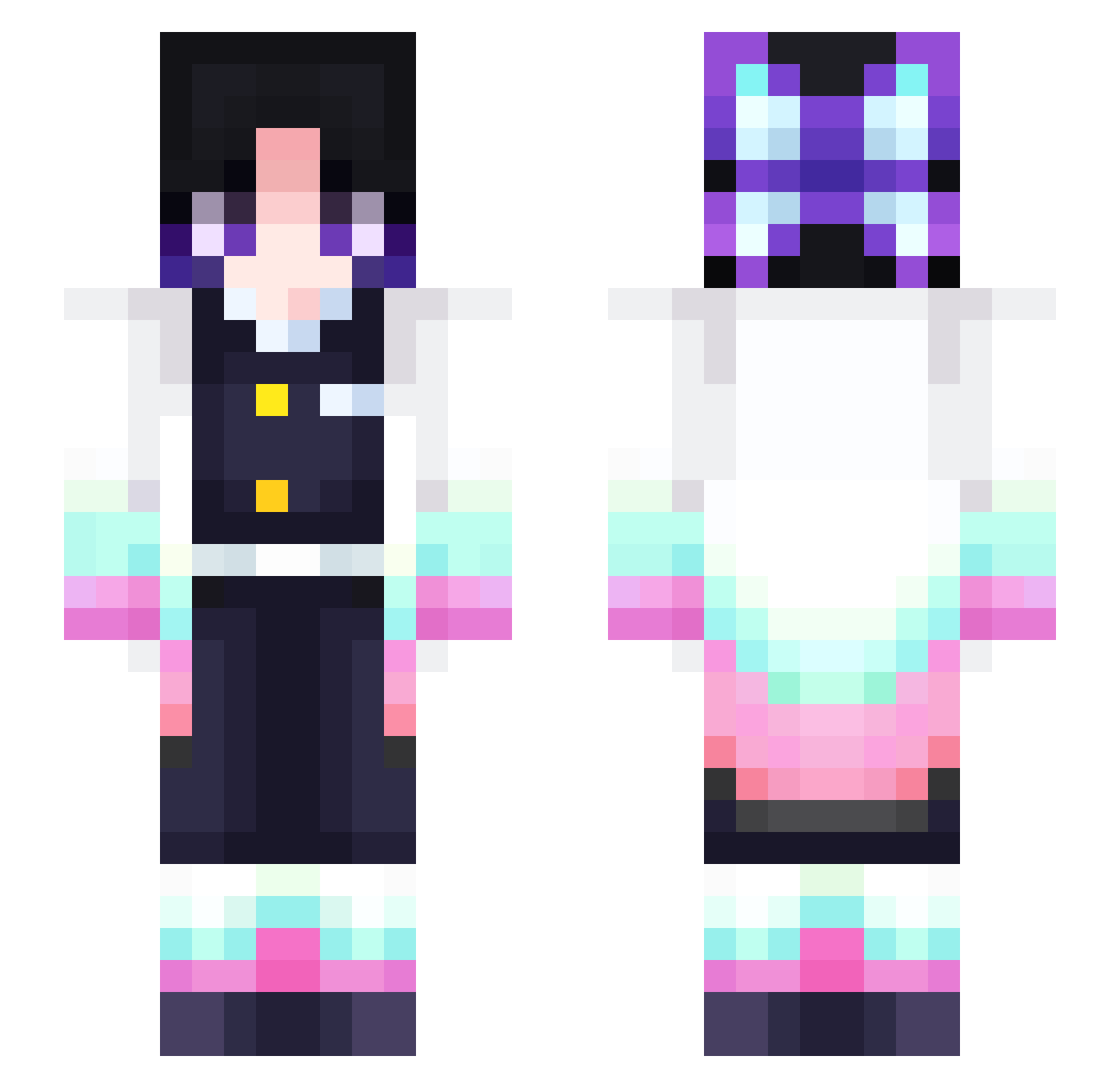
Current Minecraft skin of the player NaBom_tree, loaded from the official Mojang API. Rotate the 3D model with your mouse or finger, then download the skin as a PNG file and use it in Minecraft: Bedrock Edition or Java Edition for free. When NaBom_tree changes their skin, this page updates automatically and the old skin stays in the history below.
Other players with this skin (312)
NaBom_tree was the 74th player we have seen with this skin, first spotted on 19.08.2026. The same skin was seen on these players. Open a nickname to see their current skin and skin history.
 THECLEANEST MC_iron zillawayne Vex_Astaroth SUGAR1009 herlindd wingitwendy Windy5527 GGparm Zero_12138 DulaLipa Athena47 NAMIEINFINITY miyamori_ peanuts3go LinaaaChan Shinobu_224 rx1ann3 B0NTENMARU MisSillyPad funnychickens Aranwe_Sama AJRIMM soontuldow0 Leoparmint TsaiAnson Broccoli1272 yuzhe2014 Miga09 Lusifer0929 week1200 minji228 kelilove BebeSinge rentalgirlfriend Boss_Dropper KillMoon18257 5ou1 whachu0718 genechen1106 Frqnk1in M_siroo JuniorSama1 soccer20041 shinobugiyu
 sulo9 Harbelman Caitycatikinz Ericaceaee Wrjmyson lxrena tsuiling harihari1507 hottacos7 HolyKitten420 JudicatorZ CreepinG_Death67 IceOfSorrow ZecThePlayer boredlife
More Shinobu Kocho Minecraft skins
See all 127 Shinobu Kocho skins
How to install the NaBom_tree skin
- Press the Download button above to save the skin as a PNG file.
- Minecraft: Bedrock Edition (PE): open the Dressing Room from the main menu (or tap your character → Edit Character), go to Classic Skins → Owned, press the + (new skin) button, choose the downloaded PNG and pick the Slim (Alex) model. Works on PC and mobile; consoles cannot import custom skins.
- Minecraft: Java Edition: open the Minecraft Launcher, go to the Skins tab, click New Skin, load the PNG, pick the Slim (Alex) model and press Save & Use. You can also upload it at minecraft.net → Profile → Change Skin.
The skin does not show up after import - what should I do?
Restart Minecraft and open the Dressing Room again - imported skins sometimes appear only after a restart. Also make sure you selected the imported skin and picked the Slim (Alex) model.
Which model should I choose, Classic or Slim?
This skin is designed for the Slim (Alex) model. If you pick the wrong model, the arms of the skin will look stretched or squeezed.
Is the skin of NaBom_tree free to download?
Yes. Press Download, save the PNG file and use it in Minecraft: Bedrock Edition or Java Edition - no payment or registration needed. The skin also works on multiplayer servers and Realms.
More skins
Looking for more? Go back to all Minecraft skins and check the top skins of the week, month and all time, or find any player's skin by nickname.