
N0XIAN - Minecraft Skins & Skin History
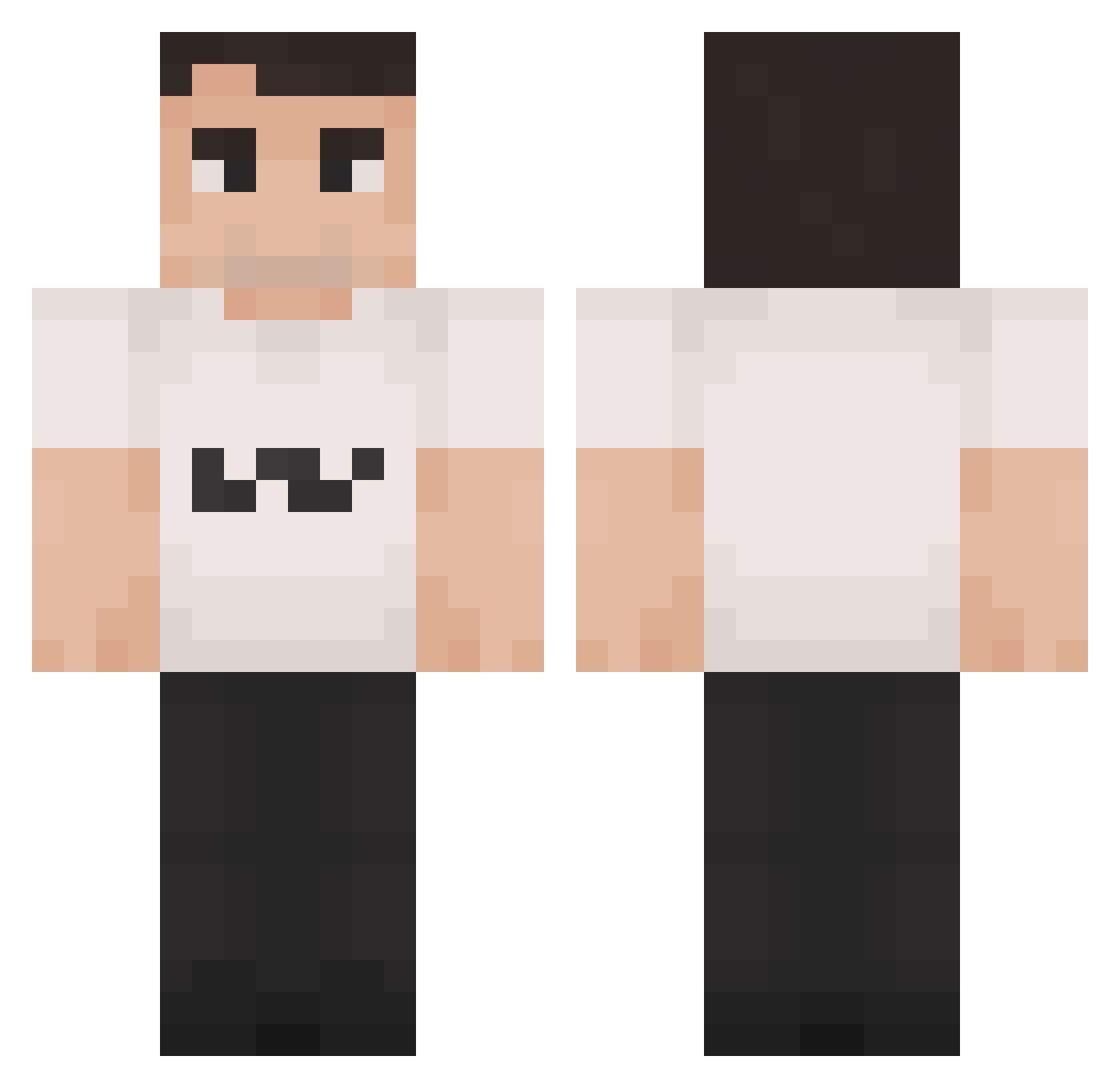
Current Minecraft skin of the player N0XIAN, loaded from the official Mojang API. Rotate the 3D model with your mouse or finger, then download the skin as a PNG file and use it in Minecraft: Bedrock Edition or Java Edition for free. When N0XIAN changes their skin, this page updates automatically and the old skin stays in the history below.
Other players with this skin (1350)
N0XIAN was the 717th player we have seen with this skin, first spotted on 19.09.2026. The same skin was seen on these players. Open a nickname to see their current skin and skin history.
 lokings TawaZzSixSeven Ozn57 Logan_burt syens potatoebot1 CharIie_Kirk PumpkinEater139 Kuramaa2 a1danphsyco777 senne0404 Cryo_blob_slayer cerealbork qrxnico vividddddd JoeyCreeper2004 Givingcoast1201 Tsnorts Karlie_Ch1rk FetaCheese134 mfaq shugauru RealJayp Karat3 Sore5oh yungfigi Rockn_ eyelikeblues alexace111 large_sam G0219 JaaGGoz Yort06 steinot Ra1nDayss Jaramento Ad_olt_Hither KOZ980 superbearga C4URS11 IdoR10 Czarny358 entereeqr agginbackwards cannyS04 Mituned ICEMANWP redwit2d CharlieKirky14 SOS_Giant_Yankee wiseevole41 FryzikKoks b2tovv Demetora Bitcore Danku220 xdevywevyx Koko_Waka geovannes Brivate
More Schlatt Minecraft skins
How to install the N0XIAN skin
- Press the Download button above to save the skin as a PNG file.
- Minecraft: Bedrock Edition (PE): open the Dressing Room from the main menu (or tap your character → Edit Character), go to Classic Skins → Owned, press the + (new skin) button, choose the downloaded PNG and pick the Classic (Steve) model. Works on PC and mobile; consoles cannot import custom skins.
- Minecraft: Java Edition: open the Minecraft Launcher, go to the Skins tab, click New Skin, load the PNG, pick the Classic (Steve) model and press Save & Use. You can also upload it at minecraft.net → Profile → Change Skin.
The skin does not show up after import - what should I do?
Restart Minecraft and open the Dressing Room again - imported skins sometimes appear only after a restart. Also make sure you selected the imported skin and picked the Classic (Steve) model.
Which model should I choose, Classic or Slim?
This skin is designed for the Classic (Steve) model. If you pick the wrong model, the arms of the skin will look stretched or squeezed.
Is the skin of N0XIAN free to download?
Yes. Press Download, save the PNG file and use it in Minecraft: Bedrock Edition or Java Edition - no payment or registration needed. The skin also works on multiplayer servers and Realms.
More skins
Looking for more? Go back to all Minecraft skins and check the top skins of the week, month and all time, or find any player's skin by nickname.